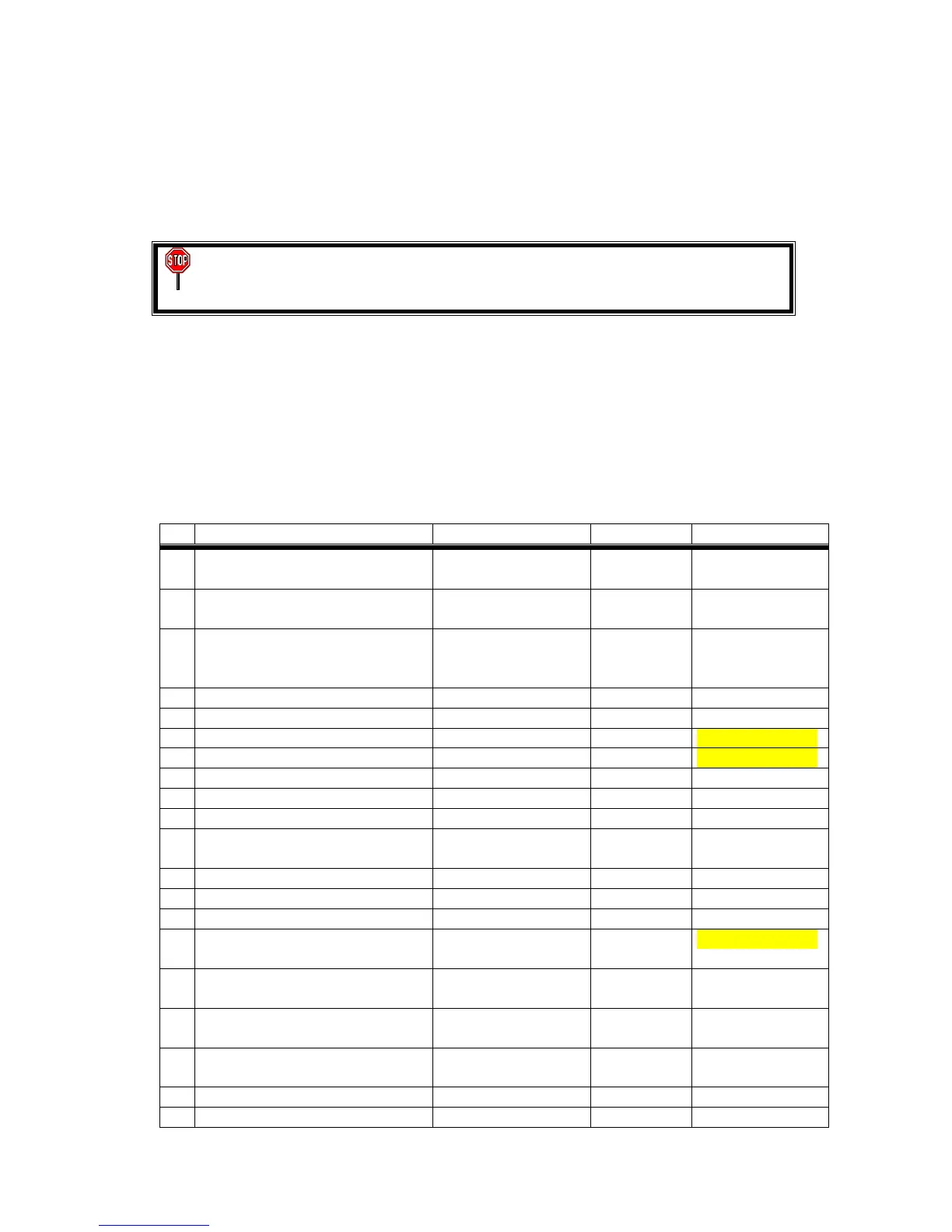
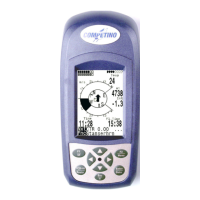
35
If you want to change a function, press the >ENTER/MEMO< key. Now the >SET<
icon starts to flash which indicates that a value or setting can be changed by pressing
the >ARROW< keys. Pressing the >ENTER/MEMO< key again stores the new
setting. If the new settings shall not be stored, press >FUNC/SET< instead of
>ENTER/MEMO<. Also if you want to leave the SET-Mode, press >FUNC/SET<.
WARNING! For safety reasons the you cannot switch to SET-Mode if the
ALPHAMFD measures an Air Speed of 50 km/h and above.
8.1 Restore Factory Settings
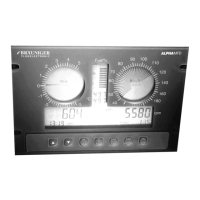
In SET-Mode 40 the ALPHA
ALPHAALPHA
ALPHAMFD can be reset to default factory settings. All settings
with a * in the list below will be restored to the default values. This Reset also helps if
your ALPHA
ALPHAALPHA
ALPHAMFD shows some unexpected behaviour.
8.2 SET-Mode Settings
No.
Remarks Text in Display Setting Default Value
1 Actual Fuel Capacity ACTUAL FUEL IN
TANK
Numerical 100 (*)
2 Maximum Fuel Capacity MAX FUEL TANK
CAPACITY
Numerical 100 (*)
3 Fuel Flow Calibration FUEL FLOW
CALIBRATION TO
ENGINE %
Numerical 100 (*)
4 Engine Hour Meter ENGINE HOURS Numerical
5 AGM Range AGM RANGE +/- Numerical 100 m (*)
6 Stall Alarm STALL ALARM Numerical Can be Locked #
7 Velocity never to exceed Vne Numerical Can be Locked #
8 EGT Alarm EGT ALARM Numerical 680 °C (*)
9 CHT Alarm CHT ALARM Numerical 150 °C (*)
10 Oil Temp Alarm OIL TEMP ALARM Numerical 150 °C (*)
11 Water Temp Alarm WATER TEMP
ALARM
Numerical 95 °C (*)
12 RPM Alarm Threshold RPM ALARM Numerical 7000 (*)
13 Oil Press Minimum Threshold MIN OIL PRESSURE
Numerical 1 bar
14 Oil Press Max Threshold MAX OIL PRESSURE
Numerical 8 bar (*)
15 Calibration Air Speed AIR SPEED
CALIBRATION %
Numerical Can be Locked #
16 Speed Zero of Air Speed
Indicators
AIR SPEED ZERO ZERO
17 Pointer Style (Single Pointer or
Section)
POINTER STYLE See Vario
Display
Section (*)
18 RPM Factor Adaptation RPM FACTOR *1,*2,*4,
/2, /4, /6
*1 (*)
19 Time SET TIME 12:34 12:00
20 Date SET DATE 01:01 01:01


 To Next Page