13
The Menu Window
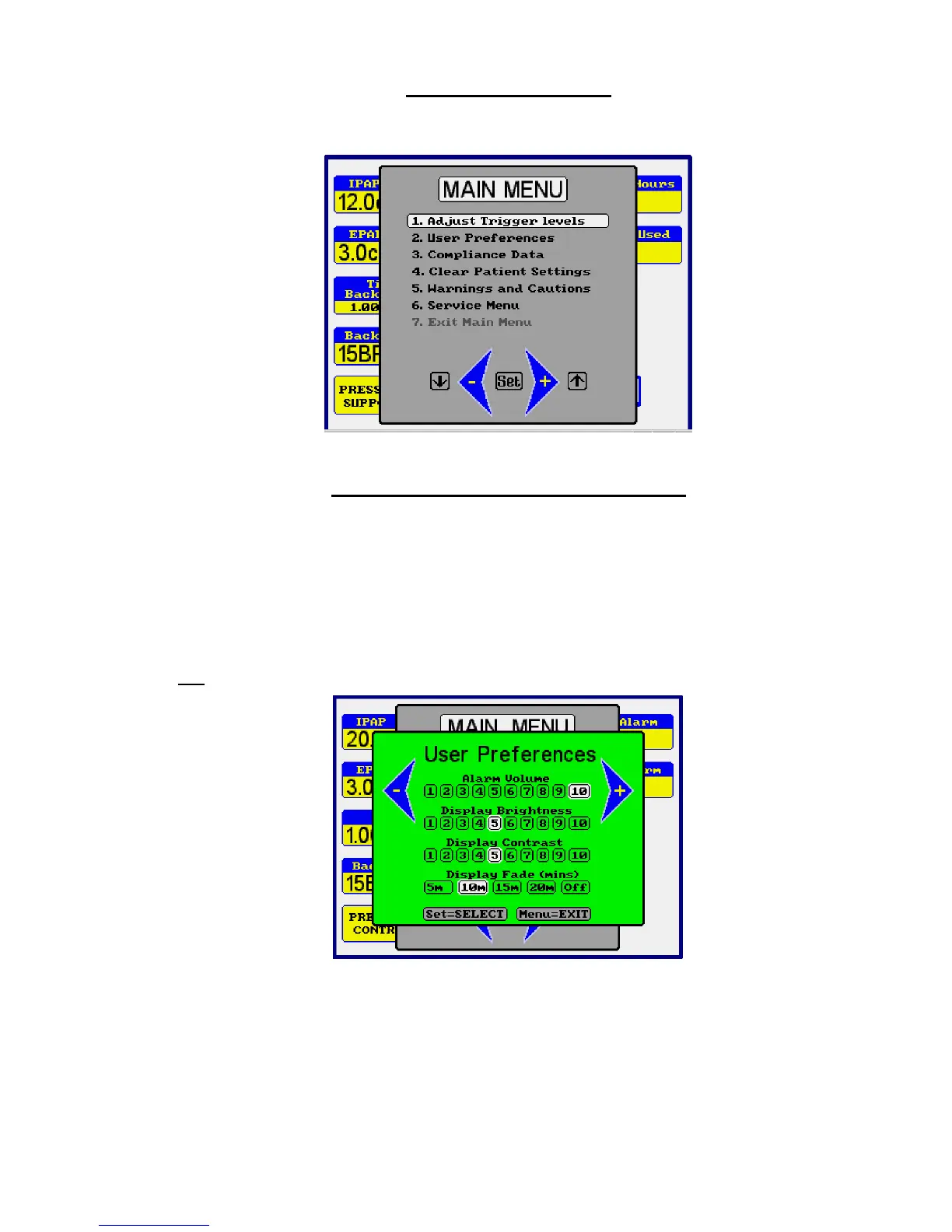
The Main Menu gives access to further adjustments and allows you to view
information relating to the ventilator usage.
How to use the on-screen menu
Press the MENU button. The menu window will be displayed in front of the main
screen.
Move the selection bar up or down the menu with the ◄- or +► buttons to highlight
the desired function and press the SET button.
Follow the on-screen instruction at the bottom of the window
Press MENU at any time to exit and return to the main screen.
Eg.
Press MENU.
Press ◄- button to move the selection bar over “User Preferences”.
Press SET. Press SET again to move the ◄- and +► symbols either side of
“Display Contrast”
Press +► to increase contrast - Press MENU to exit.



 To Next Page