Bricklin EV-1 Owner's Manual
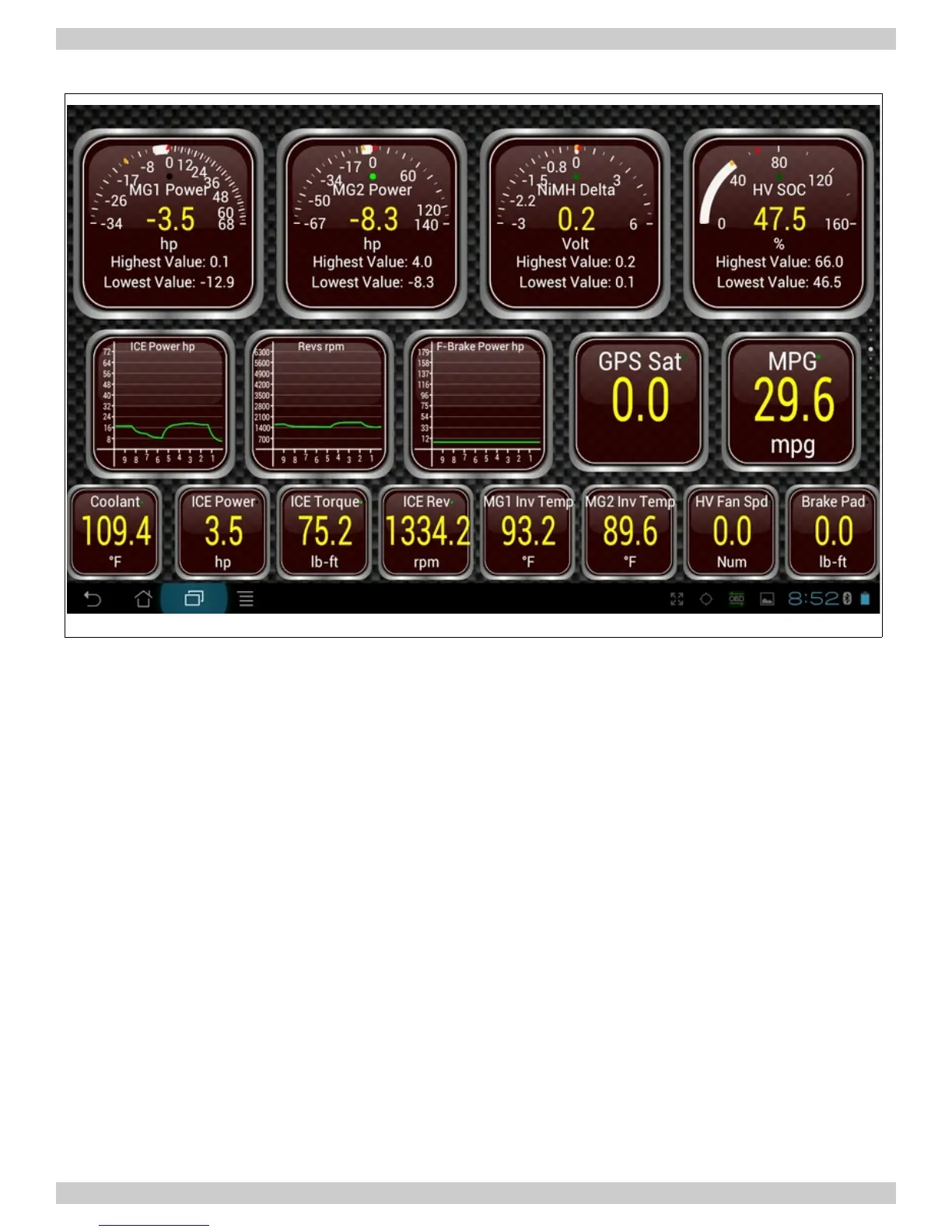
Illustration 9: Android Torque application showing various gauge types
Torque allows you to view live OBD-II motor and controller data on your Android phone or tablet.
Some of the features of Torque are:
• Fully customizable dashboard screens - Design your own layouts and custom dials, use your
own themes
• Retrieve Fault Codes (DTCs) and clear Check Motor lights - View fault descriptions using the
built-in databases
• Upload live OBD-II data to your web server or the torque web viewer in real-time
• Check the performance of your vehicle with BHP / Torque / 0 -60 & Quarter Mile widgets
The “Torque” application receives information from a Bluetooth OBD-II device. Unfortunately, since
the Bricklin SV-1 predates OBD and OBD-II specifications, it is necessary to add a Bluetooth OBD-II
device that connects to the motor controller and is driven off of the CANbus. Since the WarP-Drive
Industrial Motor Controller and PulsaR Power Distribution Unit are both CANbus enabled, it is a trivial
matter to enhance the dashboard of the Bricklin EV-1 with a completely digital dashboard. In
actuality, we have chosen to keep as many of the original gauges intact as possible. Where
necessary, the original gauges have been “enhanced” to provide similar information as they originally
did, for instance the fuel gauge has been updated with a Coulomb counting device. To handle the
additional gauges in a simple and consistent manner, the Android tablet works very well.
DRAFT Page 15 of 31 DRAFT



 To Next Page