18 BRIGGSandSTRATTON.COM
Access Ports
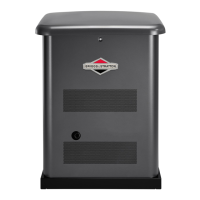
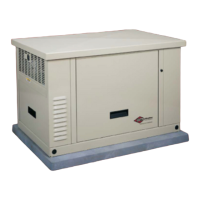
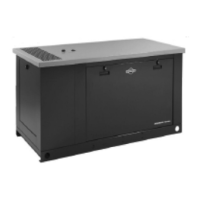
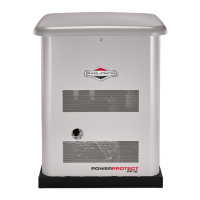
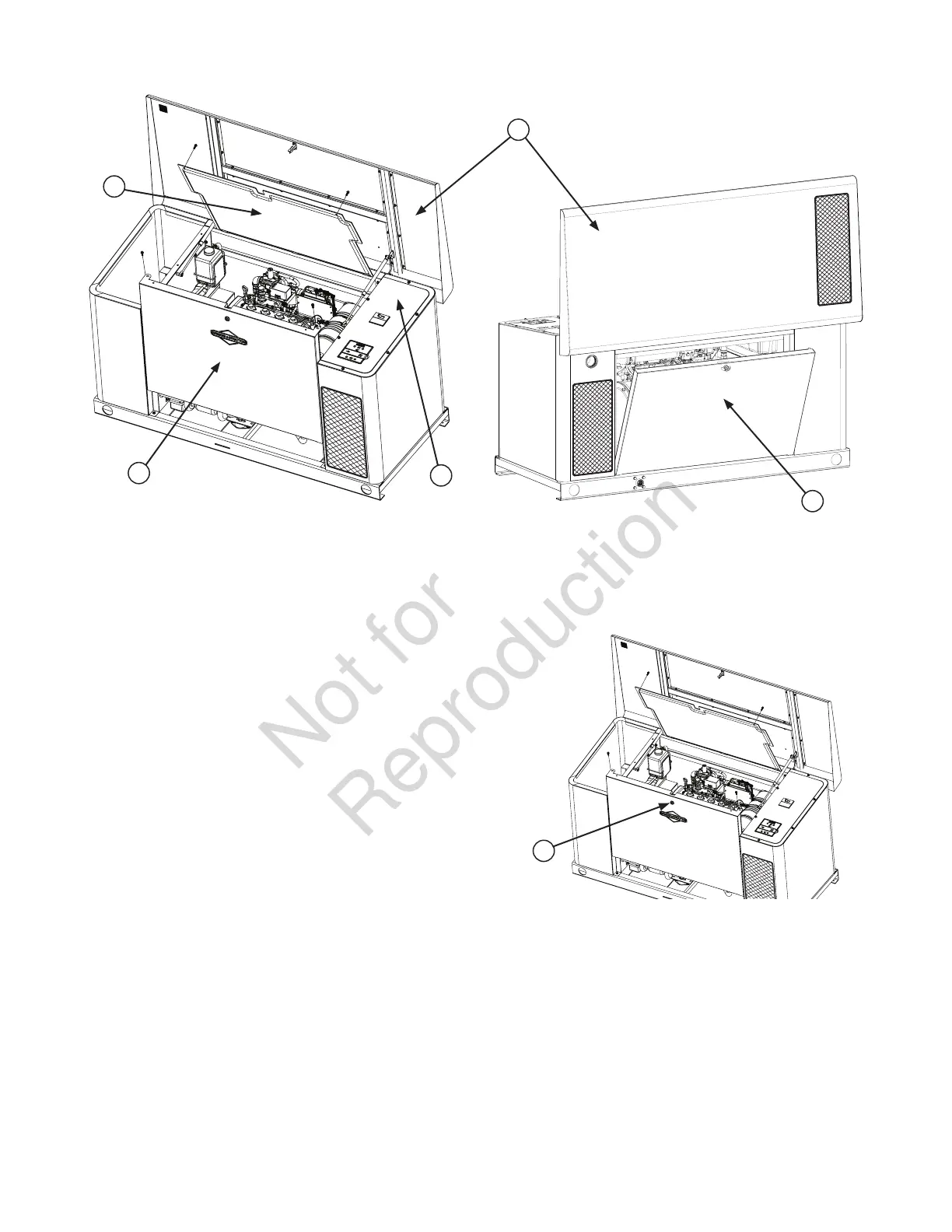
The generator is equipped with an enclosure that has several
access panels, as shown.
The access panels and the components located behind them
are listed below:
A - Roof (control panel, internal guard)
B - Front Access Panel (oil drain and oil filter)
C - Internal Guard (air filter, oil dipstick, coolant bottle)
D - Rear Access Panel (fuel regulator, fuel selector, and
engine starter)
E - Control Panel Cover (field wiring and control wires)
Each generator is shipped with a set of identical keys. These
keys fit in the lock on the front and rear removable panels.
The roof must be unlocked in order for it to open.
To open roof:
1. Insert key into lock (F) of front panel. Gently push
down on roof above the lock to aid in turning the key.
Turn key one quarter turn clockwise.
2. Lift roof to the open position.
To close roof:
1. Carefully lower roof down onto the unit.
2. Once lowered, insert key and turn counterclockwise to
secure roof.
3. Remove key from unit.
D
A
E
B
C
F


 To Next Page
 Loading...