5
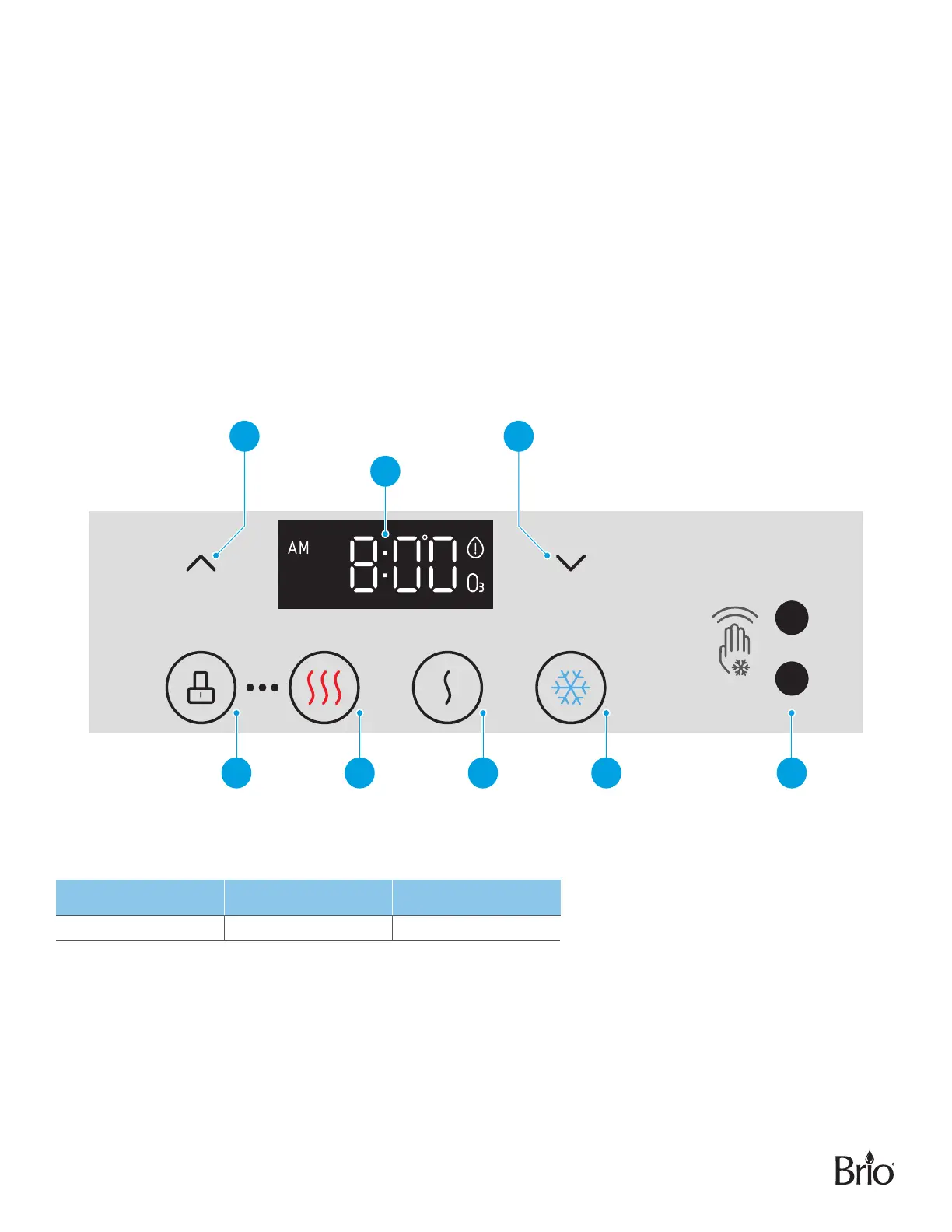
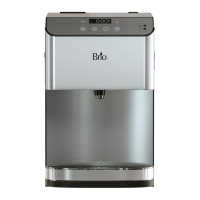
Touch Panel Description
1� Up arrow button – Press to set the time on the clock and increase temperature settings.
2� Clock/Temperature display – Displays the time and water temperature setting for hot and cold water and
also indicates when filters must be replaced.
3� Down arrow button – Press to set the time on the clock and decrease temperature settings.
4� Unlock button – Press to unlock the hot water, and to confirm temperature and time settings.
5� Hot water button – Press to dispense hot water.
6� Ambient water button – Press to dispense room temperature water.
7� Cold water button – Press to dispense cold water
8� Touchless Motion Sensor - Hold hand over sensor for 1 second to dispense cold water.
Product Dimensions
Height Width Depth
49.0 cm (19.3 in.) 31.7 cm (12.5 in.) 46.9 cm (18.5 in.)


 To Next Page