Operation
Flow Control
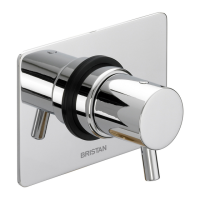
The flow control handle (on the right) increases and decreases the flow rate through the
thermostatic mixer valve. The more the handle is turned the greater the flow rate.
Temperature Control
The temperature control handle (on the left) allows the user to adjust the temperature
up to 38º C, however this can be overridden by simply pressing the button on the temperature
handle in and continuing to turn the control handle until the desired temperature is achieved.
The user can then override the temperature to a maximum of 46ºC.
Setting
The temperature can be adjusted to suit different site conditions or personal preference by
following the
steps below.
•
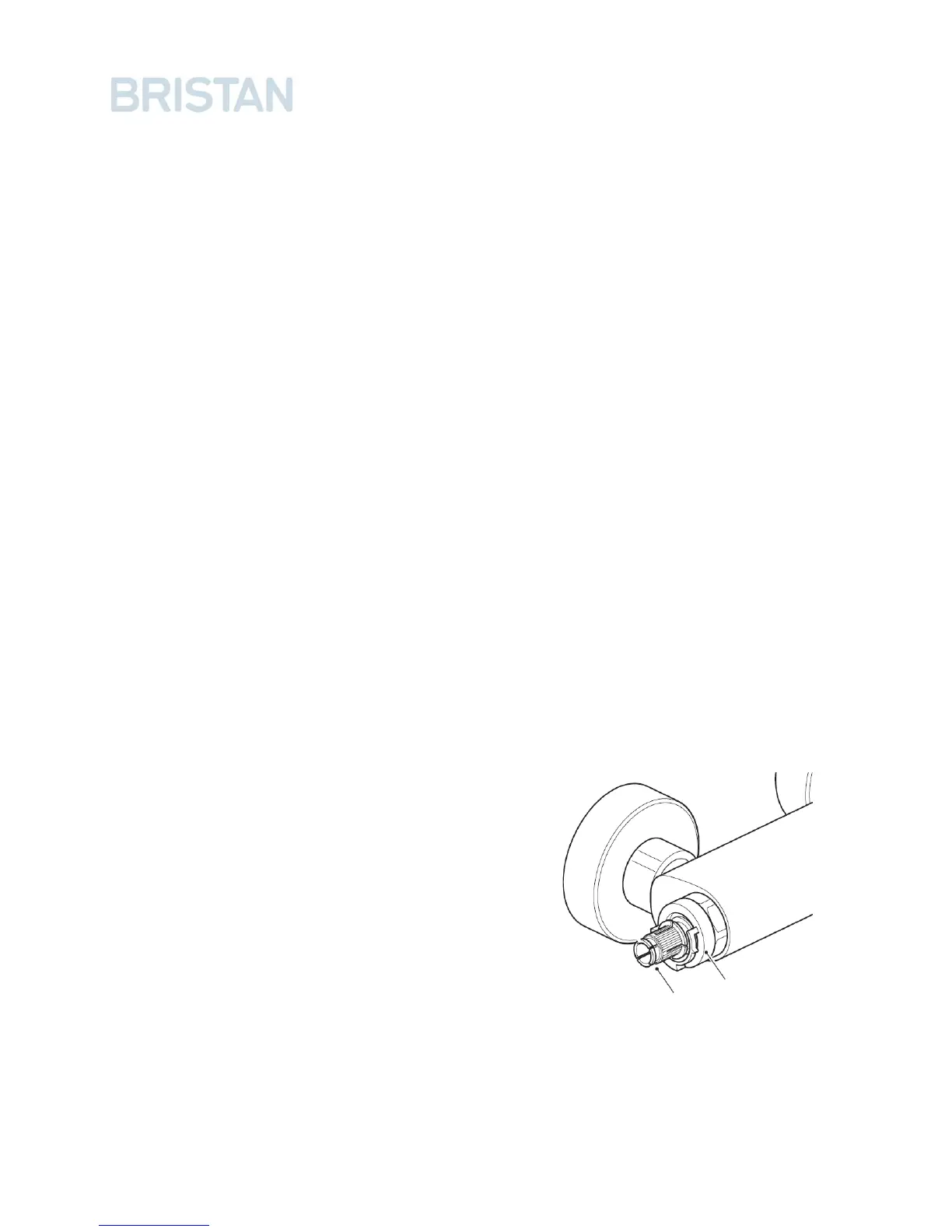
Using a flat bladed tool remove the Handle end cap and loosen the retaining screw.
•
Remove the handle by pulling it from the valve spindle.
•
Turn the flow of water on to the maximum
temperature and wait a few minutes to allow
the temperature to stabilize.
•
Turn the cartridge spindle in the required
direction to increase or decrease the set
temperature. Anti-clockwise to increase the
temperature, clockwise to decrease.
• Turn the flow of water off.
• Replace the handle, retaining screw and handle
cover cap.
Cartridge
Spindle
Plastic Stop
16



 To Next Page