Model 428 User’s Manual OPERATION
Bristol Instruments, Inc. 17
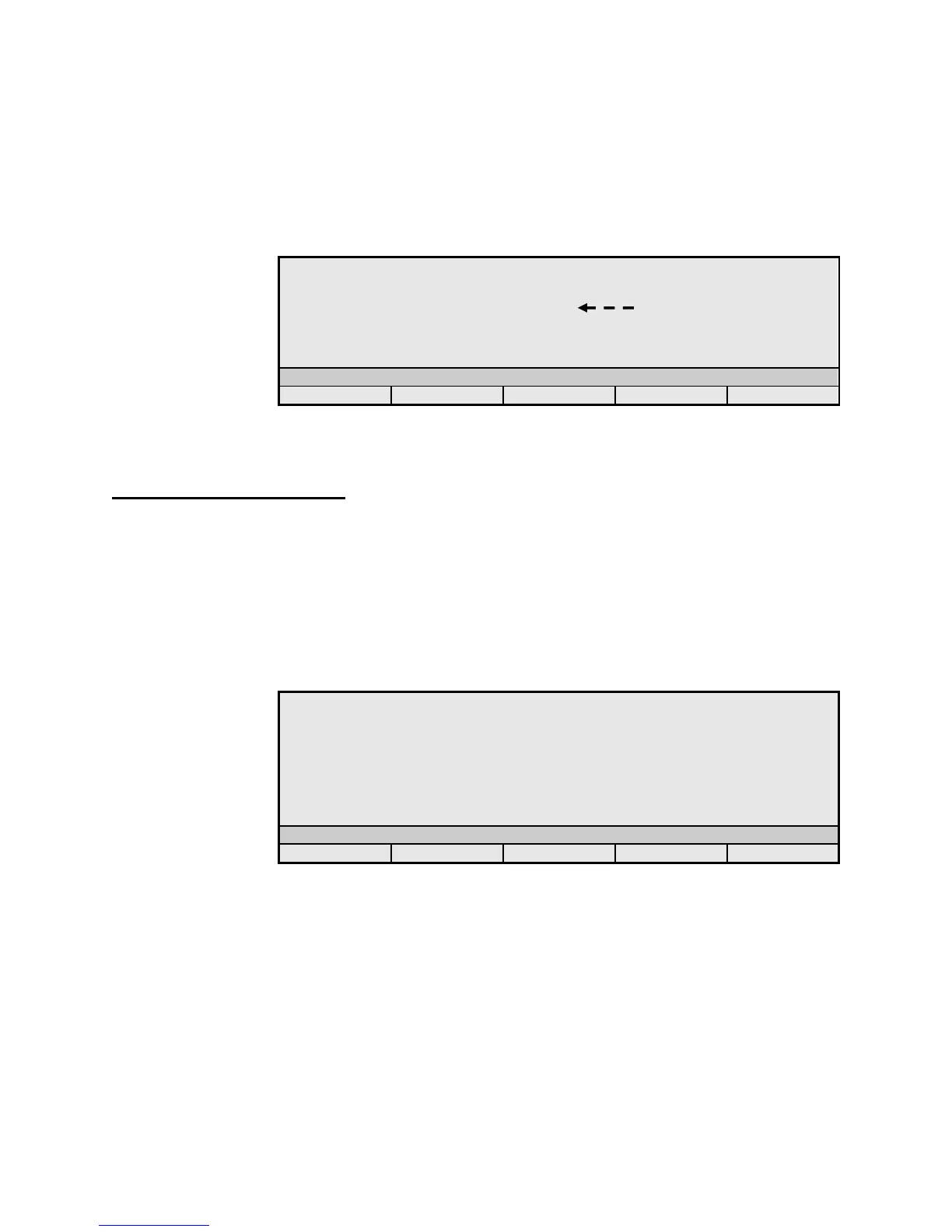
ITU – Displays the difference in wavelength between each channel and the
nearest 100 GHz-spaced ITU gridlines covering 1528.77 nm to 1563.86 nm.
The first column displays the difference in wavelength values, and the
second column displays the current power values. The third column displays
the channel number, current wavelength, and current power of a chosen
channel. Use the Arrow buttons to select a channel, which is indicated by the
tip of the dashed arrow.
- 1 3 . 6 6 1 5 3 1 . 5 8 7 8
Figure 3.10: Delta – ITU
Configuration Screens
Six Configuration Screens are used to change and report instrument setup details. These
screens are shown in Figures 3.11 to 3.16. To access the Configuration Screens, press
the Mode button until the Config indicator appears in the illuminated status bar, then use
the Change button to select the desired Config Screen.
Configuration Screen 1
Displays and allows changes to parameters that affect how the instrument makes
and displays the wavelength, frequency, and power measurements.
W a v e U n i t s : cm- 1
M e d i u m : V a c u u m
P o w e r O f f s e t : 10
A v e r a g e E n : O f f
P o w e r O f f s e t E n : O f f
D i s p B r i g h t n e s s : 6
P o w e r N u l l : n o w
S c r o l l C o n t r o l : S m o o t h
Figure 3.11: Configuration Screen 1
Wave Units – Identifies the units chosen for the measurement of wavelength
(nm), wavenumber (cm
-1
), or frequency (THz). Use the Select button to
highlight the Wave Units value, and use the Change or Arrow buttons to set
the desired units.
Medium – Identifies the medium in which the measurement occurs as
vacuum (-vac) or standard air (Std Air) at 20°C, 760 mm Hg, and 0% relative
humidity. Use the Select button to highlight the Medium value, and use the
Change or Arrow buttons to set the desired medium.



 To Next Page