Model 428 User’s Manual REMOTE USER INTERFACE
Bristol Instruments, Inc. 31
Wavelength Screen
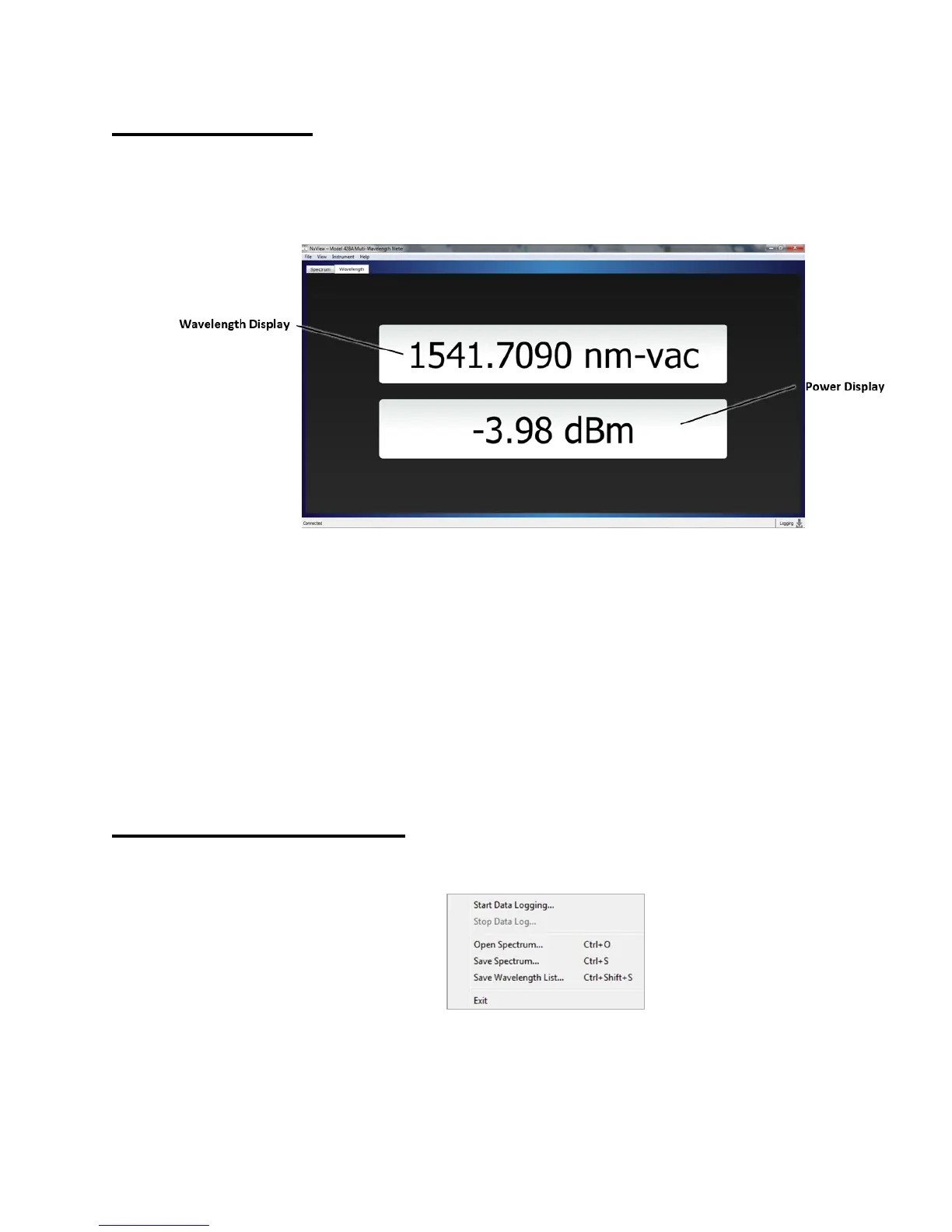
The Wavelength Screen of the NuView Display Software displays both wavelength and
power from the Main Mode Display Screen on the 428 instrument front panel. The
NuView Display Software wavelength and power units are set from the View menu, and
independent from the wavelength and power units on the 428 instrument’s front panel.
Figure 4.10: Wavelength Screen
Wavelength Display
Displays the absolute wavelength, wavenumber, or frequency of the optical
channel indicated on the Main Mode Display Screen. The Wavelength Display
shows the highest-power laser channel, a single chosen laser channel, or the
power-weighted average of all peak wavelengths.
Power Display
Displays the absolute power of the optical channel indicated on the Main Mode
Display Screen. This is either the highest power laser channel, a single chosen
laser channel, or the average of all the peak powers.
Menu Function Descriptions
File Menu



 To Next Page