Model 428 User’s Manual REMOTE USER INTERFACE
Bristol Instruments, Inc. 30
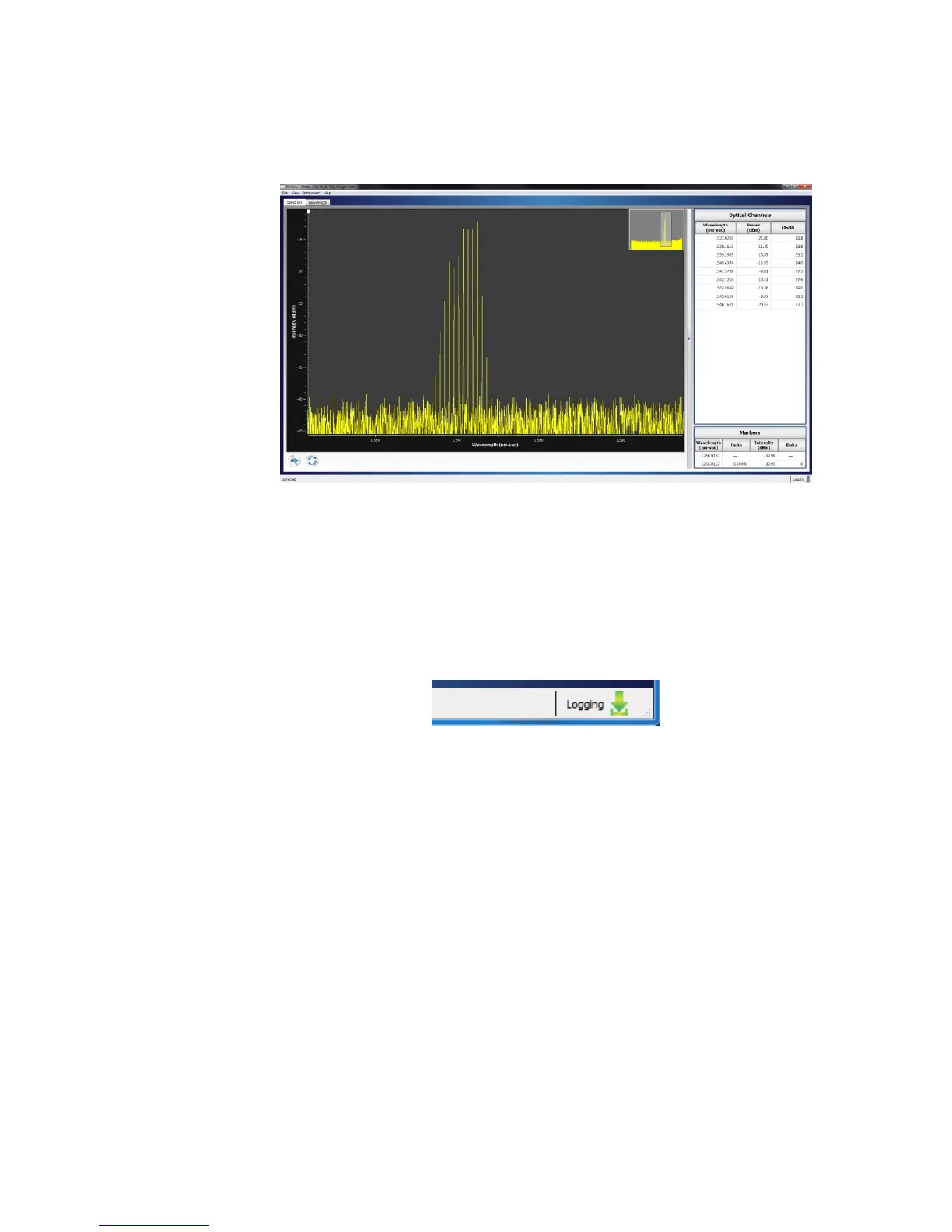
Collapsing the Spectrum Display reduces the viewing area of the measured
spectrum and makes the Optical Channels and Markers Tables visible (Figure
4.8).
Figure 4.8: Spectrum Display Collapsed
Status Bar
The Status bar is located at the bottom of the Spectrum Screen. It provides
information about the current state of the instrument as described below.
Logging Status – The downloading icon is gray when logging is inactive,
and green when logging is active.
Figure 4.9: Status Bar



 To Next Page