7
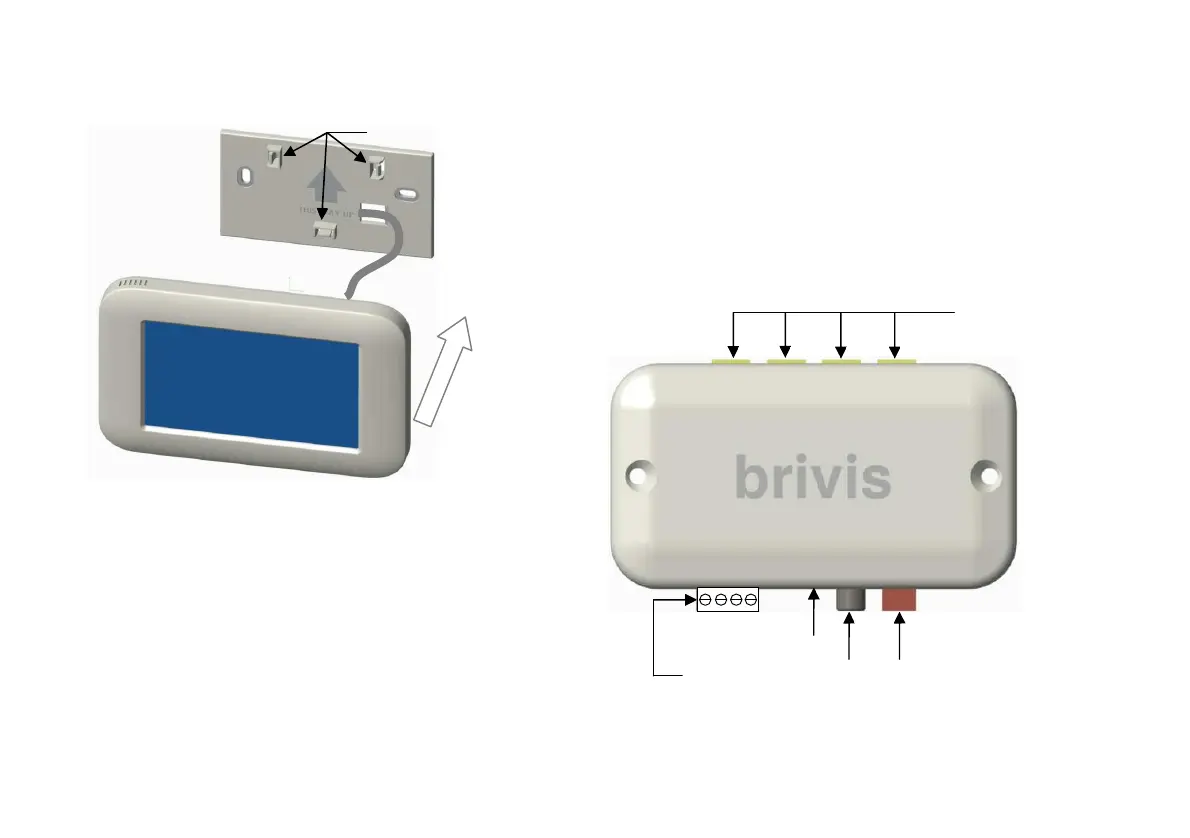
Diagram 7: Mounting Brivis Touch to Backing Plate
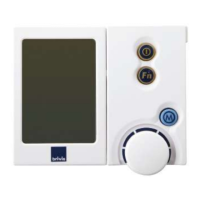
2.5 Install Interface Module
The Interface Module facilitates communication between the
Brivis Touch and the Brivis appliance(s) through the P&C Loom,
and is capable of connecting up to four Brivis Touch units.
The Interface Module requires a 12VDC power supply from the
Power Transformer.
The Interface Module also has an “Isolation Switch”; a red
“Status L.E.D” indicates it is ON, refer to Diagram 8.
Diagram 8: Mounting Interface Module
Power & Communication
Loom Connection,
(Any of the four ports)
Transformer
Isolation
Status
2-wire bus
TW2
TW1
Male Clips


 To Next Page