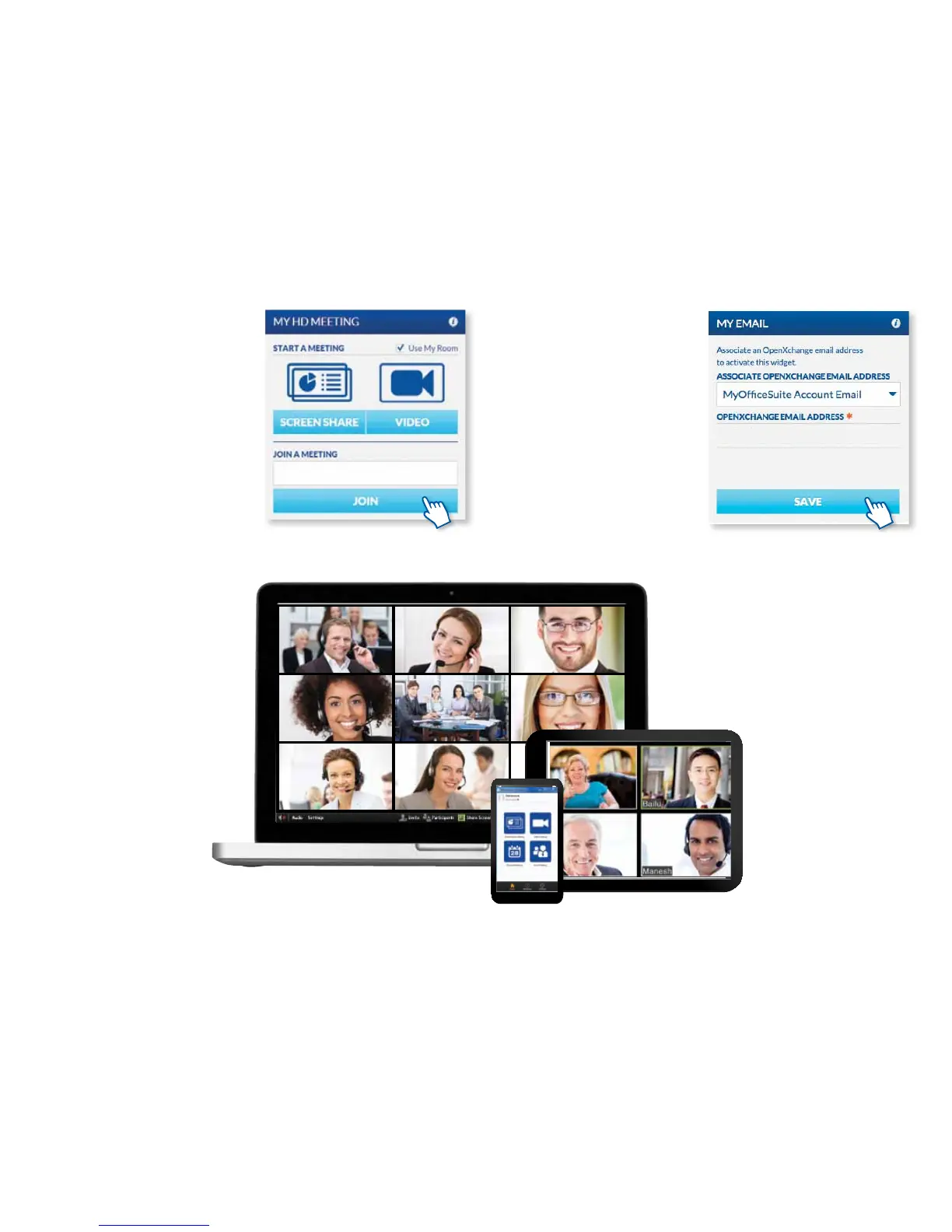
CONFERENCING WITH HD MEETING
If you have purchased OceSuite HD
Meeting™, you can start or join an HD
video, audio or web conference right
through the MyOceSuite® portal. To
join a meeting where you know the
meeting ID, simply enter the meeting ID
number and click Join. To start your own
video meeting or share your screen, click
on the appropriate button to start your
conference.
Using the System
CHECKING EMAIL THROUGH
MY EMAIL
If you have purchased email service
through Broadview, you can check
your messages right through the
MyOceSuite® portal. On the My Email
widget, the number of new messages
that you have is displayed for your
convenience. To check your email, click
on Check Email. The rst time you check
your email from the portal, you will need
to login with your email credentials and
password in order to view your messages.
25



 To Next Page