10
Administering and Using the System from the MyOceSuite® Portal
The MyOceSuite® portal is a
revolutionary customer portal that
enables you and your team to manage
all the preferences and features of your
OceSuite® system, including:
email, fax, HD meeting and your toll-free
service. You and your employees will be
set up by Broadview as MyOceSuite®
users for the customer portal, as well as
enabled with an extension for phone
system access. Once established, you will
receive a welcome email instructing you
to activate your account and set your
password and prole.
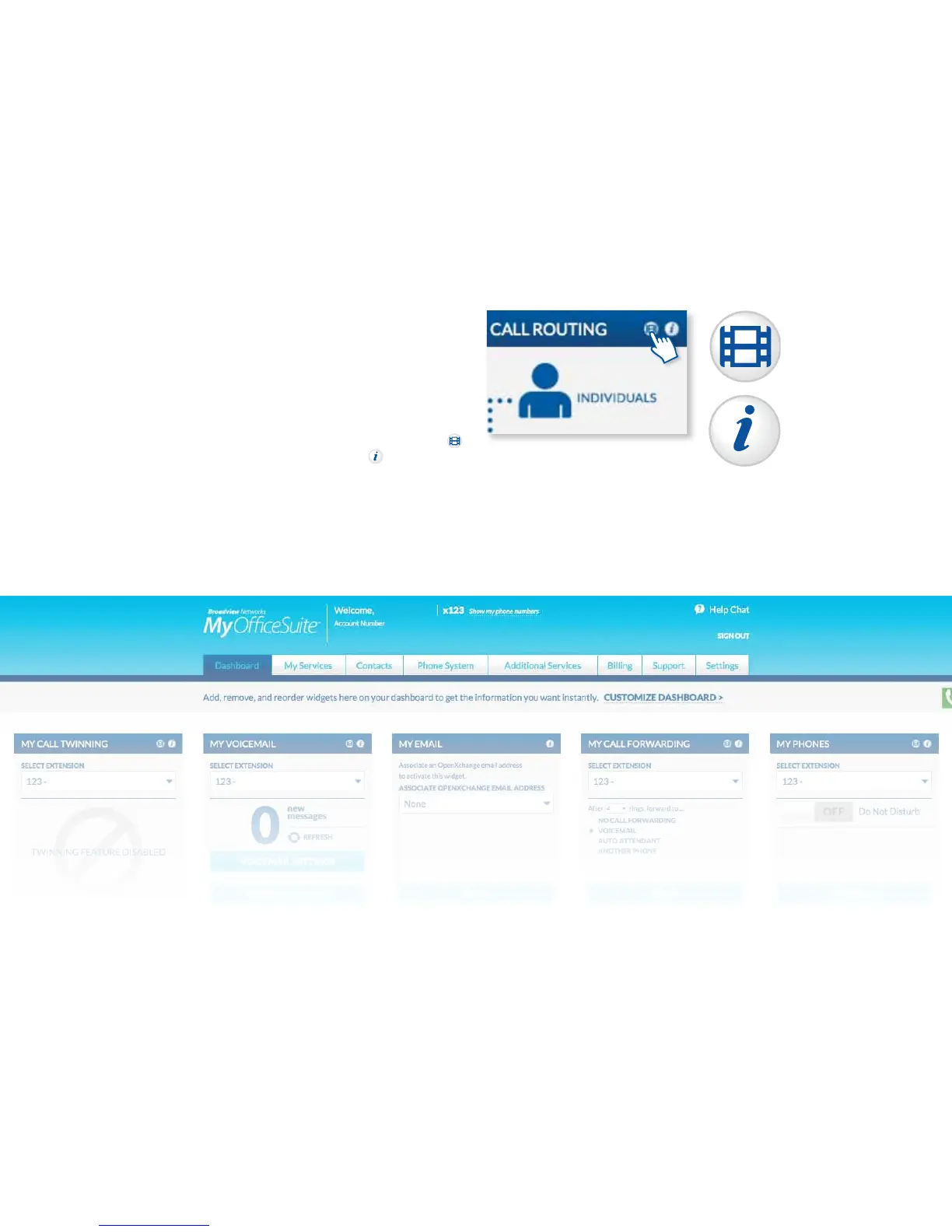
Once logged in, you are presented with
the MyOceSuite® Dashboard from
which you manage the entire system
and all of your services. Across the top
of the Dashboard is a series of tabs with
dierent functions and in the center of
the Dashboard are widgets from which
you can make changes to the system
and services. Each widget has a video
icon and information icon describing
its function to help illustrate how to use
the widget.
Video Help
Information



 To Next Page