WHY DOES MY PHONE DISPLAY BAD LAN LINK?
It is likely that there is a problem or issue in the LAN connection itself.
To verify that the problem is not in the phone, take the phone to a desk/spot where
all is OK and plug it in. If the phone reports no errors, the phone is not the problem.
Have your IT check the jack connection and the connection at the Switch to make
sure everything is tight.
If the phone reports that same Bad LAN Link error again, Broadview will replace
the phone(s) as needed.
WHAT SHOULD I DO IF MY MY PHONE DISPLAYS TFTP SERVER UNAVAILABLE?
If you see this displayed, go to www.broadviewnet.com/TFTP for more information.
WHAT SHOULD I DO WHEN MY PHONE DISPLAYS “USING OPTION 128+
OR USING OPTION 43”?
There is nothing that you need to do if you see this message. This is a normal
message and indicates that the phone’s rmware has been upgraded to the latest
version so that you have access to all the latest features and functionality.
WHAT SHOULD I DO IF MY PHONE DISPLAYS “OPTION 128 MISSING”?
If you see this displayed, go to www.broadviewnet.com/128message.
CONNECTIVITY TESTS
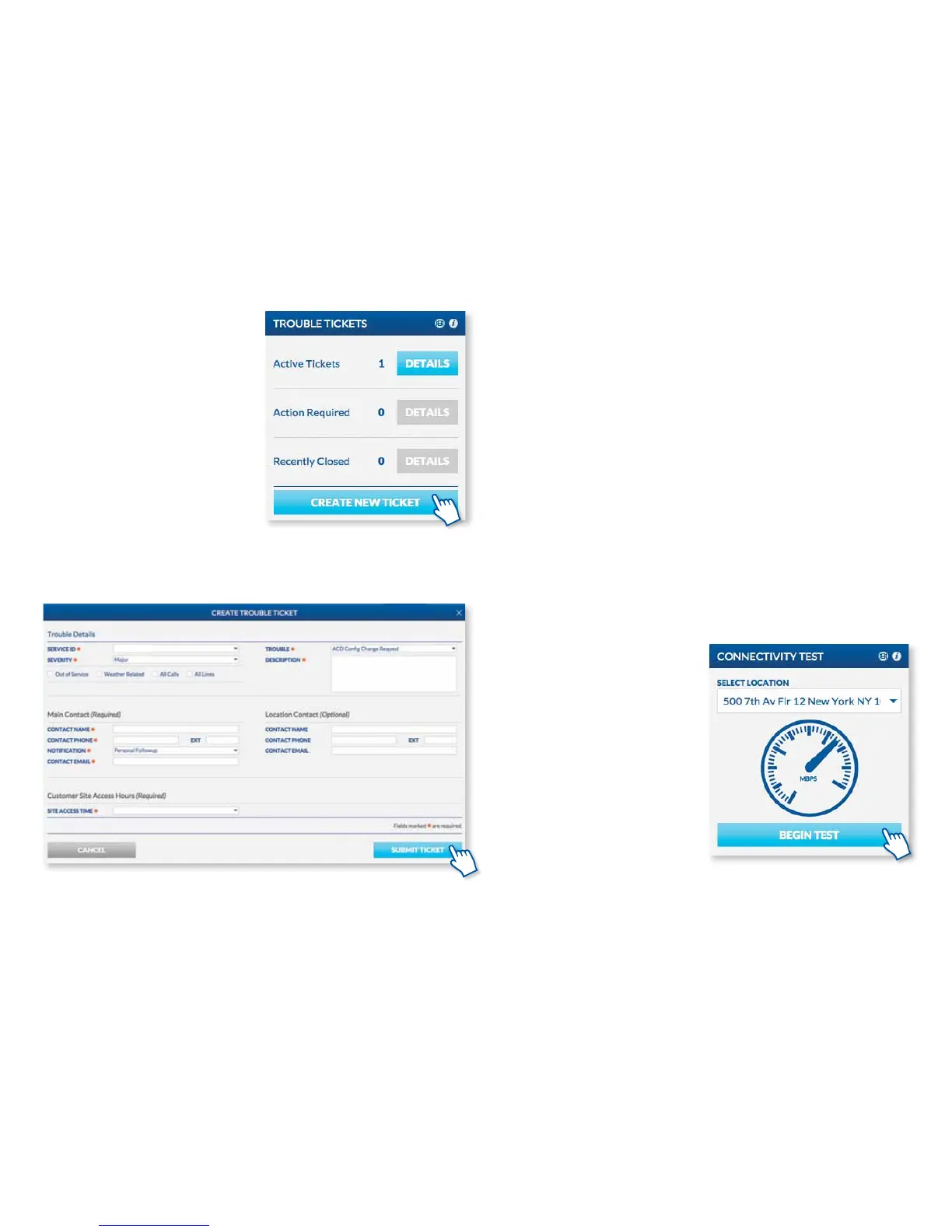
At any time, you can test the speed of
your internet with the Connectivity Test
widget on the MyOceSuite® portal at
http://MyOceSuite.broadviewnet.com.
Click on Begin Test on the Connectivity
Test widget to get started.
The speed required for optimum
performance is 88 kbps for each phone.
Troubleshooting Your System
OPENING AND TRACKING
TROUBLE TICKETS
If you are experiencing trouble with
your system, administrators are able to
open trouble tickets right through the
MyOceSuite® portal instantly to notify
Broadview of an issue. Click on Create
New Ticket on the Trouble Tickets
widget and ll in the elds indicating
your issue and contact information, then
click Submit Ticket.
Once a ticket is submitted, you will be
contacted by a Broadview representative
within four hours.
On this widget, you can also view and
track open and recently closed tickets
for quick reference.
31



 To Next Page