Optional Features and Services
1(800) BROADVIEW
calling...
1(800) BROADVIEW
calling...
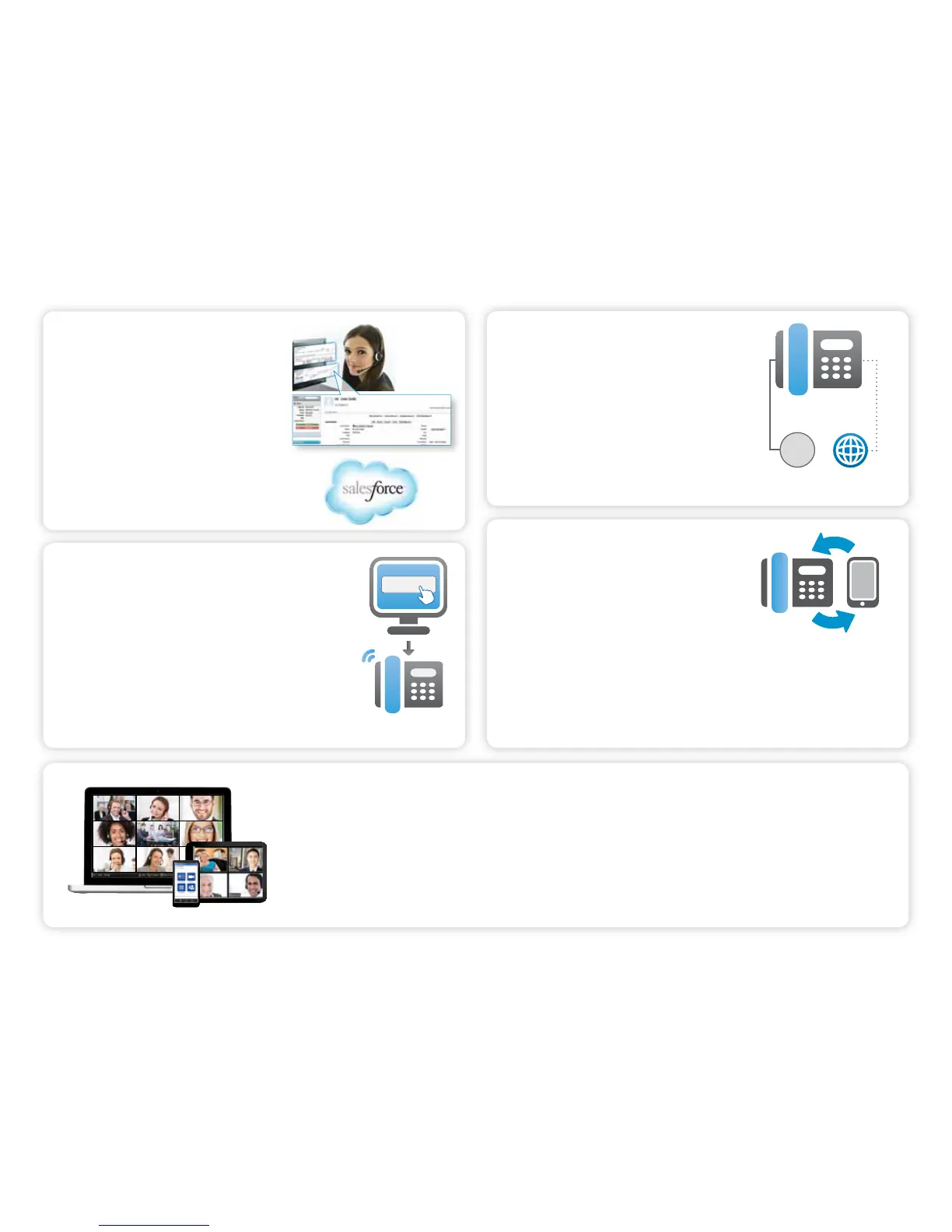
CRM CONNECTOR FOR SALESFORCE.COM
Vastly improve employee productivity and
visibility by connecting your Salesforce.com
account to OceSuite®. Your sta will increase
sales and provide better customer service
by knowing who is calling before answering
the phone with automatic screen pops, click-
to-answer and dial functionality, reporting,
and note logging capabilities right through
Salesforce®.
OFFICESUITE® DIALER
OceSuite® PC Dialer allows you to initiate calls from
any phone number on your Windows-based computer
or device, creating tight integration with your OceSuite®
phone system. The OceSuite® Dialer allows you to dial
contacts right from within Microsoft Outlook. When a phone
number is clicked, a call will immediately be launched to
your OceSuite® phone.
To get started, click on Manage on the Voice Licenses widget.
AUTOMATIC VOIP FAILOVER
With our automatic failover options, if the primary
line of communication goes down, OceSuite®
can sense the issue and automatically switch to
an alternate failover line, or even public Internet
access. So you will never experience downtime.
INTERNET
BVN
Secondary
Primary
CALL TWINNING
Ring your business phone and mobile phone
at the same time so you never miss a call with
our optional feature Call Twinning. Gone are the
days where you need to wait around for a call
or worry about what phone number to provide
someone. With twinning, you can pick up either
phone and switch back and forth as needed
and the caller will never know the dierence.
To get started, click on the My Call Twinning widget.
HD MEETING
With OceSuite HD Meeting™, you can host online meetings, HD video conferences and audio conferences for up
to 100 people from virtually any device. Meeting organizers and participants can use any phone, any PC or Apple
Macintosh computer, or even an iPhone®, iPad® or Android™ device to host or join a meeting.
To add or buy more HD Meeting accounts, click on Manage from the HD Meeting Licenses widget.
*Additional fees may apply for optional features.
29



 To Next Page