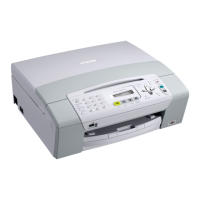
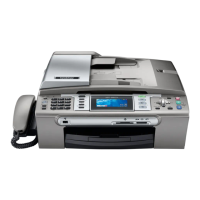
2
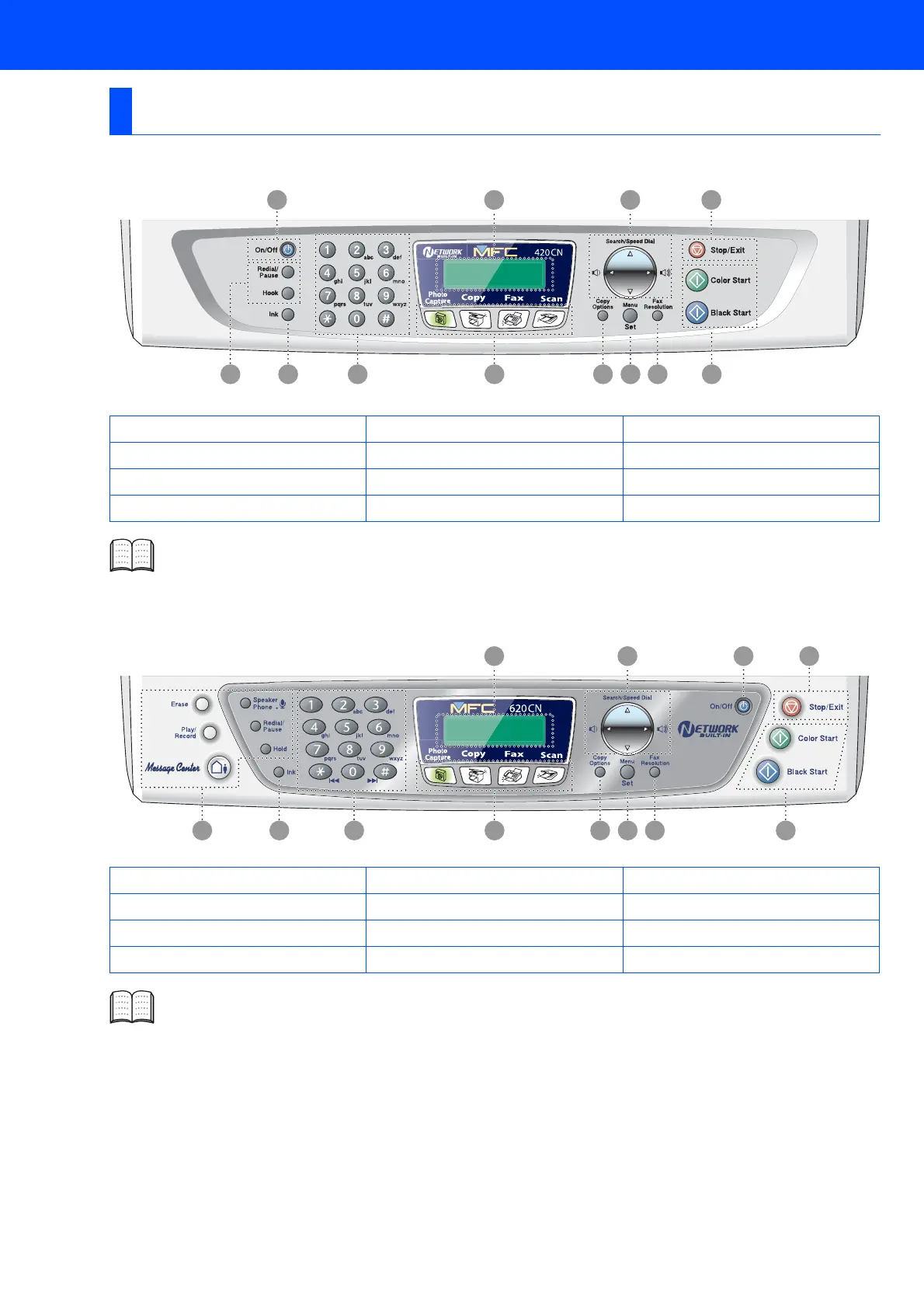
(For MFC-210C and MFC-420CN)
(For MFC-620CN)
Control Panel
1. Fax and telephone keys 5. Copy Options key 9. Stop/Exit key
2. Ink key 6. Menu/Set key 10. Navigation keys
3. Dial Pad 7. Fax Resolution key 11. Liquid Crystal Display (LCD)
4. Mode keys 8. Start keys 12. On/Off key
For the details of the control panel, see "Control panel overview" in Chapter 1 of the User’s Guide.
1. Telephone and TAD keys 5. Copy Options key 9. Stop/Exit key
2. Ink key 6. Menu/Set key 10. On/Off key
3. Dial Pad 7. Fax Resolution key 11. Navigation keys
4. Mode keys 8. Start keys 12. Liquid Crystal Display (LCD)
For the details of the control panel, see "Control panel overview" in Chapter 1 of the User’s Guide.
3 4 5 6 7 81 2
12 11 10 9
3 4 5 6 7 81 2
12 11 10 9


 To Next Page
 Loading...