Menu and Features
109
C
Menu Table C
The menu table will help you understand the menu selections and options that are found in the
machine's programs. The factory settings are shown in Bold with an asterisk.
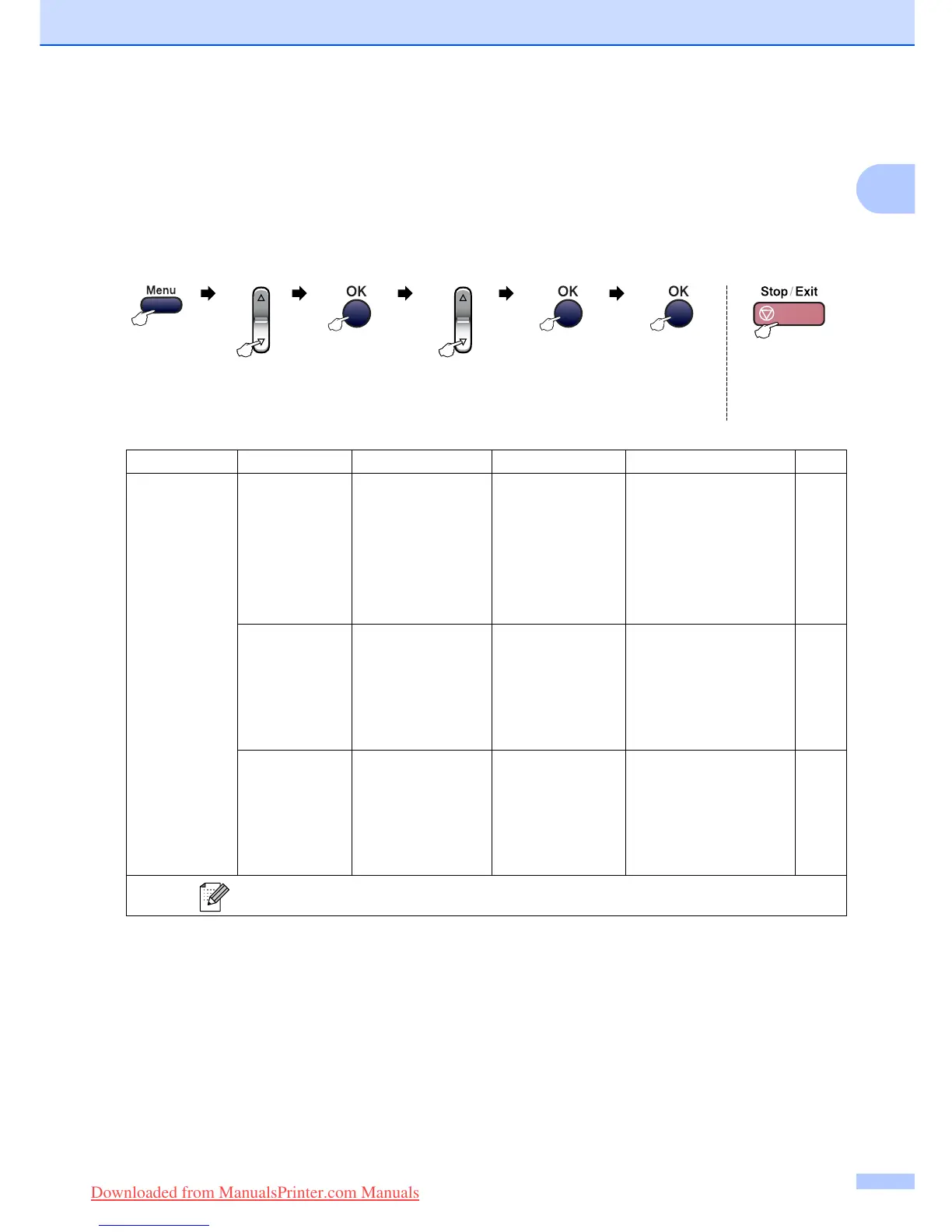
Choose & OK Choose & OK to accept to exit
Main Menu Submenu Menu Selections Options Descriptions Page
1.General Setup
1.Mode Timer — 0 Sec
30 Secs
1 Min
2 Mins*
5 Mins
Off
Sets the time to return to
Fax mode.
18
2.Paper Type — Plain Paper*
Inkjet Paper
Brother Photo
Other Photo
Transparency
Sets the type of paper in
the paper tray.
18
3.Paper Size — Letter
Legal
A4*
A5
10x15cm
Sets the size of the paper
in the paper tray.
18
The factory settings are shown in Bold with an asterisk.
Downloaded from ManualsPrinter.com Manuals


 To Next Page
 Loading...