64
8
How to Dial 8
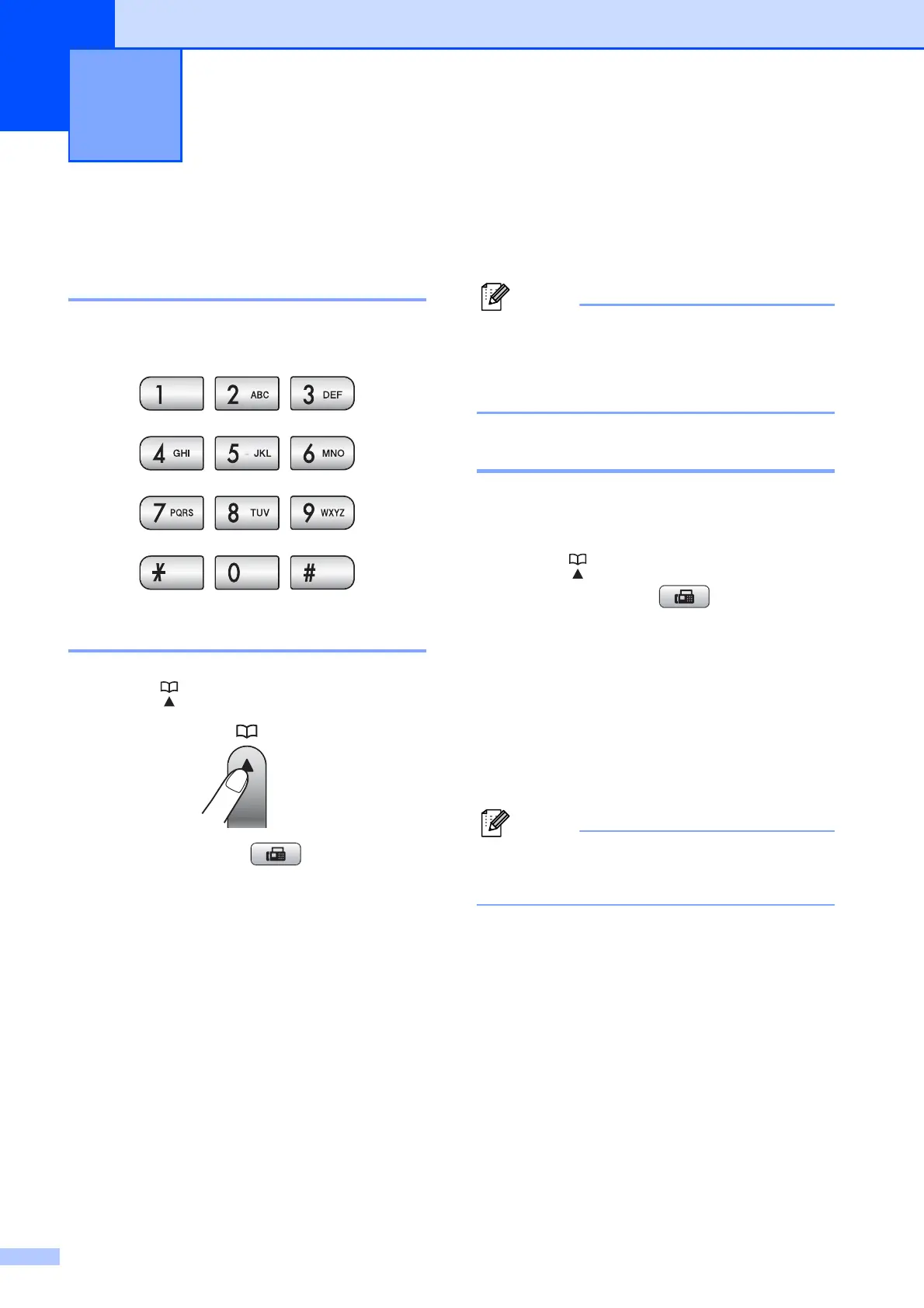
Manual dialing 8
Press all of the digits of the fax or telephone
number.
Speed Dialing 8
a Press (Speed Dial).
Or, you can press (Fax) and then
press a or b to choose Speed Dial.
b
Press a or b to choose Search.
Press OK.
c Do one of the following:
Press a or b to choose
Alphabetical Order or
Numerical Order.
Press OK.
Press the two-digit Speed Dial
number using the dial pad. (See
Storing Speed Dial numbers
on page 66.)
d Press a or b to choose the number you
want to dial.
Press OK.
Note
If the LCD shows Not Registered
when you enter or search a Speed Dial
number, a number has not been stored at
this location.
Search 8
You can search for names you have stored in
the Speed Dial memory.
a Press (Speed Dial).
Or, you can press (Fax) and then
press a or b to choose Speed Dial.
b Press a or b to choose Search.
Press OK.
c Press a or b to choose
Alphabetical Order or
Numerical Order.
Press OK.
Note
•Press l to make the LCD font size larger.
•Press # to make the LCD font size smaller.
d If you chose Alphabetical Order in
step c, use the dial pad to enter the first
letter of the name, and then press a or b
to choose the name and number you
want to call.
Press OK.
Dialing and storing numbers 8



 To Next Page
 Loading...










