Home > Scan > Scan Using the Scan Button on Your Brother Machine > Scan to SSH FTP (SFTP)
Scan to SSH FTP (SFTP)
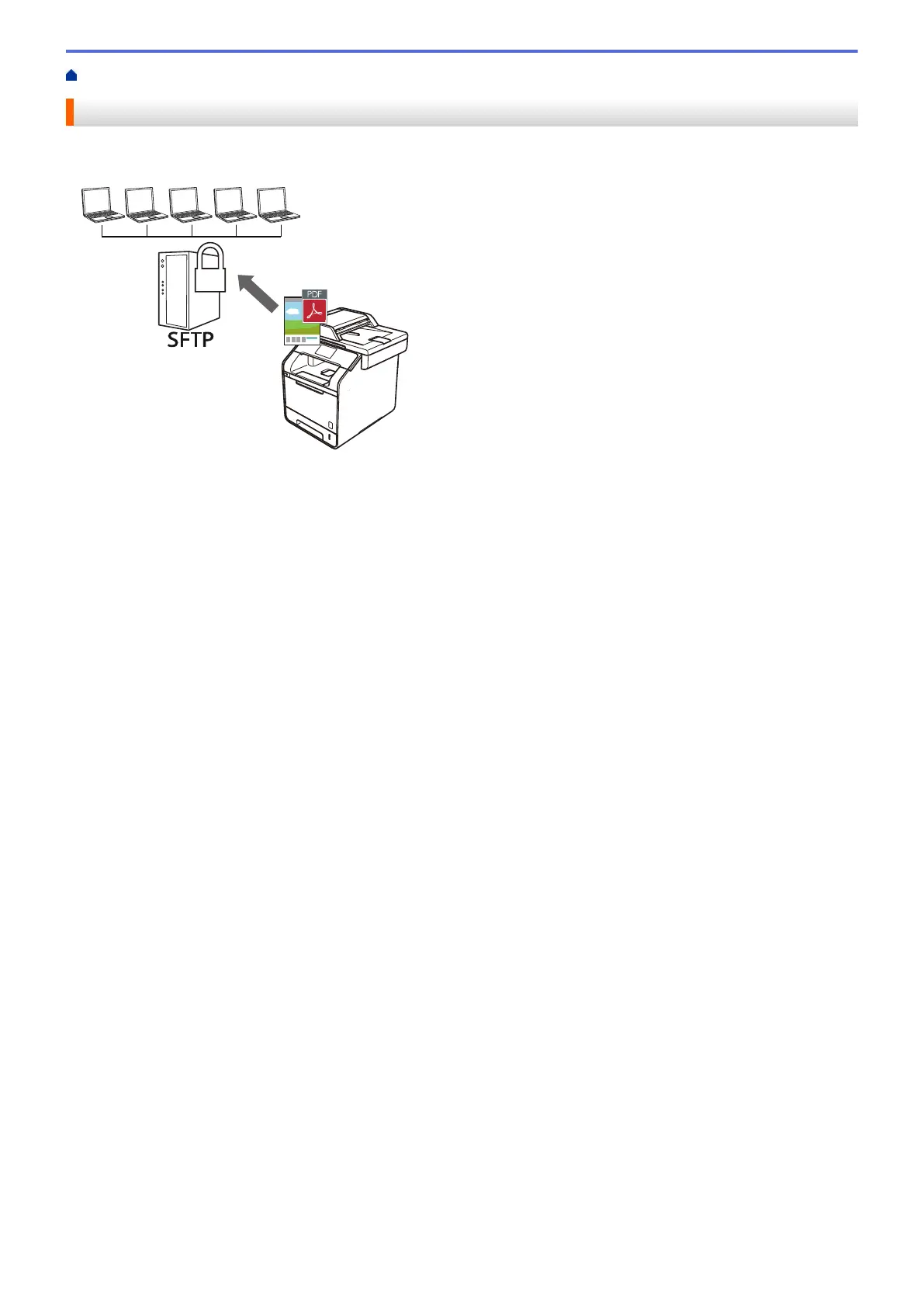
Scan documents directly to an SFTP server, a secure version of an FTP server. For added convenience,
configure different profiles to save your favourite Scan to SFTP destinations.
• Set up a Scan to SFTP Profile
• Create a Client Key Pair Using Web Based Management
• Export a Client Key Pair Using Web Based Management
• Import a Server Public Key Using Web Based Management
• Upload Scanned Data to an SFTP Server
106





 To Next Page