Home > Copy > Copy a Document
Copy a Document
>> MFC-J805DW/MFC-J815DW
>> MFC-J995DW
MFC-J805DW/MFC-J815DW
1. Make sure you have loaded the correct size paper in the paper tray.
2. Load your document.
3. Press (COPY).
The LCD displays:
Press Start
Normal
Quality
Plain Paper
Paper Type
01
4. Enter the number of copies using the dial pad.
5. Change the copy settings, if needed.
Press a or b to scroll through the copy settings. Select a copy setting, and then press OK.
• When you load paper other than Letter size plain paper, you must change the [Paper Size] and
[Paper Type] settings.
6. When finished, press Black Start or Color Start.
To interrupt copying, press Stop/Exit.
MFC-J995DW
1. Make sure you have loaded the correct size paper in the paper tray.
2. Load your document.
3. Press
[Copy].
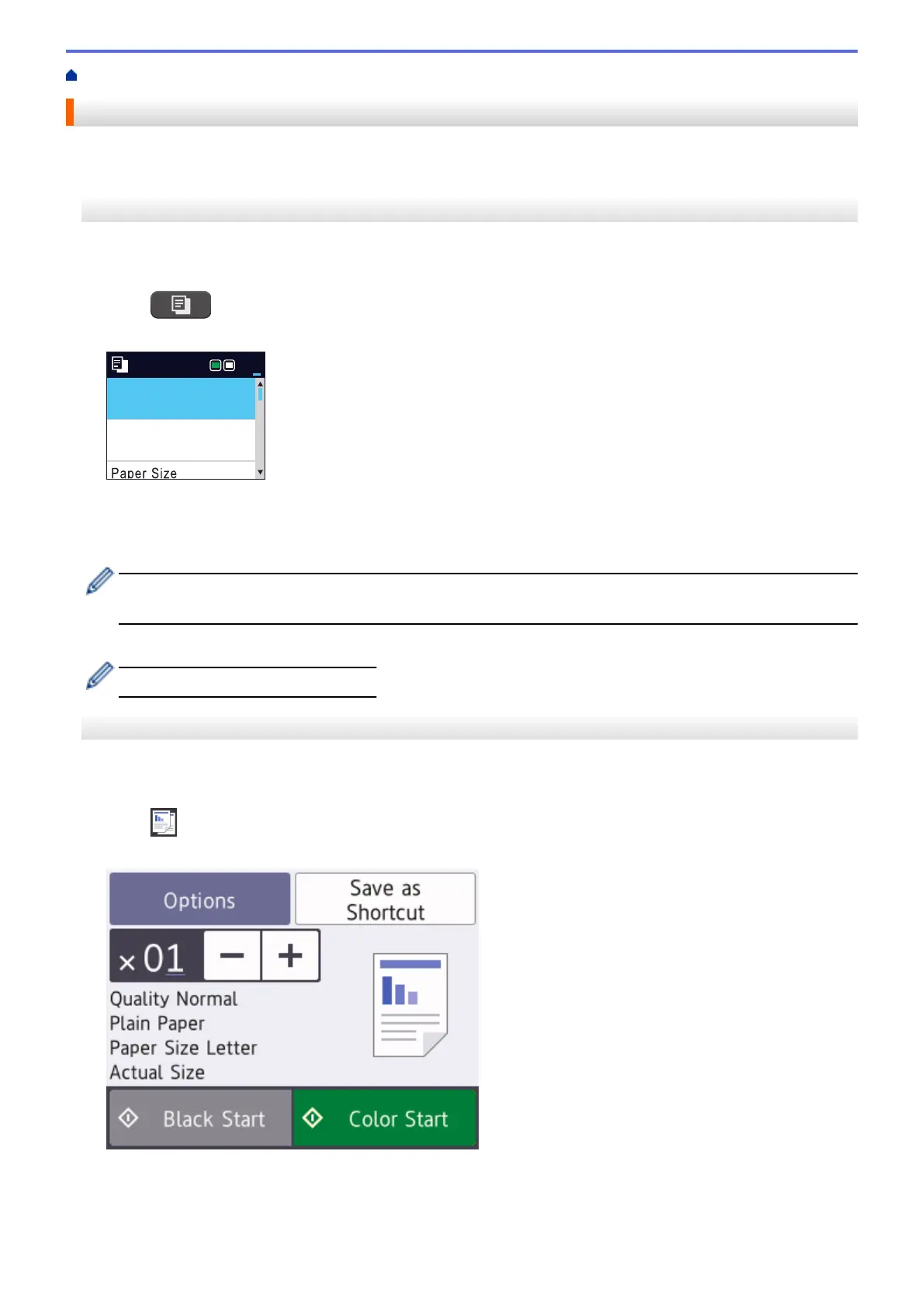
The touchscreen displays:
4. Change the copy settings, if needed.
192


 To Next Page
 Loading...