Home > Routine Maintenance > Clean Your Brother Machine > Clean the Machine's LCD
Clean the Machine's LCD
IMPORTANT
DO NOT use liquid cleaners (including ethanol).
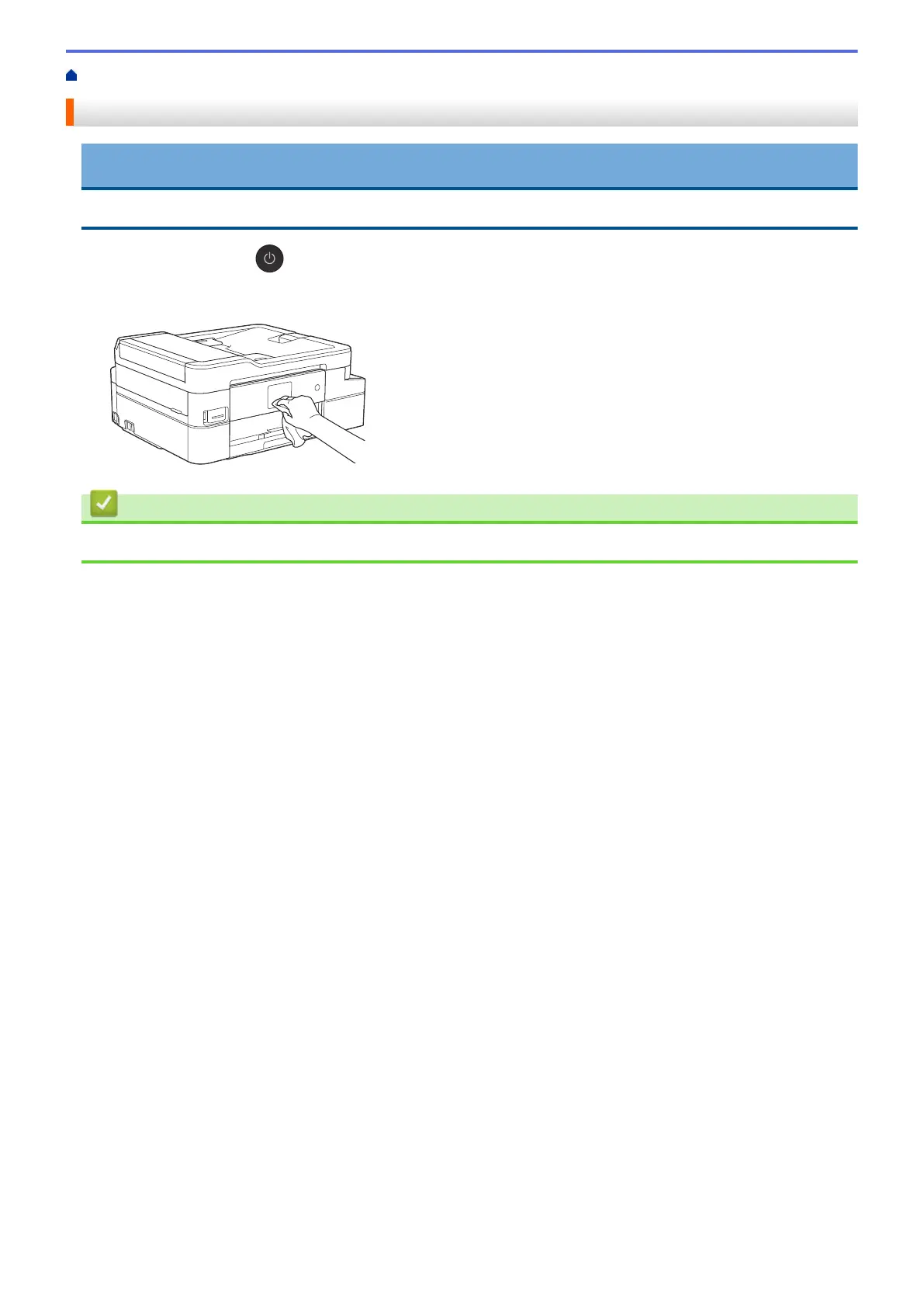
1. Press and hold down to turn off the machine. The LCD displays [Shutting Down] for a few seconds
before the power goes off.
2. Clean the LCD with a dry, soft lint-free cloth.
Related Information
• Clean Your Brother Machine
602


 To Next Page
 Loading...