2-154
Confidential
4.14 Troubleshooting for Other Problems
4.14.1 Cannot make print
<User Check>
• Turn the power switch OFF and then back ON again.
• Check that the USB cable is connected to the host correctly.
• Check that the LAN cable is connected to the host correctly.
• Replace the USB cable.
• Replace the LAN cable.
• Check that the maximum printable page number has not been exceeded.
• Check that the PC-Print is not forbidden.
• Check the print limit ID.
• Check the network connection.
• Check the relevant section in the Network Setting Guide.
• Check that the print data is not damaged.
• Install the latest main firmware.
• Match the document size with the one specified in the driver.
4.14.2 Problem of USB direct interface
<User Check>
• Wait for one minute while connecting the USB flash memory and check if it works normally.
• Connect the USB flash memory again.
• Replace the USB flash memory.
• Check that the extension of data in the USB flash memory is correct.
• Check that the USB device out of specification is not connected.
• Check that the multiple USB devices are not connected to the machine.
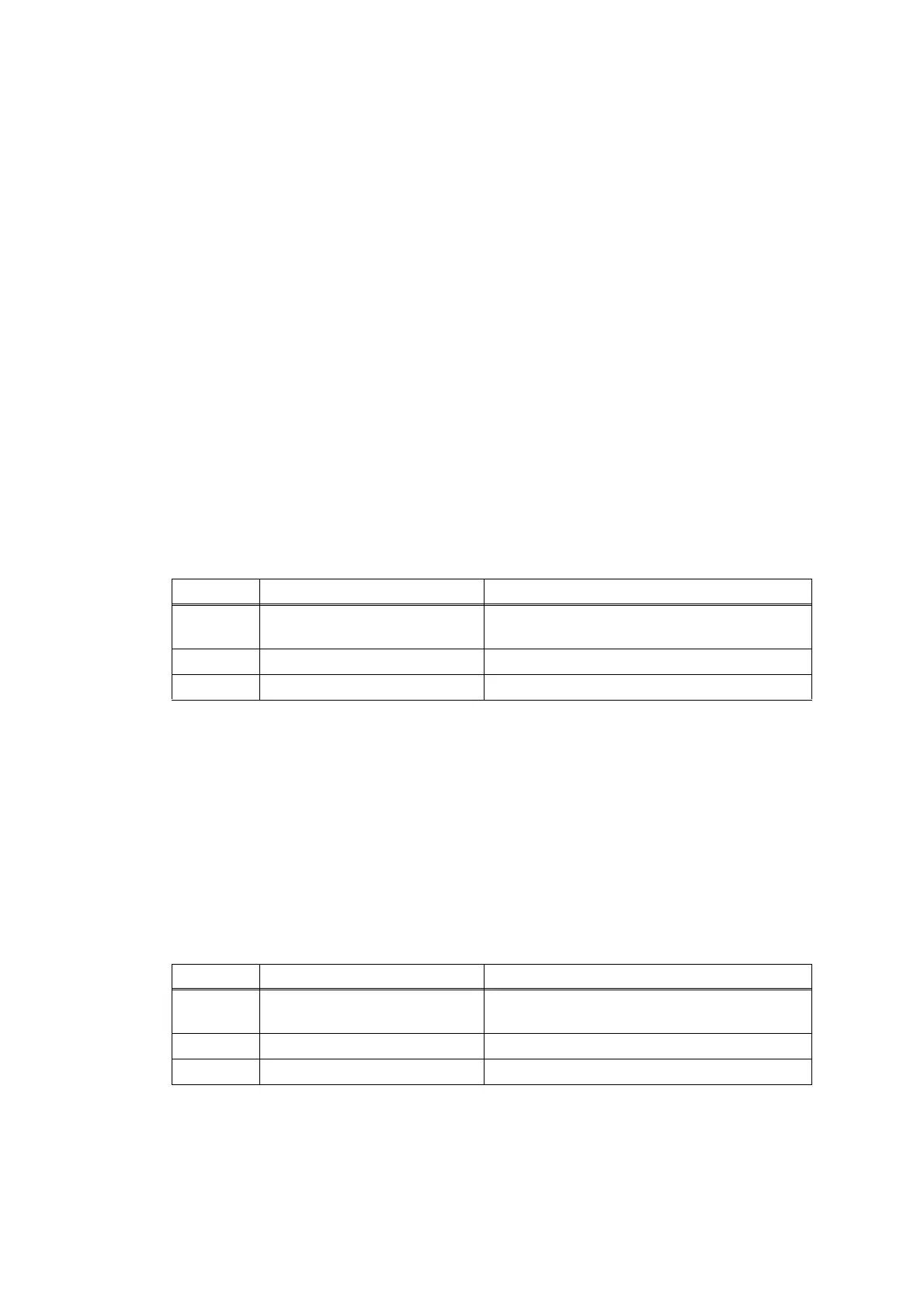
Step Cause Remedy
1
Connection failure of the
wireless LAN connector
Reconnect the wireless LAN connector.
2 Wireless LAN PCB failure Replace the wireless LAN PCB.
3 Main PCB failure Replace the main PCB.
Step Cause Remedy
1
Connection failure of the USB
host harness
Reconnect the USB host harness.
2 USB host PCB failure Replace the USB host PCB.
3 Main PCB failure Replace the main PCB.








 To Next Page