5-3
Confidential
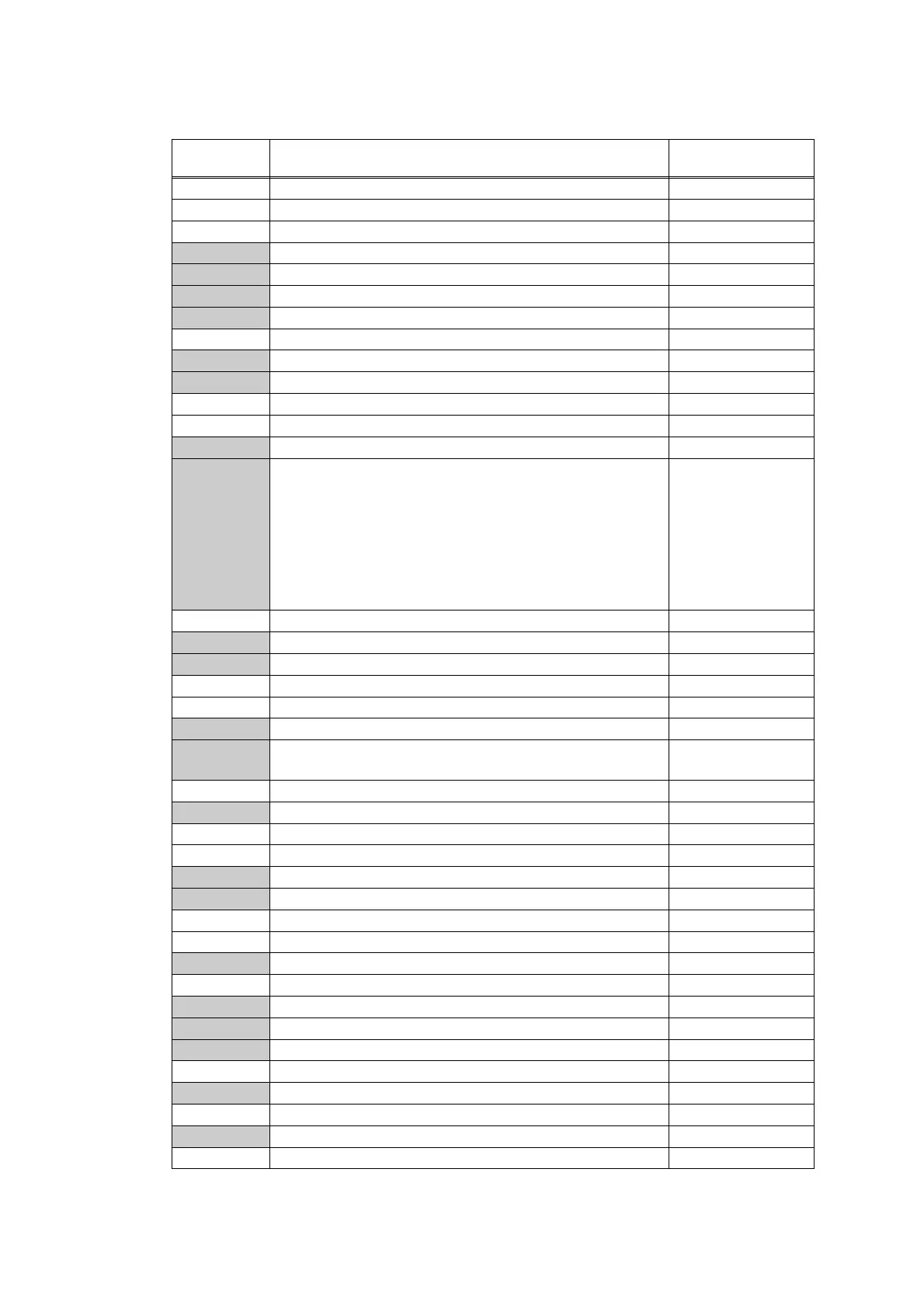
1.2 List of Maintenance Mode Functions
* The maintenance mode functions shaded in the table can be used by end users.
Function
code
Function Refer to:
01 Initialize EEPROM parameters 1.3.1 (5-4)
03 Transition to shipping state 1.3.2 (5-5)
08 ADF performance test 1.3.3 (5-6)
09 Monochrome print quality test pattern 1.3.4 (5-7)
10 Set worker switches (WSW) 1.3.5 (5-8)
11 Print worker switch (WSW) setting data 1.3.5 (5-11)
12 Check LCD operation 1.3.6 (5-12)
13 Check control panel key operation 1.3.7 (5-14)
18 Save the NetConfig information 1.3.8 (5-15)
25 Display software version 1.3.9 (5-16)
32 Check sensor operation 1.3.10 (5-17)
33 Display LAN connection status 1.3.11 (5-20)
43 Set PC-Print functions 1.3.12 (5-21)
45
Change USB No. return value / Switching Dither Pattern /
Change ON/OFF setting of Direct Print Color mode-Improve
Gray Color / Switching of timing to execute Auto Registration /
Adjust left-end print position / Adjust upper-end print position /
Change of the transfer current setting / Change of ghost
reduction setting / Change of function switch / Change of drum
developing bias correction value in endurance deterioration of
drum / Switching of black toner discharge compensation
1.3.13 (5-24)
46 Adjust printable range for each speed level 1.3.14 (5-33)
53
Transfer received fax data / log information (fax models only)
1.3.15 (5-35)
54 Fine-tune scanning position 1.3.16 (5-37)
55 Acquire white level data and set CIS scan area 1.3.17 (5-38)
57 Check consumables function 1.3.18 (5-39)
61 Adjust touch panel 1.3.19 (5-46)
66 Adjustment of color registration
(Adjustment of inter-color position alignment)
1.3.20 (5-47)
67 Continuous print test 1.3.21 (5-52)
68 LED ASSY test pattern print 1.3.22 (5-56)
69 Print frame pattern (1-sided printing) 1.3.23 (5-57)
70 Print frame pattern (2-sided printing) 1.3.24 (5-58)
71 Color test pattern 1.3.25 (5-59)
72 Sensitivity adjustment of density sensor 1.3.26 (5-62)
73 Continuous adjustments of density / registration sensor 1.3.27 (5-63)
74 Configure for country / region and model 1.3.28 (5-64)
77 Print maintenance information 1.3.29 (5-69)
78 Check fan operation 1.3.30 (5-71)
79 Delete fax data 1.3.31 (5-72)
80 Display machine log information 1.3.32 (5-73)
82 Display machine error code 1.3.33 (5-78)
83 Developing bias voltage correction 1.3.34 (5-79)
87 Send communication log information to telephone line 1.3.35 (5-80)
88 Reset counters for consumable parts 1.3.36 (5-81)
91 Initialize EEPROM parameters 1.3.1 (5-4)
99 Quit maintenance mode 1.3.37 (5-82)








 To Next Page