USING P-TOUCH SOFTWARE
22
Using P-touch Editor
Updating P-touch Editor
The software can be upgraded to the latest available version using the P-touch Update
Software.
In the following steps, you will see XX-XXXX. Read "XX-XXXX" as your P-touch labeling
system name.
Updating P-touch Editor Software (For Windows
®
)
For Windows Vista
®
/ Windows
®
7
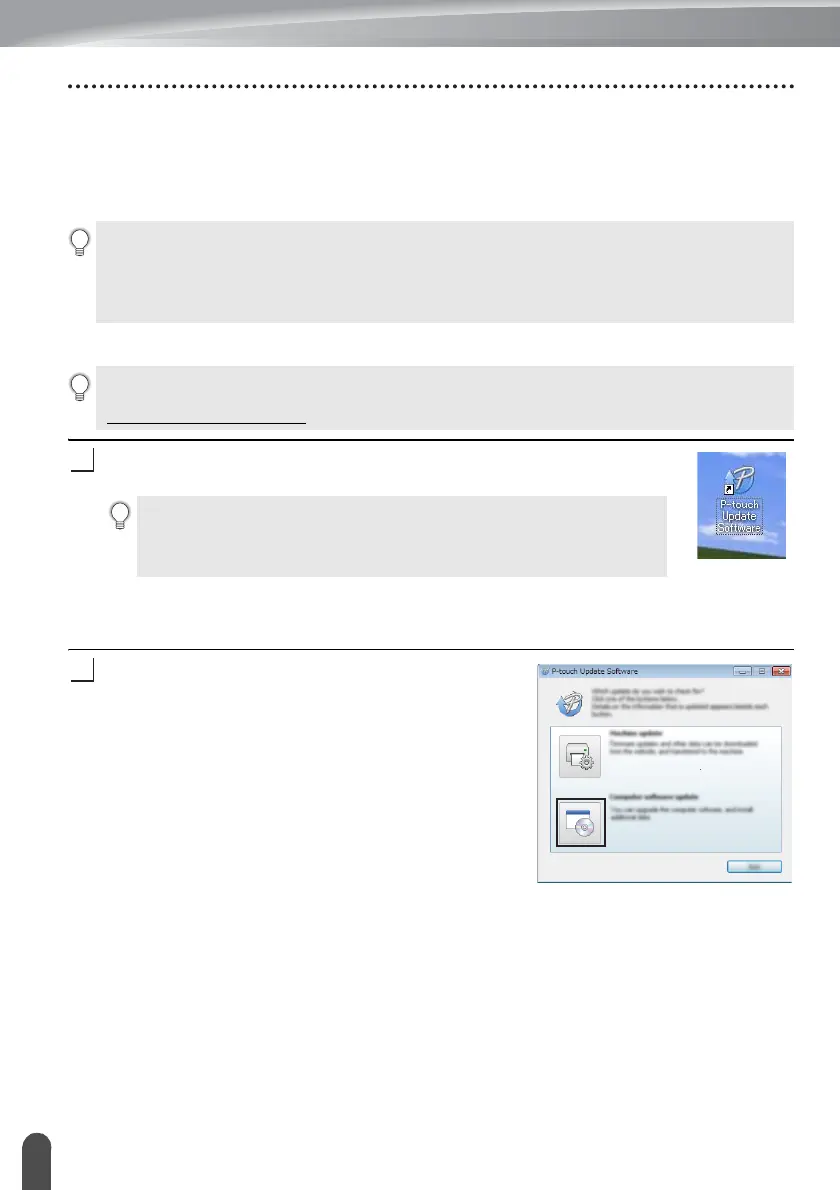
Double-click the [P-touch Update Software] icon.
For Windows
®
8
Click [P-touch Update Software] on the [Start]/[Apps] screen or
double-click [P-touch Update Software] on the desktop.
Click the [Computer software update] icon.
• You must be connected to the internet in order to launch the P-touch Update Software.
• You may find that the software and the contents in this manual are different.
• Upon installation of the P-touch Update Software, an icon will be installed on your desktop for
your convenience.
• Do not turn off the power when transferring data or updating software.
To use the P-touch Update Software, it is necessary to install it from the CD-ROM provided. You
can also download the software from the Brother Solutions Center
(http://solutions.brother.com
).
The following method can also be used to start the P-touch Update
Software.
Click the Start button, and then select [All Programs] - [Brother P-touch]
- [P-touch Update Software].












 To Next Page