FRANÇAIS
Connecting the printer to your PC
STEP
1
Introduction
STEP
2
STEP
3
For WindowsFor Mac
STEP
4
Before using
the printer
Maintenance and
Troubleshooting
Creating and printing a label
without using your computer
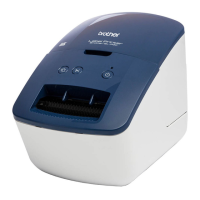
QL-650TD
You must set up the hardware and install the driver before you can use the printer.
Please read this manual before you use the printer. Keep the CD-ROM in a
convenient place so you can use it quickly if you need to.
www.brother.ca
User's Guide
Guide de l'utilisateur

 Need help?
 General

 To Next Page