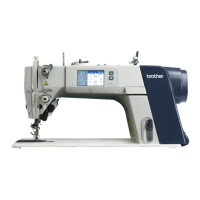
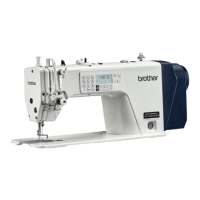
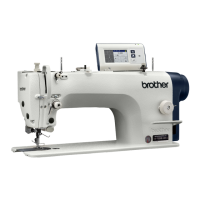
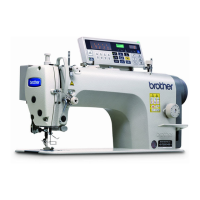
S-7300A
5. USING THE OPERATION PANEL (BASIC OPERATIONS)
5-8. Home screen mode setting
・ You can select from two different types of home screen display: the detailed home screen or the simple home screen.
* When the home screen is displayed, you can keep pressing the key to switch between home screens.
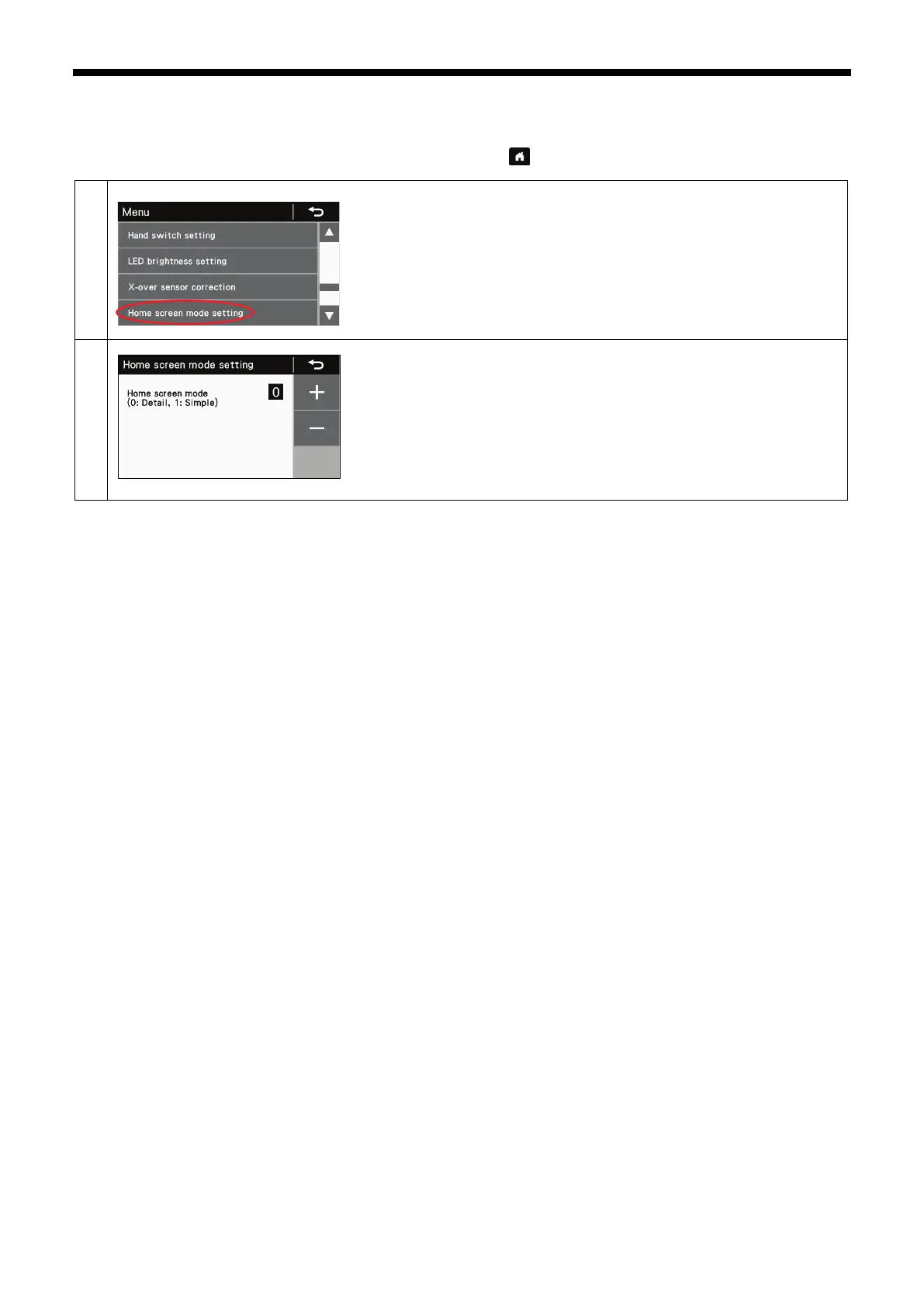
Switching to home screen mode setting mode
At the menu screen, select "Home screen mode setting" to switch to home
screen mode setting mode.
Use the + and - keys to set the value (1) for the mode.
・ Press the return key to return to the menu screen.
・ Press the home key to return to the home screen which has been set.
(1)


 To Next Page