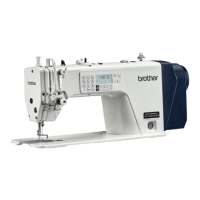
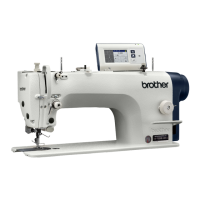
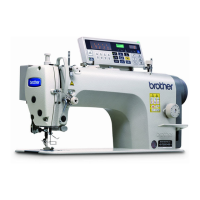
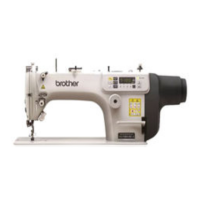
S-7300A
6. USING THE OPERATION PANEL (ADVANCED OPERATIONS)
6-10-1. Hand switch function setting
<Switching to hand switch setting mode>
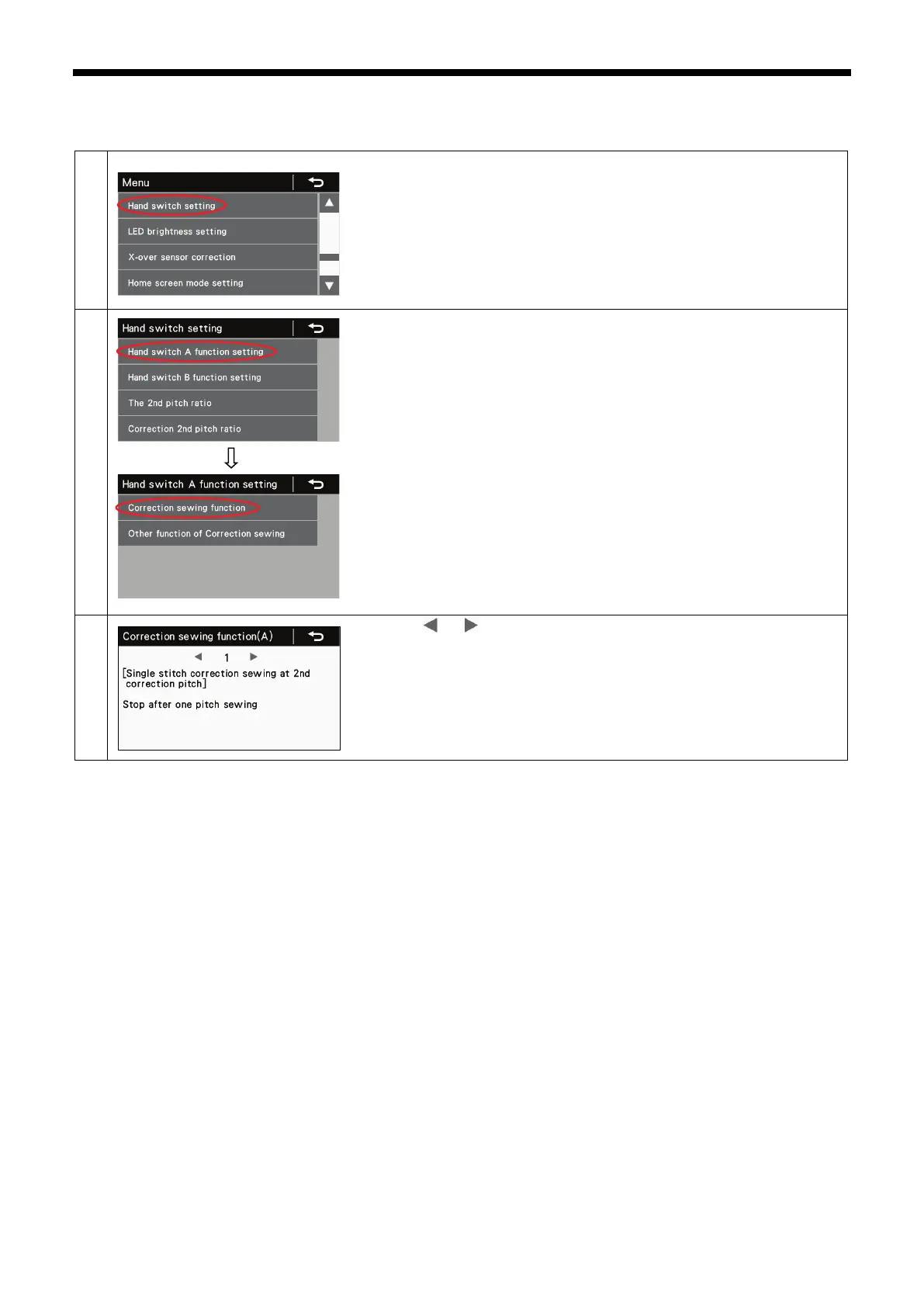
At the menu screen, select "Hand switch setting" to switch to hand switch
setting mode.
For example, to set hand switch A so that it operates as a correction sewing
switch:
1. Select "Hand switch A function setting".
2. Next, select "Correction sewing function".
Press the or key to select the desired setting.
・ Press the return key to return to the previous screen.
・ Press the menu key to return to the menu screen.


 To Next Page