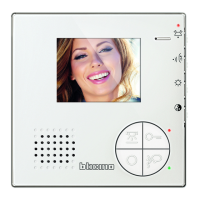
Sfera Proximity Reader
Installer manual
23
3.3.6 Deleting resident badges (M=01)
2 The device emits a long confirmation beep.
1 Place an apartment master badge close to the
reader; the device emits a beep, and the green LED
starts flashing.
Repeat the operation three times in succession.
- The procedure will delete all the stored resident badges.
- To only delete a specific badge use the TiSferaDesign software.
M= 01 managing residents using the
apartment master.
Three times
Apartment
Master
3 The red LED flashes and then switches off to confirm
that the deletion has been performed.



 To Next Page
 Loading...