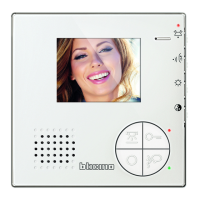
Sfera Proximity Reader
Installer manual
9
A short beep and the switching off of the LED confirm that the programming sequence has been
completed. The Sfera Proximity Reader is ready for normal operation.
The programming sequence must start within 30 seconds from the moment the pro-
gramming key has been pressed and must be carried out in one stage.
5 Press the pushbutton, or wait 30 seconds to exit the
procedure.
4 It is possible to continue to enter further manager
master badges (max. 20) one after the other.
Manager
master



 To Next Page
 Loading...