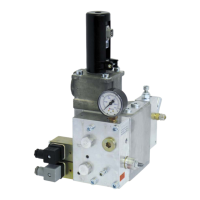
iValve Lift Control Valve6 Installation and commissioning
20/31
300-I-9010544-EN-01/10.2014
As a rule the iValve and the pertinent ParamCard come with factory
settings for the lift to be installed.
2.
4.
3.
5.
C
D
B
1.
A
iValve i500
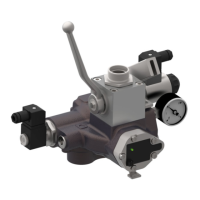
iValve i250
1.
A
ATTENTION!
Note: Always quote the serial no. when making enquiries. This
makes it easier for the factory to help you!
Note: The serial numbers on the ParamCard and the iValve must
be the same to avoid the need for resetting.
1. Read the serial no. (A) from the housing of the iValve
2. Read the serial no. (B) from the Quality-Certificate and check that it
matches the serial no. (A) on the iValve
3. Detach the ParamCard (C) from the Quality-Certificate
4. Read the serial no. (C) from the backside of the ParamCard and
check that it matches the serial no. (A) on the iValve
Reference: 300-I-9010544-EN-01

 To Next Page
 Loading...