28
Melting point B-5405 Operation
5.9 Adjustment of subparameters
Sub-parameters are main-settings which have to be presetted
by the user when using the insrument the first time. The
presettings are located in the sub-menu (Configuration).
Press and hold the MENU-key for 3 seconds to enter in this
sub-menu. After being in the menu it can be switched through
the window menu by pressing the MENU-key.
5.9.1 Parameter menus
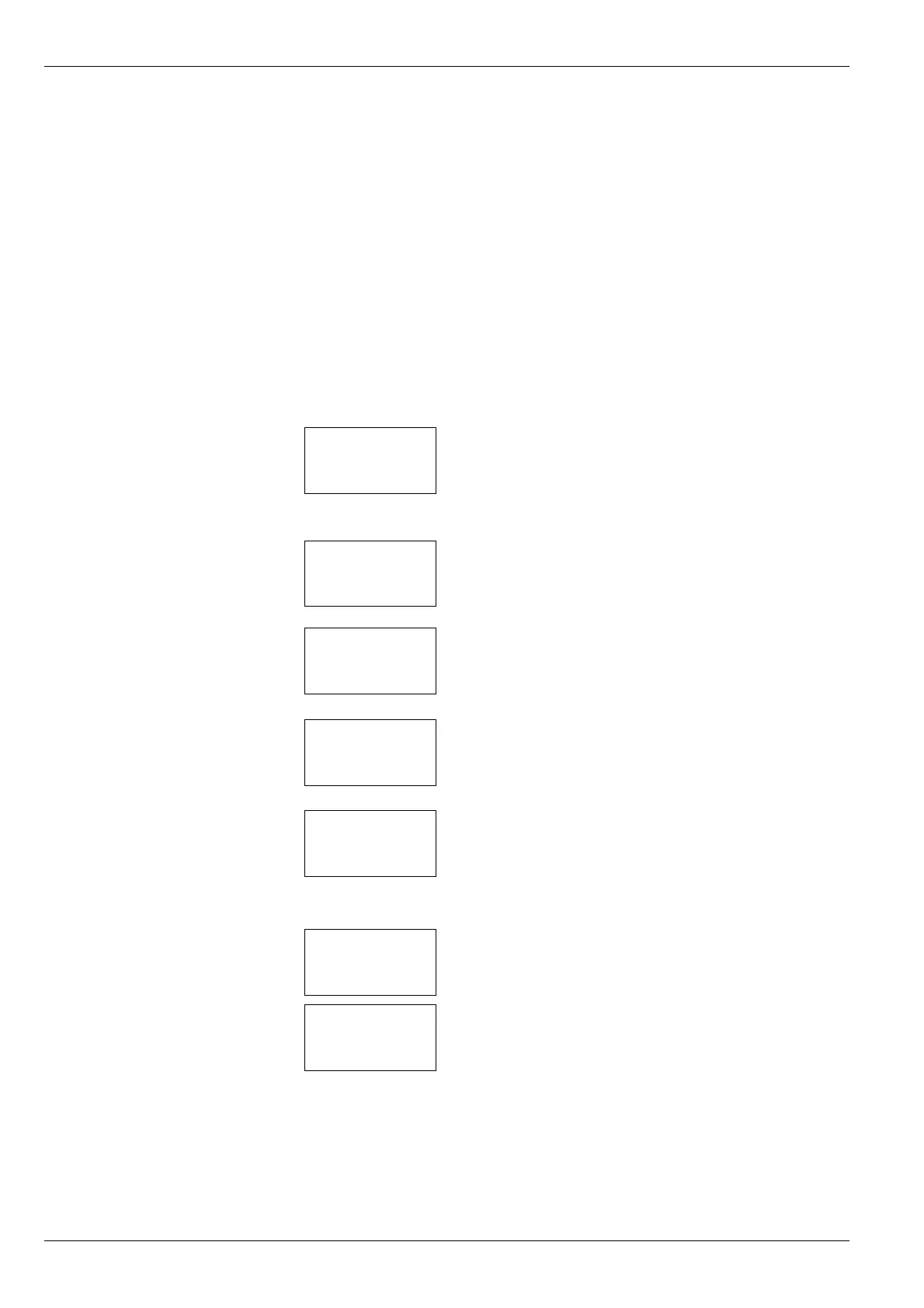
Menu window for setting data which are to appear on the
printout.
Time: Time
Date: Date
Name: Company name
Menu window for adjusting the displays to be printed out.
Autoprint: Automatic printing after every determination
yes/no
Printer: Selection of the printer to be used
Menu window for adjusting the serial interface to the PC
connection.
Menu window for adjustments of the unit
Contrast: Adjustments of the LCD display
Buzzer: Beep yes/no
Menu window for basic adjustments
Time: Time subdivided into 12 or 24 steps
Date: American or European date
Unit: Temperature in °C or °K
Language: Language as displayed
SW version: Indication of the software installed
Last cal.: Date of the last calibration
Interval: Time interval before the unit informs the user
that calibration should be re peated.
Password: Entering the menu level for calibrating the unit
by the user.
TIME : XX:XX
DATE : XX.XX.XX
NAME : XXXXX
RS232 C : XXXX XXX
CONTRAST : XXX %
BUZZER : XXX
AUTOSTART : XXX
TIME : HH:MM
DATE : DD:MM:YY
UNIT : °X
LANGUAGE : ENGLISH
CALIBRATION
INTERVAL : XX MONTH
PASSWORD :
SW-VER. : VX.XX
LAST CAL : XX.XX.XX
AUTOPRINT : XXX
PRINTER : XXXXX
KEYBOARD : XX


 To Next Page