7 | Cleaning and servicing
Büchi Labortechnik AG
74/102
Operation Manual Pure Chromatography Instruments
Component Action Frequency
Nebulizer u Clean the nebulizer. See Chapter7.4
"Cleaning the nebulizer", page75
Monthly
Air filter u Replace the air filter. Yearly
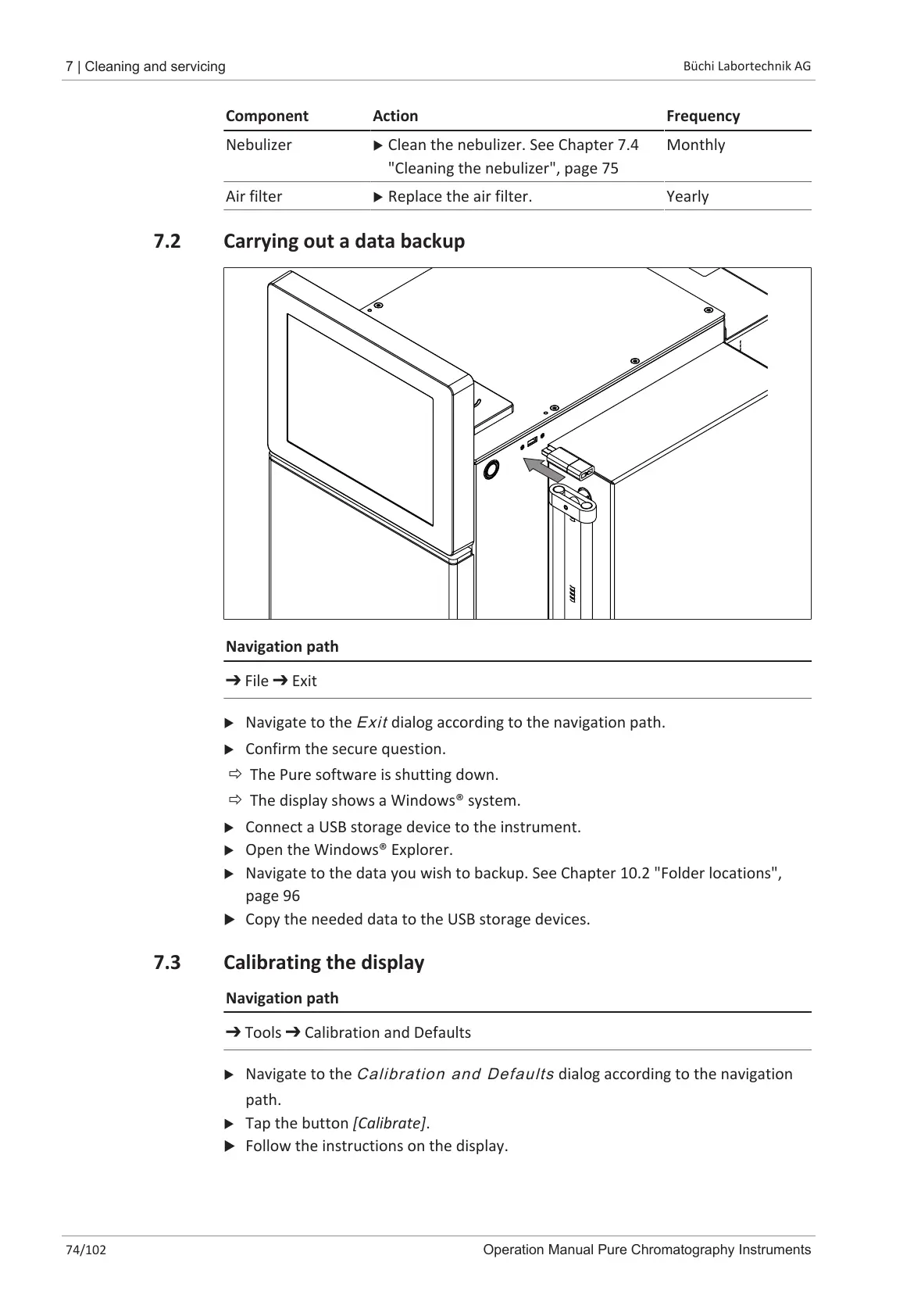
7.2 Carrying out a data backup
Navigation path
➔ File ➔ Exit
u Navigate to the
Exit
dialog according to the navigation path.
u Confirm the secure question.
ð The Pure software is shutting down.
ð The display shows a Windows® system.
u Connect a USB storage device to the instrument.
u Open the Windows® Explorer.
u Navigate to the data you wish to backup. See Chapter10.2 "Folder locations",
page96
u Copy the needed data to the USB storage devices.
7.3 Calibrating the display
Navigation path
➔ Tools ➔ Calibration and Defaults
u Navigate to the
Calibration and Defaults
dialog according to the navigation
path.
u Tap the button [Calibrate].
u Follow the instructions on the display.













 To Next Page