8 | Help with faults
Büchi Labortechnik AG
86/102
Operation Manual Pure Chromatography Instruments
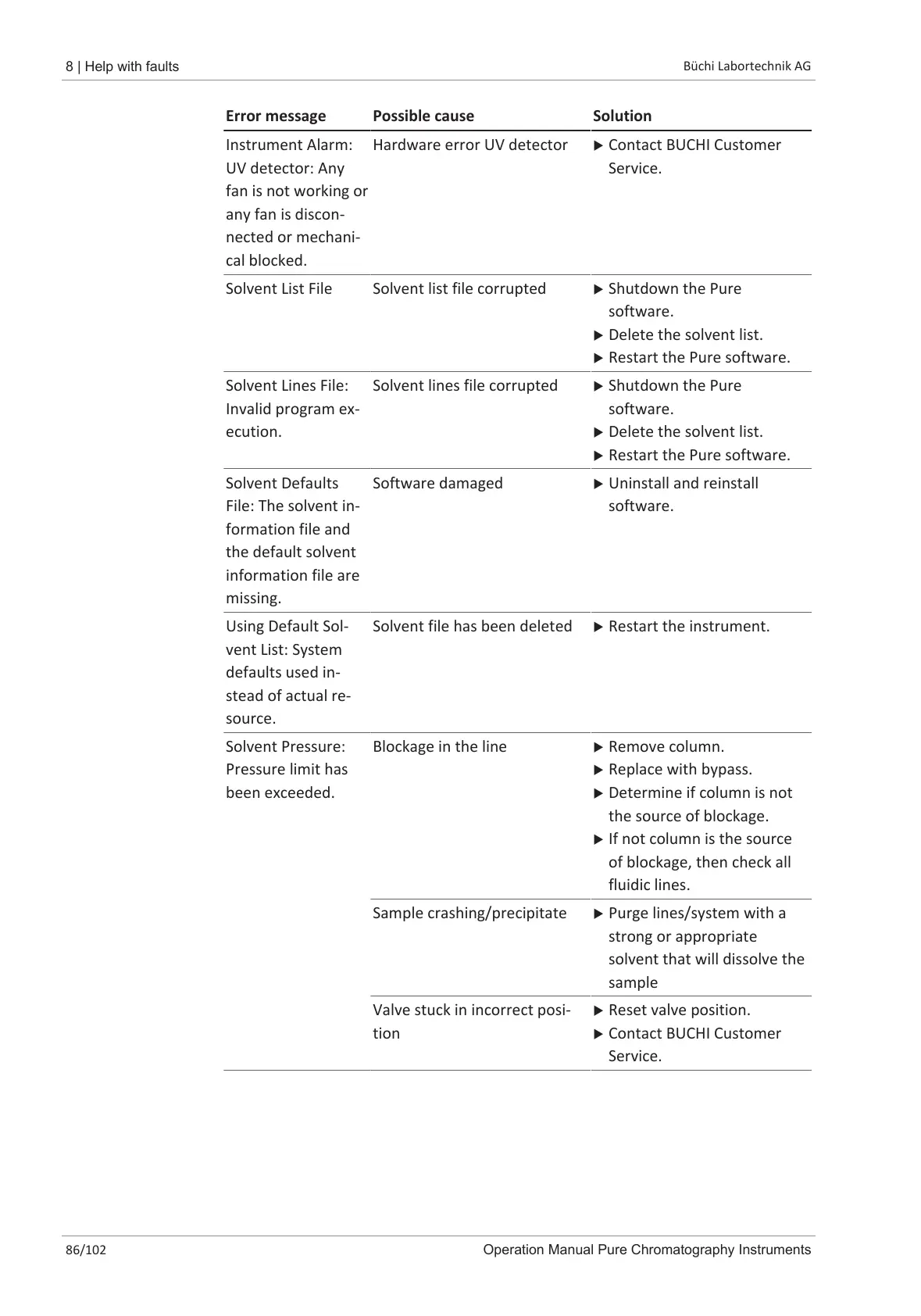
Error message Possible cause Solution
Instrument Alarm:
UV detector: Any
fan is not working or
any fan is discon-
nected or mechani-
cal blocked.
Hardware error UV detector u Contact BUCHI Customer
Service.
Solvent List File Solvent list file corrupted u Shutdown the Pure
software.
u Delete the solvent list.
u Restart the Pure software.
Solvent Lines File:
Invalid program ex-
ecution.
Solvent lines file corrupted u Shutdown the Pure
software.
u Delete the solvent list.
u Restart the Pure software.
Solvent Defaults
File: The solvent in-
formation file and
the default solvent
information file are
missing.
Software damaged u Uninstall and reinstall
software.
Using Default Sol-
vent List: System
defaults used in-
stead of actual re-
source.
Solvent file has been deleted u Restart the instrument.
Solvent Pressure:
Pressure limit has
been exceeded.
Blockage in the line u Remove column.
u Replace with bypass.
u Determine if column is not
the source of blockage.
u If not column is the source
of blockage, then check all
fluidic lines.
Sample crashing/precipitate u Purge lines/system with a
strong or appropriate
solvent that will dissolve the
sample
Valve stuck in incorrect posi-
tion
u Reset valve position.
u Contact BUCHI Customer
Service.













 To Next Page