The functions4
10 Operating instructions RC20 room controller • Issue 08/2006
We reserve the right to make any changes due to technical modifications.
4 The functions
This chapter describes how to change room and DHW
temperatures, the advantages of automatic mode, how to make
effective use of manual mode, etc.
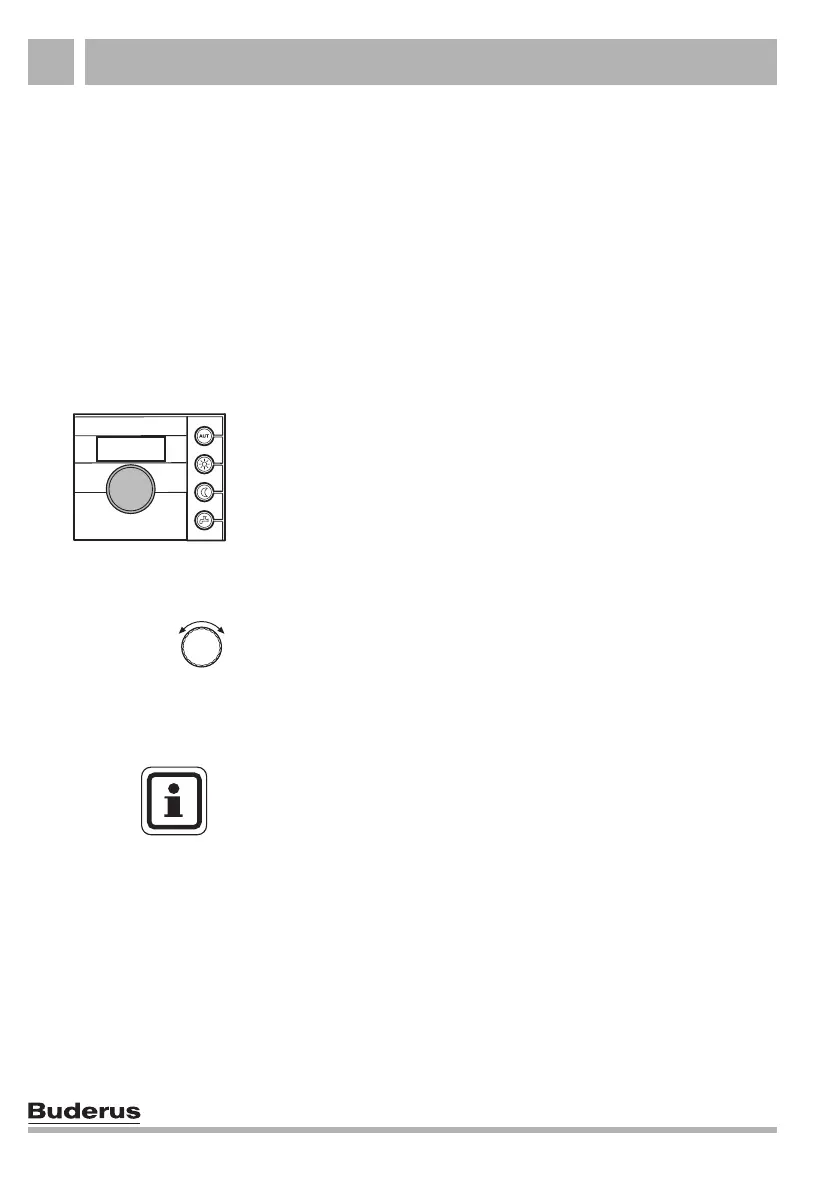
The functions are controlled by pressing a key on the right-hand
side of the RC20 and turning the rotary selector.
4.1 Changing the room temperature directly
If all of your accommodation is too cold, raise the room
temperature using the rotary selector, and leave the
thermostatic radiator valves unchanged.
Example: setting the room temperature
Set the required room temperature by turning the rotary selector.
USER NOTE
The temporarily changed setting is retained until you press an
operating mode key or until the heating system changes the
operating mode (e.g. to night mode).
See section 4.2, page 14 for information on other ways of
changing the room temperature.



 To Next Page