First steps with your room controller 3
9
We reserve the right to make any changes due to technical modifications.
Operating instructions RC20 room controller • Issue 08/2006
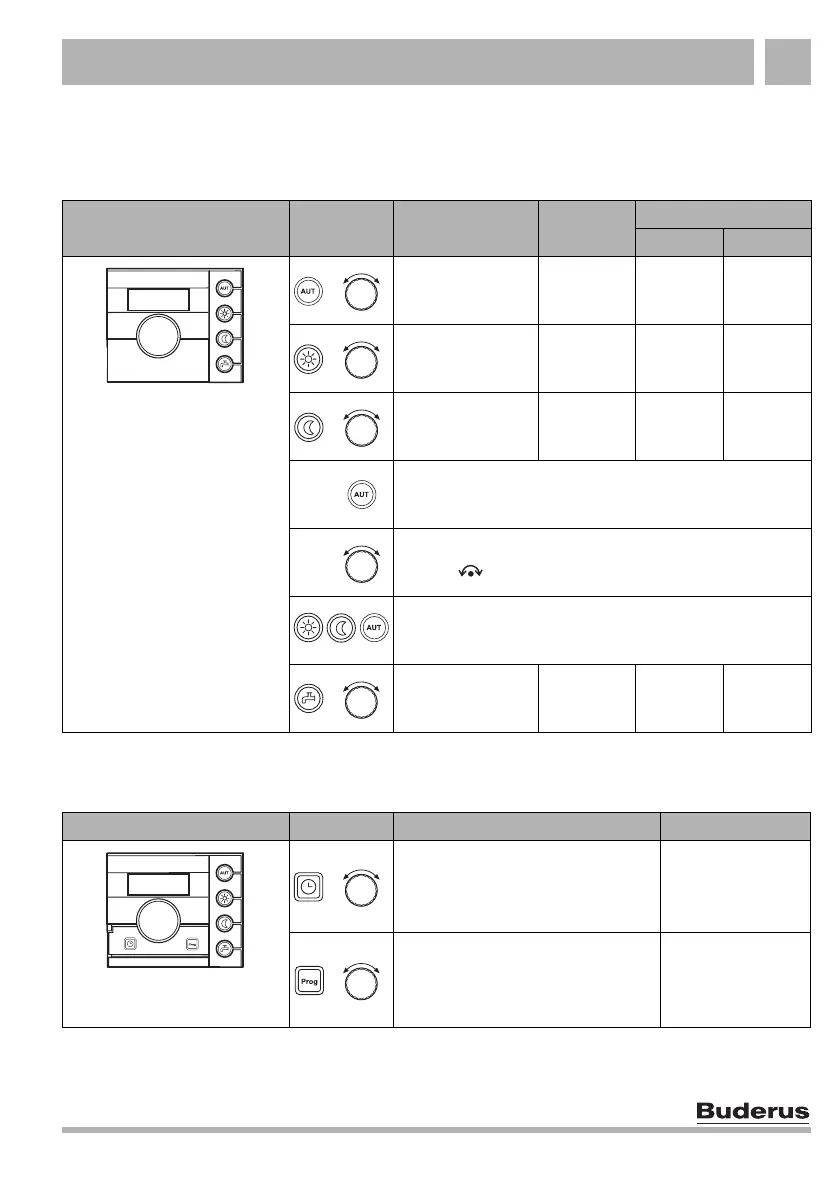
3.2 Quick reference guide
Setting temperatures (Chapter 4, page 10)
Functions (Chapter 4, page 10)
Keys Function
Factory
setting
Setting
Range System
Temperature for
automatic mode
(day/night)
21/17 °C
as for day/
night
Temperature for
day mode
(manual mode)
21 °C 6 – 30 °C
Temperature for
night mode
(manual mode)
17 °C 5 – 29 °C
Return to Automatic mode after changing the day or night
temperature
Change temperature temporarily ("temporary room
setting" )
Pressing a key cancels the temporary room setting and
activates the selected mode.
DHW temperature 60 °C
30 – 60
(80) °C
Flap closed
+
+
+
+
Keys Function Page
Set the time page 19
Select a heating program page 21
Flap open
+
+



 To Next Page