The functions4
22 Operating instructions RC20 room controller • Issue 08/2006
We reserve the right to make any changes due to technical modifications.
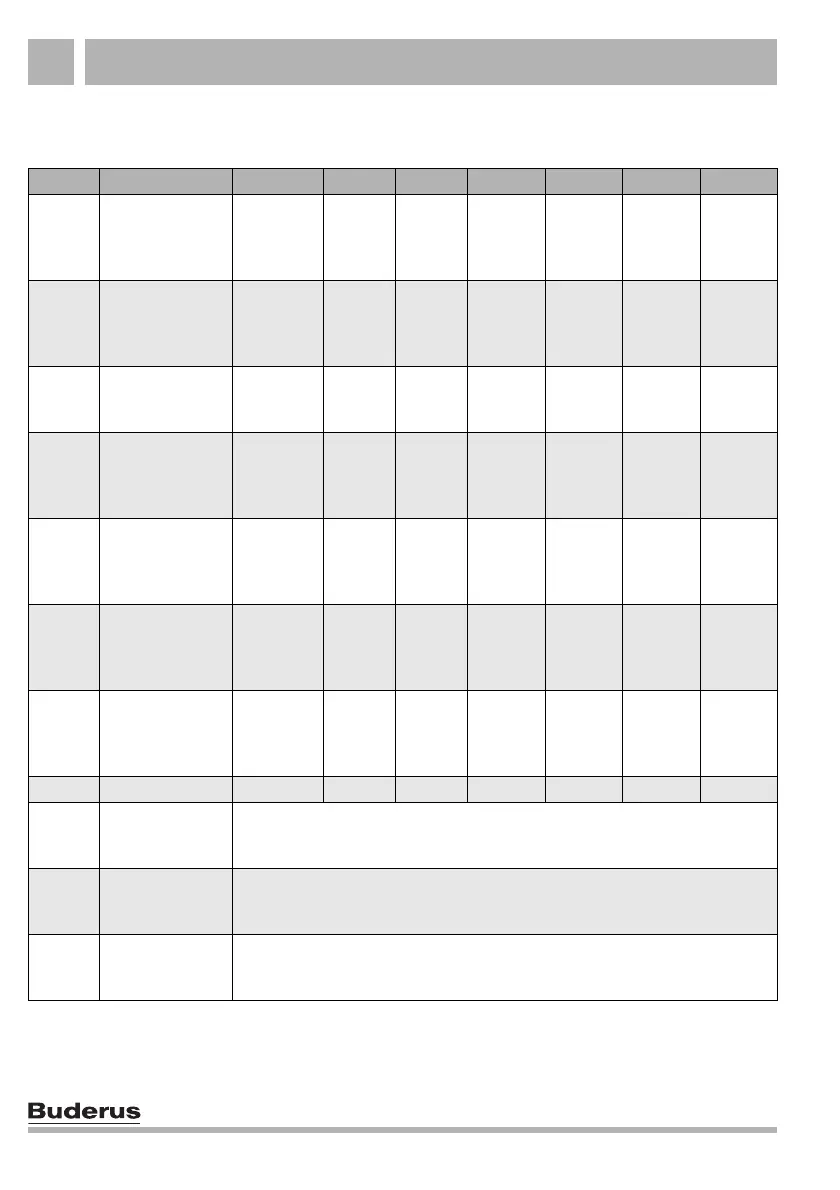
4.7 Heating program summary
No. Program Day ON OFF ON OFF ON OFF
"Pr 1"
"Family"
(factory setting)
Mo–Th
Fr
Sa
Su
5:30
5:30
6:30
7:00
22:00
23:00
23:30
22:00
"Pr 2"
"Morning"
Early shift work
Mo–Th
Fr
Sa
Su
4:30
4:30
6:30
7:00
22:00
23:00
23:30
22:00
"Pr 3"
"Evening"
Late shift work
Mo–Fr
Sa
Su
6:30
6:30
7:00
23:00
23:30
23:00
"Pr 4"
"a.m."
Part-time work in
the morning
Mo–Th
Fr
Sa
Su
5:30
5:30
6:30
7:00
8:30
8:30
23:30
22:00
12:00
12:00
22:00
23:00
"Pr 5"
"Afternoon"
Part-time work in
the afternoon
Mo–Th
Fr
Sa
Su
6:00
6:00
6:30
7:00
11:30
11:30
23:30
22:00
16:00
15:00
22:00
23:00
"Pr 6"
"Midday"
Midday at home
Mo–Th
Fr
Sa
Su
6:00
6:00
6:00
7:00
8:00
8:00
23:00
22:00
11:30
11:30
13:00
23:00
17:00 22:00
"Pr 7" "Single"
Mo–Th
Fr
Sa
Su
6:00
6:00
7:00
8:00
8:00
8:00
23:30
22:00
16:00
15:00
22:00
23:00
"Pr 8" "Seniors" Mo–Su 5:30 22:00
"Pr 9" "New"
Constant heating mode (24 hours). This is displayed on the RC20 while a
new heating program is being entered in the RC30/RC35 (only if the RC20 is
used as remote control).
1)
"Pr 0"
"Own program
from RC30/
RC35"
Only when RC20 is used for remote control: activates "Own program 1" that
has been specified for the RC20 heating circuit in the RC30/RC35.
1)
"Pr 10"
"Own program
from RC35"
Only when RC20 is used for remote control in conjunction with RC35:
activates "Own program 2" that has been specified for the RC20 heating
circuit in the RC35.
1)
Tab. 2 Heating programs ("On" = day mode, "Off" = night mode)
1)
Not possible for operation using boilers with UBA 1.x.



 To Next Page