The functions4
14 Operating instructions RC20 room controller • Issue 08/2006
We reserve the right to make any changes due to technical modifications.
4.2 Setting the room temperature
The rotary selector can always be used to adjust the room
temperature. The room temperature can be adjusted in three
ways:
– Change the room temperature for the current operating mode
(e.g. automatic day mode). The changed setting applies to
automatic day mode from now on.
– Change the room temperature temporarily. The changed
setting is retained until the heating system changes the
operating mode (e.g. to night mode).
– Change the room temperature for another operating mode
(e.g. change the night room temperature during the day). The
changed setting will apply to this operating mode from now on.
4.2.1 Setting the room temperature for the current
operating mode
The set room temperature applies to the currently active heating
mode, i.e. day or night mode. The currently active heating mode is
indicated by the relevant symbols.
You are currently in automatic mode and would like to change the
room temperature.
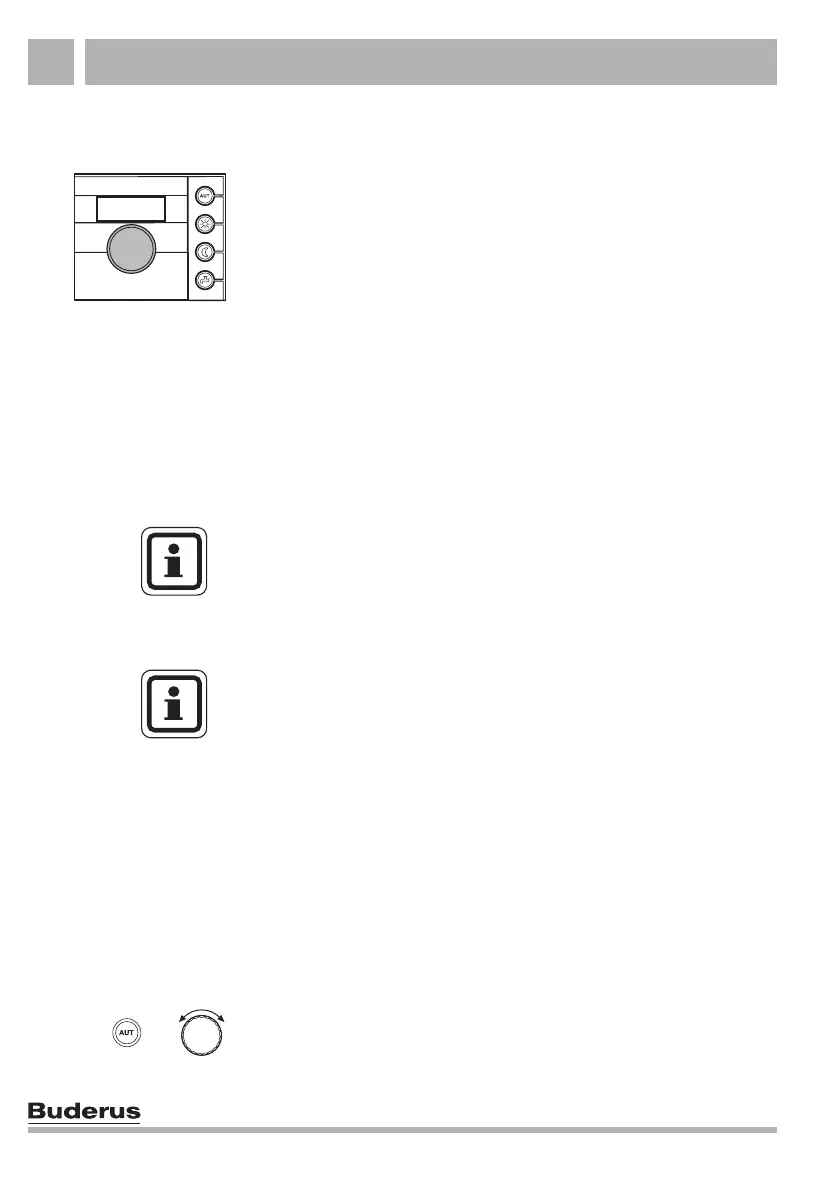
Press the "AUT" key and select the required room temperature
using the rotary selector.
USER NOTE
The actual room temperature is shown as the standard display.
Your heating contractor can also set the controller to a different
standard display.
USER NOTE
The room temperature sensor is in the RC20. It is not possible to
connect a separate external room temperature sensor.
+



 To Next Page