The functions 4
13
We reserve the right to make any changes due to technical modifications.
Operating instructions RC20 room controller • Issue 08/2006
4.1.3 Selecting manual mode
For example, if you want the heating to run for longer in the
evening or not quite as early in the morning, you can also select
the day and night mode manually. There are two temperatures for
manual day and night mode. You can use day mode to run the
heating on cool days in summer mode (only if the RC20 is installed
as a remote control unit, see section 5.1, page 23).
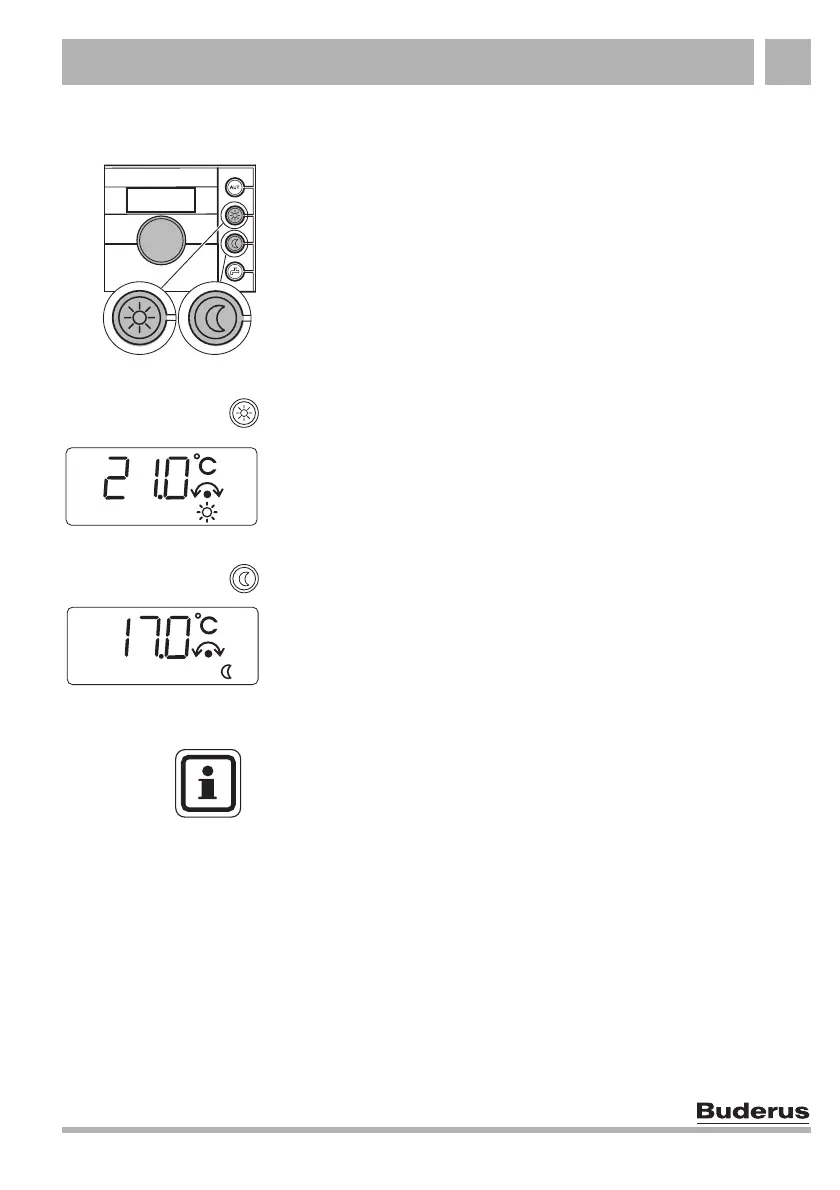
Press the "Day mode" button to switch to manual mode.
The display will show the set room temperature for day mode. The
"Day mode" symbol lights up in the display. Now your heating
system is in constant day mode (standard heating mode).
Press the "Night mode" button to switch to manual mode.
The display will show the set room temperature for night mode.
The "Night mode" symbol lights up in the display. Now your heating
system is in constant night mode (setback heating mode), and
operates at a lower room temperature.
USER NOTE
If you have selected manual mode, the selected heating
program will no longer be active (for example no night setback
of the room temperature).
To return to automatic mode, press "AUT".



 To Next Page