Troubleshooting6
28 Operating instructions RC20 room controller • Issue 08/2006
We reserve the right to make any changes due to technical modifications.
6.2 Fault displays
Service and fault messages can be viewed in the RC20 room
controller display.
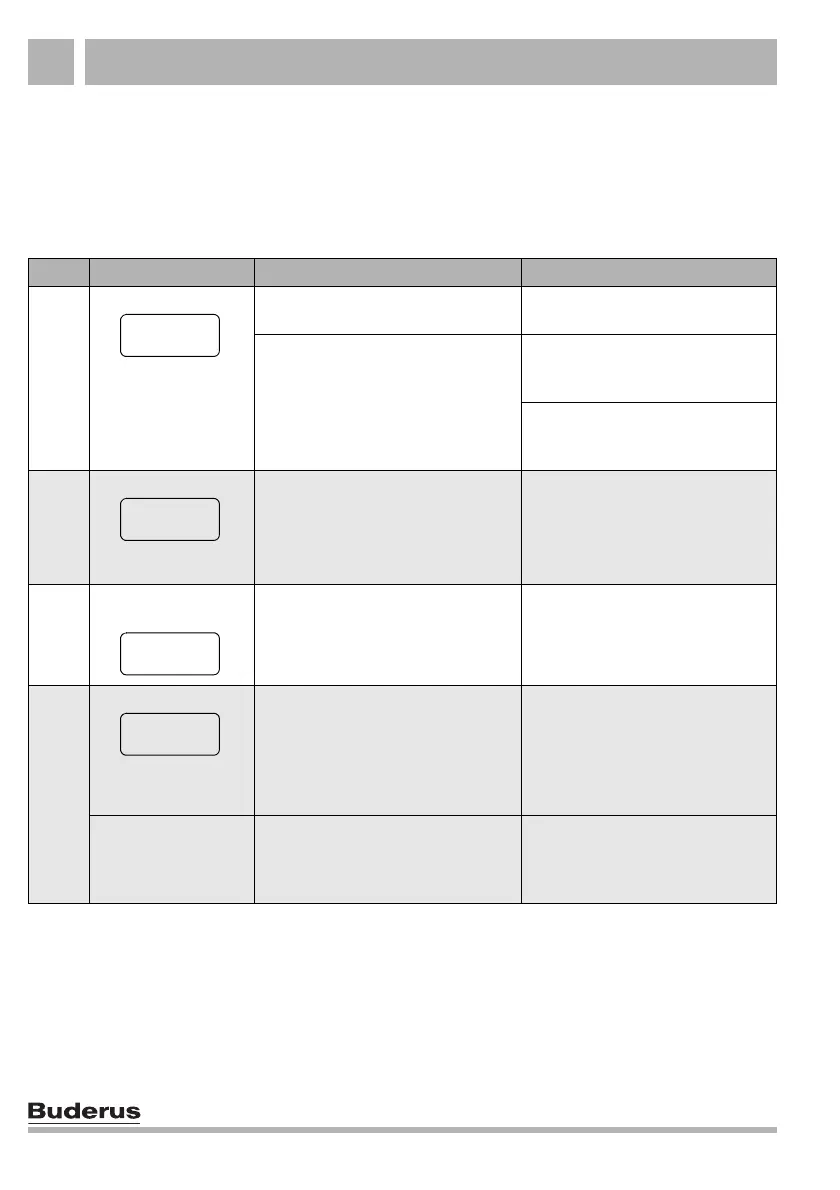
Tab. 3 details possible faults and special display messages.
Code Display Cause Remedy
No display: Your heating system has been
switched OFF.
Switch your heating system ON.
The power supply from the heating
system to the RC20 has been
interrupted.
Check whether the room controller
sits correctly in its wall mounting
base.
Check whether two leads are
connected to the room controller
wall mounting base.
After switching ON:
In addition, the key LEDs
flash alternately.
Connection setup and initialisation:
After start-up, data are transferred
between the EMS and RC20
(no fault).
Wait a few seconds
(up to one minute).
When changing a
setting:
This parameter cannot be modified
or this setting is not permissible.
xxx/
xxx
1)
Example:
The key LEDs flash
alternately. The display
does not flash.
The heating system or the RC20 has
developed a fault.
The cause of the fault may be
temporary. The heating system
automatically returns into standard
mode.
Notify your heating contractor, if the
permanent display does not
automatically return.
In addition the display
flashes.
The heating system or the RC20 has
developed a fault.
Reset any flashing fault display by
pressing "Reset".
Try and reset the fault
(see Chapter 6.3 "Resetting faults
(reset)", page 30).
Tab. 3 Faults and special messages
----
----
A01



 To Next Page