2
Step 1: Connect your Cables
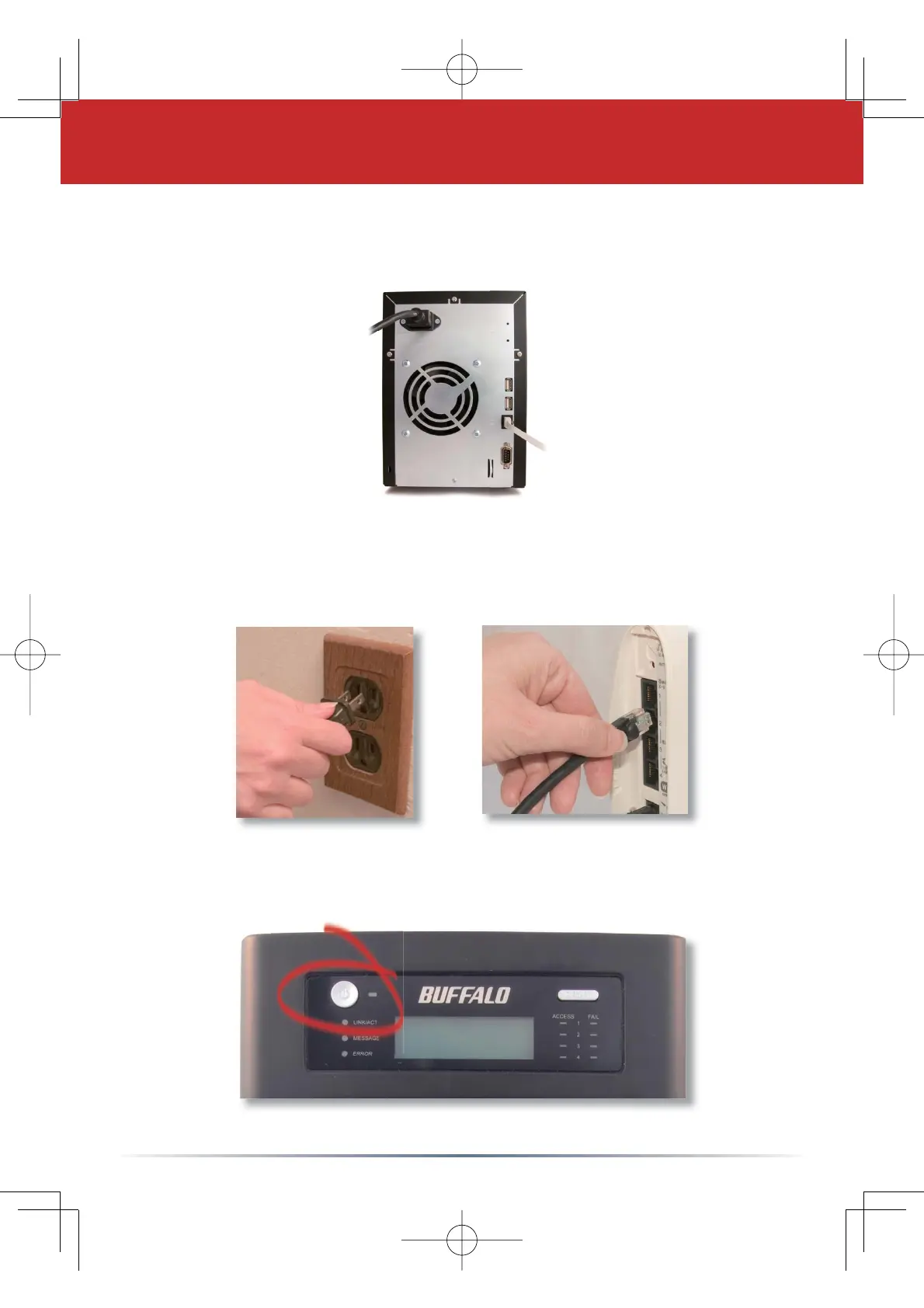
Plug TeraStation’s power cord and Ethernet cable into the back of
the TeraStation.
Connect the power plug to a power outlet. Plug the other end of
the Ethernet cable into a hub, switch, or router on the network.
Press the power button on the front panel to turn your
TeraStation on.









 To Next Page