16
operating manual
operating manual Product appearance and specications are subject to change without notice
Firmware Upgrade:
A rmware is a small program which is built inside the unit. The rmware of the Bullet DVR can be
upgraded if necessary, sometimes to x known bugs or issues, and sometimes to add new features to the
unit.
When you power up the device, the Bullet DVR searches on the CF memory card for the 2 core image
les: osd.img and imge.2510.img If they are found, the rmware upgrade will begin automatically. If
they are not present, the device will load up the last known conguration. Please follow the rmware
upgrade instructions very carefully, as failure to do so could cause hardware failure and render the unit
inoperable.
1. Format the CF memory card using the FAT32 le system.
2. Copy the image les osd.img and imge.2510.img to the root of the memory card. Contact
your dealer to obtain the latest les.
3. Launch the Bullet DVR conguration utility and set all the parameters as required, then make
sure to save the device.ini le to the root of the card.
4. Insert the CF memory card into the Bullet DVR unit.
5. Turn on the power using the AC charger. Do not attempt to upgrade the rmware using the
internal battery supply.
6. After the unit is turned on, and the image les are found, the rmware upgrade will begin
automatically. The LED status light will change colors, and audio beeps will be audible. This
procedure takes a few minutes to complete, during this time the LCD screen will display the
upgrade progress (V1.0.4 or newer). Do NOT turn o the power during this time.
7. After the upgrade is completed, the Bullet DVR will reboot automatically.
8. When you hear the audio signal and the LED light remains steady green for some time, the
upgrade process is complete.
You may now unplug the AC Charger and remove the memory card. Insert it in your PC computer, and
the le updmgr.txt should be created if successful. You can delete the 2 image les from the card.
Optional Items:
LANC remote control:
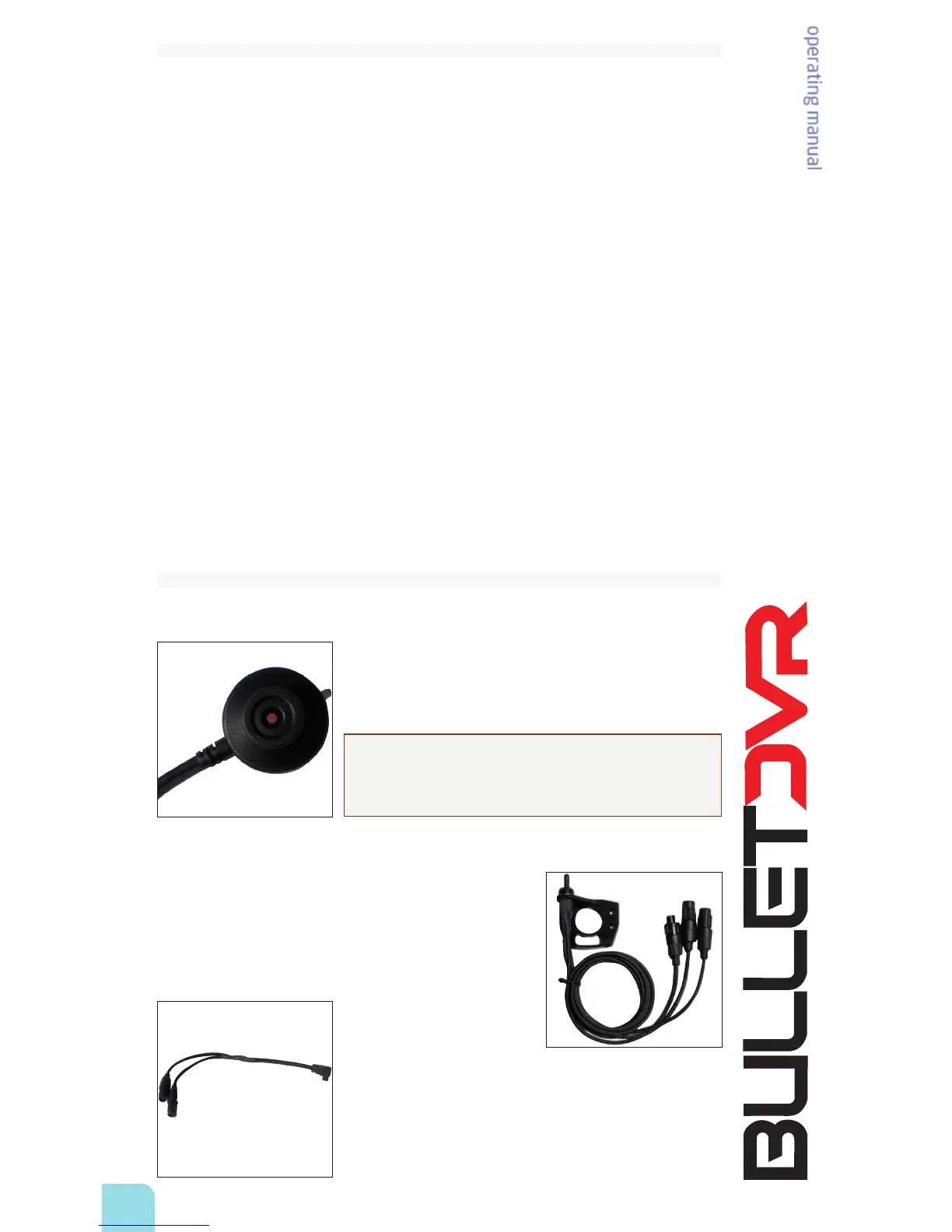
Your Bullet DVR™ supports all known versions of the LANC protocol. You
can use any brand of LANC remote control to trigger Power On/O and
Recording On/O without having to press the buttons on the control
panel. A very convenient status light on the remote control lets you
know the status of the recorder by ashing and changing colors.
NOTE: Do not plug or unplug the LANC remote control whenever
power is applied to the unit. You must rst power o, or unplug the
AC charger, before attempting any connections to the LANC socket,
or you risk damaging the unit.
Dual-Cam Switch:
You can run 2 cameras simultaneously to the same Bullet DVR unit,
with the use of the waterproof Dual-Cam switch. This switch allows
you to toggle select between camera 1 and camera 2, at the simple
push of a switch.
Dual-Head Video Cable:
This cable is similar to the waterproof video cable included with your
package, except it provides one more waterproof connector, to allow
connecting an external microphone (optional) tted with the same
waterproof connector found on your Bullet Camera.


 To Next Page