10
1. Cup Size Buttons: Momentarily pushed to select beverage size to dispense.
2. Dispense Buttons: Momentarily pushed to dispense selected beverage.
3. LED indicators: Illuminates when the adjoining button has been selected.
4. Stop button: Pressing the stop button during dispensing will stop the dispense sequence.
OPERATING THE DISPENSER
NOTE: The NORMAL/PROGRAM/RINSE switch must be in the NORMAL position.
OPERATING CONTROLS AND INTERFACE
1
4
2
3
2
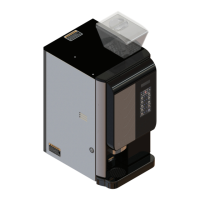
1. Place a cup on the drip tray beneath the dispense nozzle.
2. In the area marked “1” of the control panel:
• Multi-cup only – Select desired beverage size, small or large cup. This selection is mandatory for dispensing.
3. In the area marked “2” of the control panel:
• Press the button to dispense the desired beverage. Dispensing is portion controlled, and will
automatically stop when the correct amount of beverage has been dispensed.


 To Next Page