32
Adjustment and commissioning
8.9.4. Calibrating a redox sensor
• Modify the default calibration limits before calibrating your sensor in the menu "Parameters" -> "Mx:pH/
ORP" -> "Calibration limits" -> "Offset ORP".
• In order not to interrupt the process, activate the HOLD function in the menu "Calibration -> System ->
Hold". The Hold mode is automatically deactivated when the multiCELL restarts after a power interruption,
if the Hold mode was activated at the moment of the power cut-off.
• Before each calibration, correctly clean the electrode with a suitable product.
→ Calibrate the redox sensor using a 1-point procedure.
The calibration may fail:
• a possible "warning" message indicates either an error in the buffer solution or the ageing of the probe.
• a possible "error" message indicates that the probe must be replaced.
The 1-point calibration procedure is used for a quick calibration by adjusting the zero of the measurement graph
with a buffer solution with a known oxidation reduction potential.
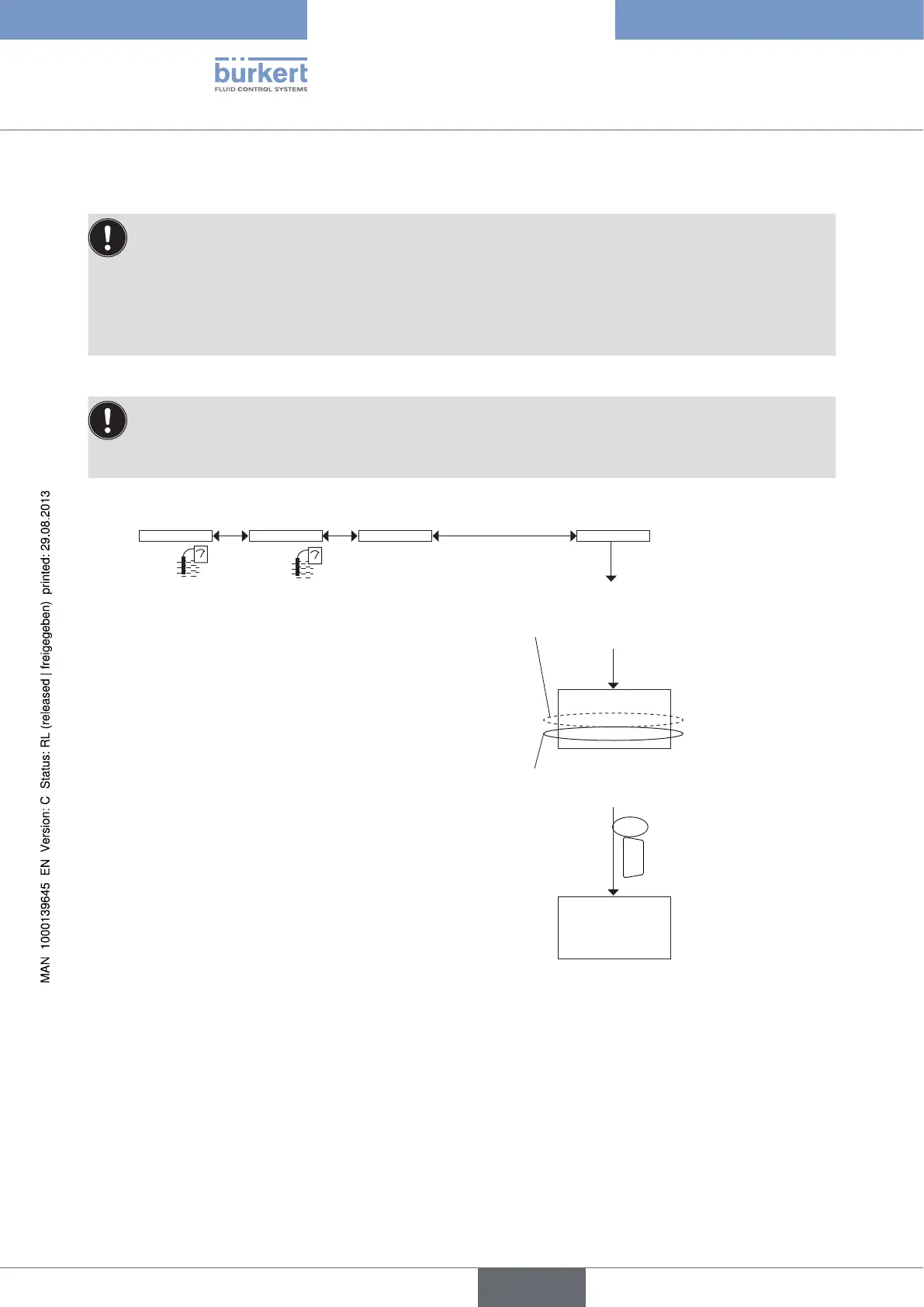
→ Immerse the clean probe in the redox solution:
the multiCELL displays the measured potential
difference of the solution
→ Enter the potential difference of the redox
solution (indicated on the bottle).
Calibration ORP calibrationMx:pH/ORP 1st point
OK
F4
1st point
465.0 mV
475.0 mV
ORP Calibr. result
Offset:-55.60 mV
The multiCELL displays the calibration result.
1)
Type 8619
english



 To Next Page