EasyManua.ls Logo

Burkert 8025 - User Manual

Burkert 8025
140 pages
Print Icon
To Next Page IconTo Next Page
Loading...
Operating Instructions
Bedienungsanleitung
Manuel d‘utilisation
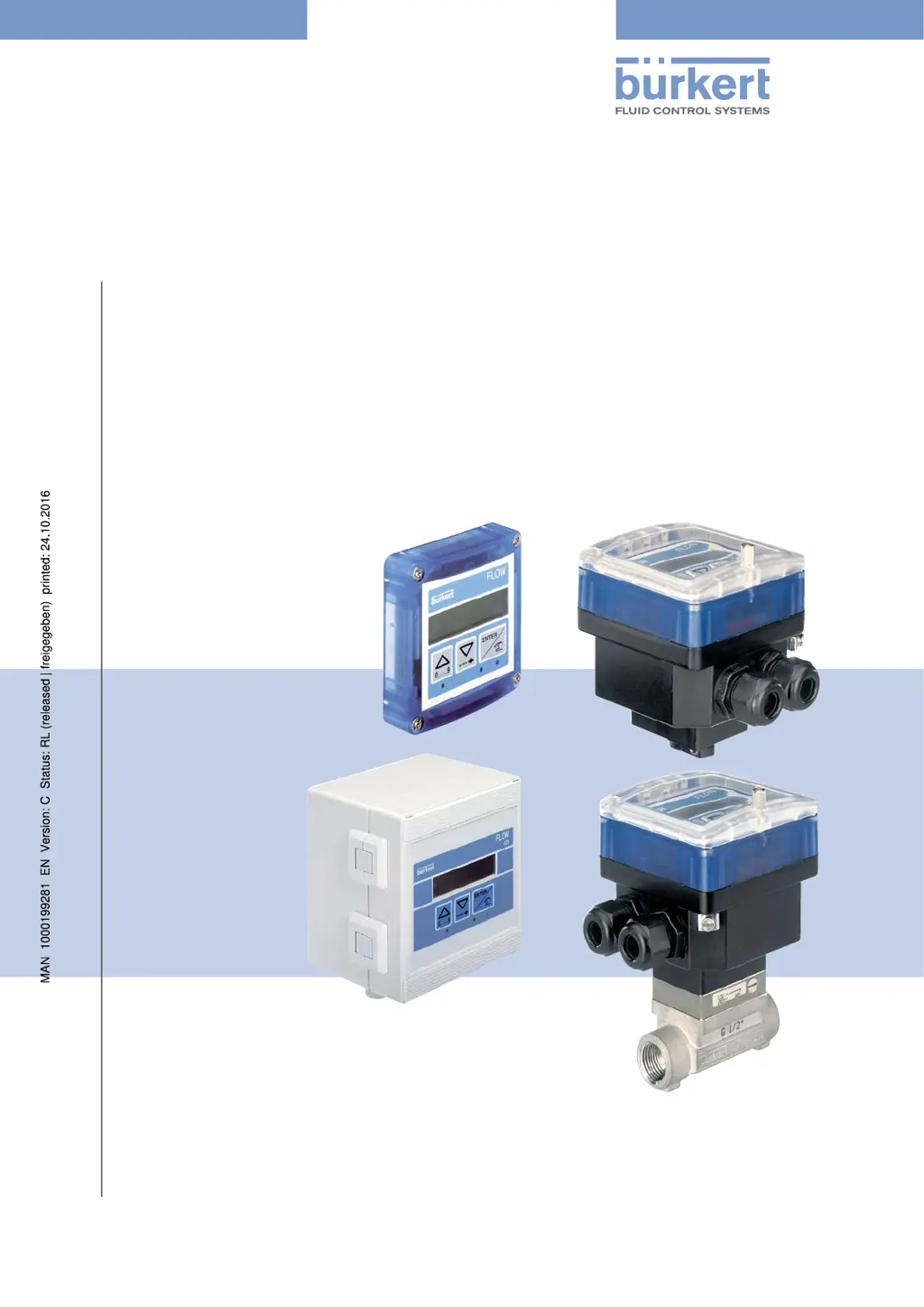
Type 8025 - 8035 - SE35
BATCH
Batch controller
Dosiergerät
Contrôleur de dosage

Table of Contents

Other manuals for Burkert 8025

Questions and Answers

  • A
    Amanda WilsonSep 8, 2025
    What does 'WARN. VOL.' mean on my Burkert Controller?
    • D
      danielle55Sep 8, 2025
      If the device state LED on your Burkert Controller is orange and displays the message 'WARN. VOL.', it indicates that the daily volume or mass totalizer has reached the value set in the 'VOLUME-W.' parameter of the Test menu. Perform the planned maintenance operation and reset the daily volume or mass totalizer.
  • K
    Kimberly MaxwellAug 25, 2025
    What to do if my Bürkert Measuring Instruments display shows 'LOW BATT'?
    • B
      Brian VillanuevaAug 25, 2025
      If your Bürkert Measuring Instruments display shows 'LOW BATT,' it means the battery power is too low and the device isn't working. You should replace the batteries.
  • L
    Lawrence SimpsonAug 25, 2025
    What does "MEAS. OVF" mean on Bürkert Measuring Instruments and how to fix it?
    • A
      April GreenAug 26, 2025
      If the Bürkert Measuring Instruments shows 'MEAS. OVF', the rotational frequency of the paddle wheel is higher than 250 Hz. Check and adjust the flow rate in the pipe if necessary.
  • J
    Joseph SmithSep 18, 2025
    What to do if Burkert Measuring Instruments show 'ERROR 5'?
    • B
      boonebrandonSep 18, 2025
      If your Burkert Measuring Instruments display 'ERROR 5', it means there's a memory read error, and both the user settings and totalizer values are lost. You should press the ENTER key to acknowledge the error. The device will then operate with the default settings, and the totalizer values will be set to those of the last start of the device. Readjust the device and check the totalizers' values. If the message appears frequently, send the device back to your supplier.
  • L
    Laura WoodSep 9, 2025
    What does 'W. BATCH' mean on my Burkert Controller?
    • T
      Tanner PinedaSep 9, 2025
      If the device state LED on your Burkert Controller is orange and displays the message 'W. BATCH', it means the number of completed dosings has reached the value specified in the 'BATCH-W.' parameter of the Test menu. To address this, perform the planned maintenance operation and reset the daily totalizer of the completed dosings.
  • R
    rodriguezadrianSep 13, 2025
    Why is the displayed quantity increasing slowly on my Burkert Controller during dosing?
    • N
      Nicole HuntSep 13, 2025
      If, during a dosing process, the displayed quantity on your Burkert Controller increases or decreases very slowly and the device state LED is green, check that the K-factor corresponds to the fitting used. You may also perform a Teach-In procedure to determine the K-factor of the fitting used and check that the flow rate in the pipe is high enough.
  • K
    kennethwoodsSep 3, 2025
    Why does my Bürkert Transmitter show 'PU H LIM'?
    • H
      Heather RojasSep 3, 2025
      If the Bürkert Transmitter displays 'PU H LIM', it means that the pulse value times the K-factor of the device is greater than 1000000, indicating that the entered volume for a pulse is too high. To fix this, enter a lower volume per pulse and check the K-factor value.
  • J
    Jennifer DurhamSep 4, 2025
    Why does my Bürkert Transmitter show 'PU L LIM'?
    • T
      Taylor RoachSep 4, 2025
      If your Bürkert Transmitter displays 'PU L LIM', it indicates that the pulse value times the K-factor of the device is less than 1, meaning the entered volume for a pulse is too low. To resolve this, enter a higher volume per pulse and check the K-factor value.
  • T
    Taylor MaxwellSep 23, 2025
    What does 'PU L LIM' mean on Burkert Measuring Instruments?
    • D
      Dawn TaylorSep 23, 2025
      If your Burkert Measuring Instruments display 'PU L LIM', it indicates that the pulse value times the K factor of the device is less than 1, meaning the entered volume for a pulse is too low. Enter a higher volume per pulse and check the K factor value.
  • I
    Isaiah PageAug 29, 2025
    Why is the displayed flow rate always nil on my Bürkert Measuring Instruments?
    • F
      Frank LewisAug 29, 2025
      If the displayed flow rate on your Bürkert Measuring Instruments is always nil, ensure the flow rate in the pipe is not nil, check that the entered K factor is correct. Also, consider choosing a smaller flow rate unit or increasing the number of displayed decimals.

Summary

Operating Instructions

About Operating Instructions

Guidance on manual usage, symbols, and document validity.

Intended Use

Specifies the device's designed purpose and operational limitations.

Basic Safety Information

Critical safety warnings for device operation, installation, and use.

Device Description

Area of Application

Details the intended use and scope of the device's functionality.

Device Construction

Describes the physical build and different versions of the device.

Name Plate Description

Explains the markings and data presented on the device's name plate.

Technical Data

8025 Batch Technical Data (Compact)

Comprehensive technical specifications for the 8025 Batch compact version.

8025 Batch Technical Data (Panel)

Technical specifications for the 8025 Batch panel-mounted version.

8025 Batch Technical Data (Wall-mounted)

Technical specifications for the 8025 Batch wall-mounted version.

SE35 Batch Technical Data

Technical specifications for the SE35 Batch dosing controller.

8035 Batch Technical Data

Technical specifications for the 8035 Batch dosing controller.

SE35 Batch (S070;S077) Technical Data

Technical specs for SE35 Batch with specific sensor fittings.

Fluid Installation

Fluid Installation Safety

Critical safety instructions for fluid installation.

Installing the 8025 Batch (Compact)

Step-by-step guide for installing the compact 8025 Batch.

Installing the 8035;SE35 Batch

Installation guides for 8035 and SE35 Batch units.

Installing the 8025 Batch (Panel)

Guide for installing the 8025 Batch in a panel.

Installing the 8025 Batch (Wall-mounted)

Instructions for wall-mounting the 8025 Batch.

Electrical Installation and Wiring

Electrical Safety and Cable Specs

Safety precautions and cable requirements for electrical work.

Equipotentiality and Grounding

Ensuring proper grounding for electrical safety.

Selector Settings and Terminal Assignments

Mapping of terminals and configuration of device selectors.

Wiring Specific Device Versions

Specific wiring instructions for different device models and outputs.

Commissioning

Commissioning Safety and Procedure

Safety warnings and step-by-step guide for initial device setup.

Operating and Functions

Operating Safety and Levels

Safety guidelines and overview of device operational modes.

Navigation and Menu Operations

Using navigation keys and understanding device menus.

Parameters Menu Configuration

How to configure various device parameters.

Test Menu Operations

Steps for testing device inputs, outputs, and functions.

History, Information, and Remote Messages

Accessing logs, viewing messages, and remote consultation.

Maintenance and Troubleshooting

Maintenance Safety and Cleaning

Safety precautions and device cleaning instructions.

Troubleshooting: LED Status Issues

Resolving problems based on device LED indicators (OFF, RED, ORANGE).

Troubleshooting: Dosing and Warning Problems

Solutions for issues occurring during dosing or with warning messages.

Spare Parts and Accessories

Packaging, Transport, Storage, Disposal

Packaging, Transport, Storage

Guidelines for safe handling, shipping, and storing the device.

Device Disposal

Environmentally responsible methods for disposing of the device.

Burkert 8025 Specifications

General IconGeneral
DisplayLCD
Protection ClassIP65
Output4-20 mA
Output Signal4-20 mA
MaterialStainless steel
Operating Temperature-15 to +80 °C (depending on material)

Related product manuals