EasyManua.ls Logo

Burkert 8035 - User Manual

Burkert 8035
140 pages
Print Icon
To Next Page IconTo Next Page
Loading...
Operating Instructions
Bedienungsanleitung
Manuel d‘utilisation
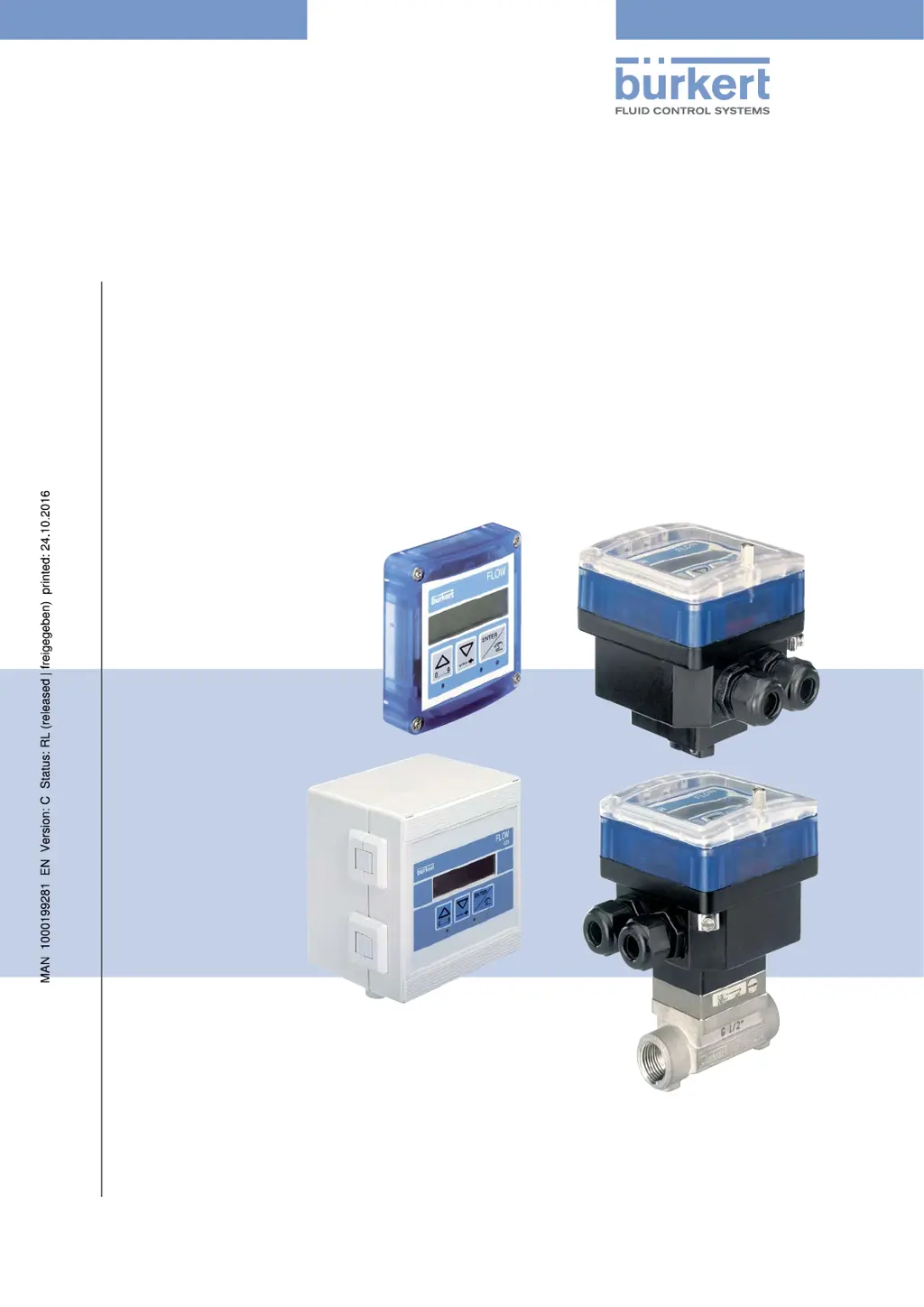
Type 8025 - 8035 - SE35
BATCH
Batch controller
Dosiergerät
Contrôleur de dosage

Table of Contents

Other manuals for Burkert 8035

Questions and Answers

  • J
    jeffrey46Sep 13, 2025
    What does 'PU L LIM' mean on my Burkert Controller?
    • V
      Victor WebbSep 13, 2025
      If your Burkert Controller's device state LED shows any colour with the message 'PU L LIM', it indicates that the pulse value times the K-factor of the device is greater than 1000000, meaning the quantity entered for a pulse is too high. To fix this, enter a lower quantity per pulse.
  • J
    johnsonkimberlyAug 25, 2025
    What to do if my Bürkert Transmitter displays ERROR 5?
    • J
      Jason EllisAug 25, 2025
      If your Bürkert Transmitter displays 'ERROR 5', it means there's a memory read error, and both the user settings and totalizer values are lost. To address this, press the ENTER key to acknowledge the error. The device will then operate with the default settings, and the totalizer values will be set to those of the last start. You should then adjust the device again and check the totalizer values. If the message appears frequently, it is recommended to send the device back to your supplier.
  • A
    Amy SanchezAug 25, 2025
    What to do if my Bürkert Transmitter displays ERROR 3?
    • B
      bryan02Aug 26, 2025
      If your Bürkert Transmitter displays 'ERROR 3', it indicates a memory read error, meaning the user settings are lost. First, switch the device off and then on again. If the message persists, press the ENTER key to acknowledge the error, which will allow the device to operate with the default settings. Readjust the device. If the error message appears frequently, it's recommended to send the device back to your supplier.
  • B
    billy21Sep 23, 2025
    What does 'PU L LIM' mean on Burkert Measuring Instruments?
    • A
      Allen SmithSep 23, 2025
      If your Burkert Measuring Instruments display 'PU L LIM', it indicates that the pulse value times the K factor of the device is less than 1, meaning the entered volume for a pulse is too low. Enter a higher volume per pulse and check the K factor value.
  • J
    Jonathan GainesSep 14, 2025
    What does 'PU H LIM' mean on my Burkert Controller?
    • M
      Michael RasmussenSep 14, 2025
      If your Burkert Controller's device state LED shows any colour with the message 'PU H LIM', it means that the pulse value times the K-factor of the device is less than 1, indicating that the quantity entered for a pulse is too low. To resolve this, enter a higher quantity per pulse.
  • R
    Ricky McgeeSep 23, 2025
    What to do if Burkert Measuring Instruments display 'ERROR 6'?
    • X
      xpaulSep 23, 2025
      If your Burkert Measuring Instruments display 'ERROR 6', it means there's a memory read error, and the totalizer values are lost. Press the ENTER key to acknowledge the error: the totalizers are reset.
  • T
    Tiffany WilsonSep 6, 2025
    What does 'ERROR3' mean on my Burkert Controller and how do I fix it?
    • M
      marygallagherSep 6, 2025
      If the device state LED on your Burkert Controller is red with the message 'ERROR3', it signifies that the user parameters have been lost. Try restarting the device. If the message persists, reconfigure the device.
  • K
    Kim HoweSep 7, 2025
    What does 'ERROR5' mean on my Burkert Controller?
    • C
      Casey BoydSep 7, 2025
      If the device state LED on your Burkert Controller is red with the message 'ERROR5', it indicates a combination of 'ERROR3' and 'ERROR4'. Try restarting the device. If the message persists, reconfigure the device.
  • R
    Robert GonzalezSep 23, 2025
    What to do if my Burkert Measuring Instruments display 'PU H LIM'?
    • W
      williamssarahSep 23, 2025
      If your Burkert Measuring Instruments display 'PU H LIM', it means the pulse value times the K factor of the device is greater than 1000000, indicating that the entered volume for a pulse is too high. Enter a lower volume per pulse and check the K factor value.
  • N
    nelsonshannonAug 31, 2025
    Why is the device state LED on my Burkert Controller red with message 'PWRFAIL'?
    • K
      Kathleen CastanedaAug 31, 2025
      If the device state LED on your Burkert Controller displays red with the message 'PWRFAIL', it means the supply voltage is too low, preventing the device from functioning correctly. To resolve this, verify that the supply voltage is within the range of 12 to 36 V DC. If the problem continues after confirming the voltage, further assistance may be needed.

Summary

About These Operating Instructions

Symbols Used

Explains the various symbols used in the document for warnings and notes.

Definition of Device

Defines the term "device" as used throughout the operating instructions.

Validity of Operating Instructions

Specifies the validity period for these operating instructions based on serial numbers.

Intended Use

Basic Safety Information

General Information

Manufacturers Address and International Contacts

Provides the manufacturer's contact details and information on sales offices.

Warranty Conditions

Outlines the conditions governing the legal warranty for the device.

Information on the Internet

Directs users to the website for additional operating instructions and technical data.

Description

Area of Application

Describes the primary use of the device in dosing liquids.

Device Construction

Details the construction of different device versions (8025, 8035, SE35).

Name Plate Description

Explains the information found on the device's name plate.

Technical Data

8025 Batch Compact Version Data

Provides technical specifications for the 8025 Batch in compact version.

8025 Batch Panel Version Data

Provides technical specifications for the 8025 Batch in panel version.

8025 Batch Wall-Mounted Version Data

Provides technical specifications for the 8025 Batch in wall-mounted version.

SE35 Batch Data

Provides technical specifications for the SE35 Batch controller.

8035 Batch Data

Provides technical specifications for the 8035 Batch controller.

SE35 Batch with S070;S077 Data

Provides technical data for SE35 Batch with S070 or S077 sensor-fitting.

Fluid Installation

Safety Instructions

Outlines safety precautions for fluid installation.

8025 Batch Compact Installation

Details the installation procedure for the 8025 Batch in compact version.

8035 Batch Installation

Details the installation procedure for the 8035 Batch.

SE35 Batch Installation with S070;S077

Details the installation of the SE35 Batch with S070 or S077 sensor-fitting.

8025 Batch Panel Installation

Details the installation of the 8025 Batch in panel version.

8025 Batch Wall-Mounted Installation

Details the installation of the 8025 Batch in wall-mounted version.

Electrical Installation and Wiring

Safety Instructions

Outlines safety precautions for electrical installation and wiring.

Connection Cable Specifications

Specifies requirements for connection cables and conductors.

Equipotentiality of Installation

Explains how to ensure equipotentiality for safe installation.

Default Selector Positions

Describes the default settings for the device's selectors.

Terminal Assignment and Selector Use

Details terminal assignments and the use of selectors for device configuration.

Wiring the Batch Controllers (Compact)

Provides wiring instructions for the compact version of Batch controllers.

Wiring 8025 Batch Panel Version

Provides wiring instructions for the 8025 Batch in panel version.

Wiring 8025 Batch Wall-Mounted Version

Provides wiring instructions for the 8025 Batch in wall-mounted version.

Connecting Remote Flow Sensor

Details how to connect a remote flow sensor to the device.

Wiring Digital Inputs;Output DO4

Explains wiring for digital inputs DI1-DI4 and transistor output DO4.

Wiring DO1 Transistor Output (12-36 V DC)

Details wiring for the DO1 transistor output for DC powered devices.

Wiring DO1 Transistor Output (115;230 V AC)

Details wiring for the DO1 transistor output for AC powered devices.

Wiring DO1 Transistor Output (Wall-Mounted 115;230 V AC)

Details wiring for the DO1 transistor output in wall-mounted AC versions.

Wiring Relay Outputs DO2 and DO3

Explains how to wire the relay outputs DO2 and DO3.

Commissioning

Safety Instructions

Highlights safety precautions for commissioning the device.

Commissioning Procedure

Provides a step-by-step guide for commissioning the device.

Operating and Functions

Safety Instructions

Outlines safety precautions for operating the device.

Device Operating Levels and Navigation

Describes the two operating levels (Process and Configuration) and basic navigation.

Navigation Keys and State LEDs

Explains the function of navigation keys and the meaning of state LEDs.

Using Navigation Keys

Details how to use the navigation keys for menu and parameter selection.

Dosing Principle and Scenarios

Illustrates the basic principle of dosing and PLC scenarios.

Process Level Dosing Modes

Details the various dosing modes available in the Process level.

Parameters Menu Configuration

Guides through the configuration of device parameters via the menu.

Test Menu Functions

Explains how to use the Test menu for checking device functions.

History Menu Details

Describes how to access and view the history of the last 10 dosings.

Information Menu Details

Explains how to access and view fault and warning messages.

Remote Warning Message Consultation

Details remote consultation and confirmation of warning messages.

Maintenance and Troubleshooting

Safety Instructions

Outlines safety precautions for maintenance and troubleshooting.

Device Cleaning

Provides instructions on how to clean the device.

Problem Resolution

Guides users through troubleshooting common device problems.

Spare Parts and Accessories

Packaging, Transport

Storage

Disposal of the Device

Burkert 8035 Specifications

General IconGeneral
CategoryTransmitter
Power Supply12-36 V DC
Measuring PrincipleElectromagnetic
Pipe DiameterDN 06 to DN 400
Protection ClassIP65
DisplayYes
Output Signal4-20 mA, Pulse, Frequency, Relay
Temperature Range-10 to 60 °C
Process ConnectionThreaded, flanged, or clamped
Wetted MaterialsStainless steel, FKM
Medium Temperature-10 to 100 °C
Housing MaterialStainless steel, Plastic
Relative Humidity5-95% non-condensing
Accuracy±0.5% of reading

Related product manuals