119
Operating and functions
tESt DO DO1
DO2
REtURN
0......9
→ Check that the output functions correctly (closes if the
operating mode is not inverted or opens if the operating
mode is inverted).
FREQUENC.
DO4
DO3
DO1 ON
DO1 OFF
0......9
→ Check that the output functions correctly (closes if the
operating mode is not inverted or opens if the operating
mode is inverted).
→ To exit the test, press key
ENTER
.
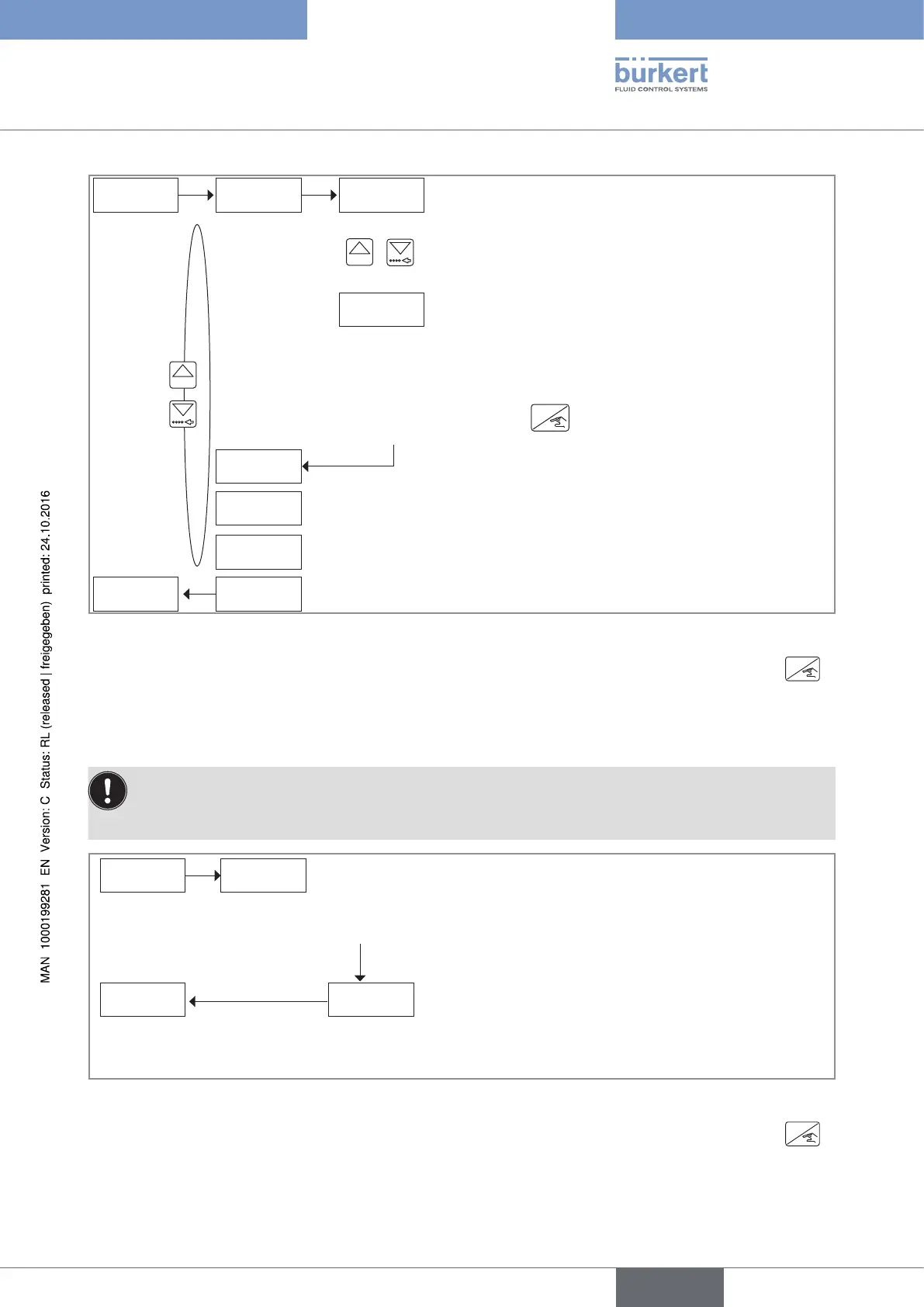
Fig. 95 : Diagram of the "TEST DO" parameter of the Test menu
→ If you do not want to adjust another parameter, go to the "END" parameter of the Test menu and press
ENTER
to save the settings or not and go back to the Process level.
10.8.3 Checking the paddle-wheel operation
Risk of disrupting the process due to accidental opening of the valves.
• Before confirming the parameter "FREQUENC" and thus opening the valves, make sure there is no risk
for the process.
→ To exit the function, confirm "OK N".
→ In order the device controls the opening of the valves, confirm "OK Y".
FREQUENC.
38.00 HZWARNiNG
OK Y/N
The liquid flows through the pipe, and the display shows the
rotational frequency of the paddle-wheel.
→ In order the device controls the closing of the valves,
confirm the displayed value.
Fig. 96 : Diagram of the "FREQUENC." parameter of the Test menu
→ If you do not want to adjust another parameter, go to the "END" parameter of the Test menu and press
ENTER
to save the settings or not and go back to the Process level.
English
Type 8025 - 8035 - SE35 BATCH



 To Next Page