122
Operating and functions
• The transistor output DO1 or DO4 or the relay output DO3 can be configured to switch when a warning
message is emitted by the device. See chap. 10.7.18.
• See also "If you encounter problems" in chap. 11.3
→ If you do not want to adjust another parameter, confirm the "END" parameter to save the settings or not and
go back to the Process level.
10.8.7 Saving the user set configuration
You may save the current configuration of the device in order to restore it later.
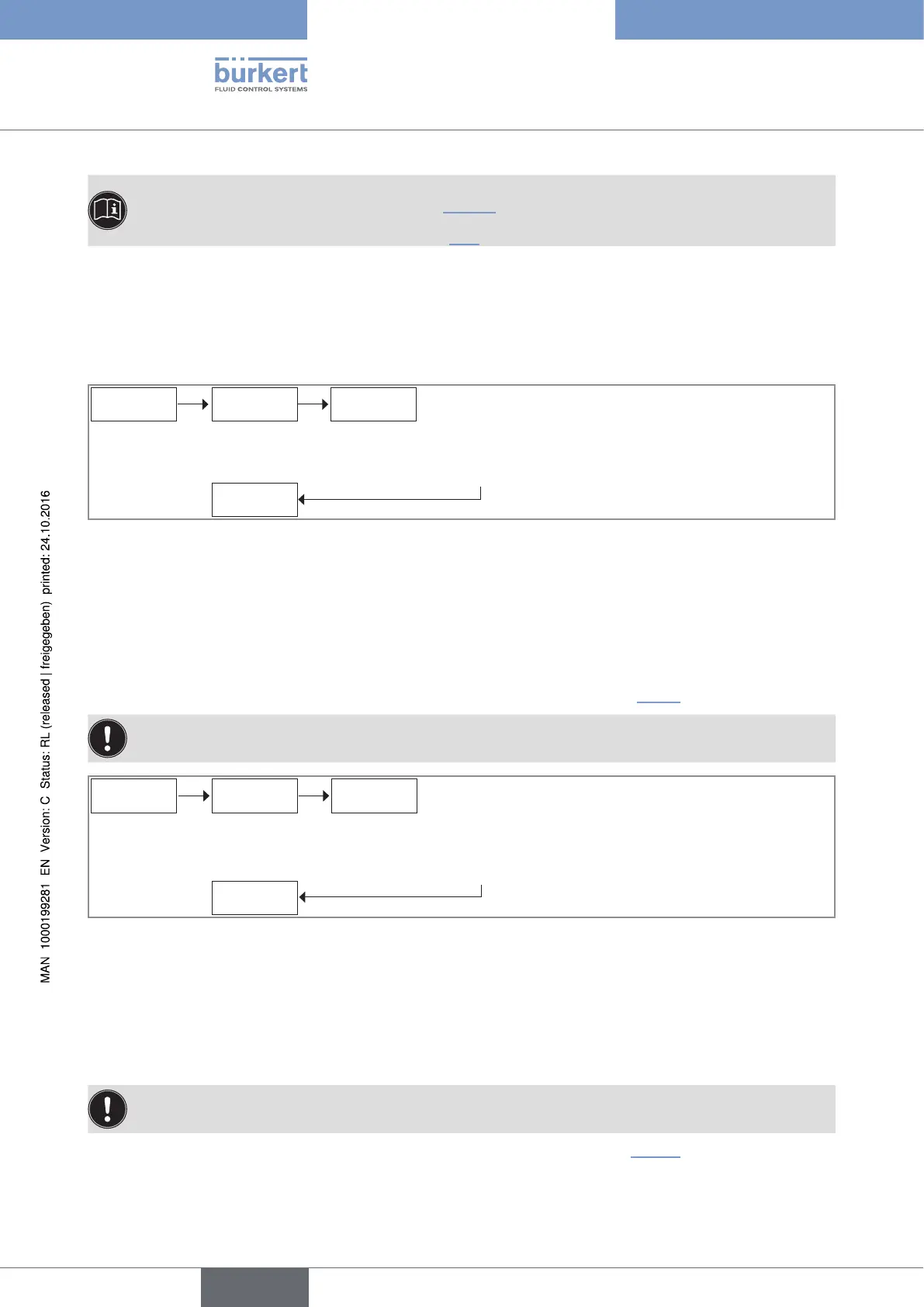
SAVE
LOAD
CONFiG. VALiD Y/N
→ To exit the function, confirm "VALID N".
→ To save the current user configuration of the device,
confirm "VALID Y".
Fig. 100 : Saving the current user configuration
→ If you do not want to adjust another parameter, confirm the "END" parameter to save the settings or not and
go back to the Process level.
10.8.8 Restoring the saved configuration
You can restore the configuration of the device that has been previously saved (see chap. 10.8.7).
The device will use the restored configuration as soon as "SAVE YES" is confirmed when leaving the Test
menu.
LOAD
FACt. SEt
CONFiG. VALiD Y/N
→ To exit the function, confirm "VALID N".
→ To restore the device configuration that has been previ-
ously saved, confirm "VALID Y".
Fig. 101 : Restoring the configuration previously saved
→ If you do not want to adjust another parameter, confirm the "END" parameter to save the settings or not and
go back to the Process level.
10.8.9 Restoring the default configuration
The device will use the default configuration as soon as "SAVE YES" is confirmed when leaving the Test
menu.
The parameter makes it possible to restore the default configuration of the device (Tab. 10).
English
Type 8025 - 8035 - SE35 BATCH



 To Next Page