117
Operating and functions
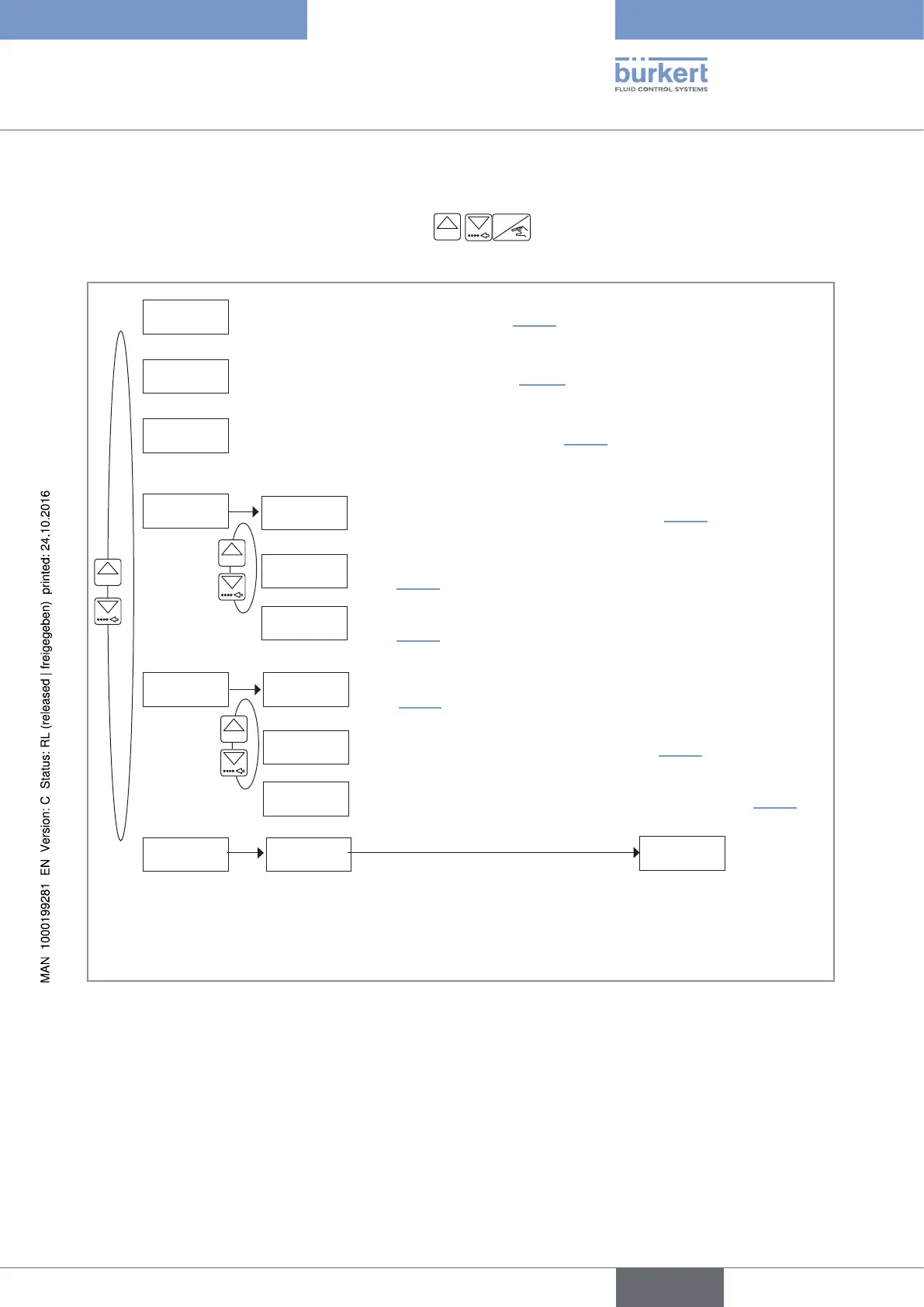
10.8 Details of the Test menu
To access the Test menu, simultaneously press keys
0......9
ENTER
for at least 5 s.
This menu comprises the following configurable parameters:
tESt Di
Process level
tESt DO
FREQUENCY
WARNiNG
25469 L
END
0......9
Checking the inputs functions. See chap. 10.8.1.
SAVE N/Y
Checking the outputs functions See chap. 10.8.2.
Checking the paddle-wheel operation. See chap. 10.8.3.
Saving or not the changes made within the
Test menu. If the changes are saved, the device
operates with the new settings.
CONFiG.
VOLUME-W.
BAtCH-W.
0......9
Monitoring the value of the daily volume or mass totalizer. See
chap. 10.8.5.
Monitoring the number of done dosings (daily totalizer). See
chap. 10.8.6.
FLOW-W.
Monitoring the flow rate in the pipe. See chap. 10.8.4.
LOAD
FACt. SEt
0......9
Restoring the saved configuration. See chap. 10.8.8.
Restoring the default configuration of the device. See chap. 10.8.9.
SAVE
Saving the current user configuration of the device. See
chap. 10.8.7.
Fig. 93 : Diagram of the Test menu
English
Type 8025 - 8035 - SE35 BATCH



 To Next Page