118
Operating and functions
10.8.1 Checking the inputs functions
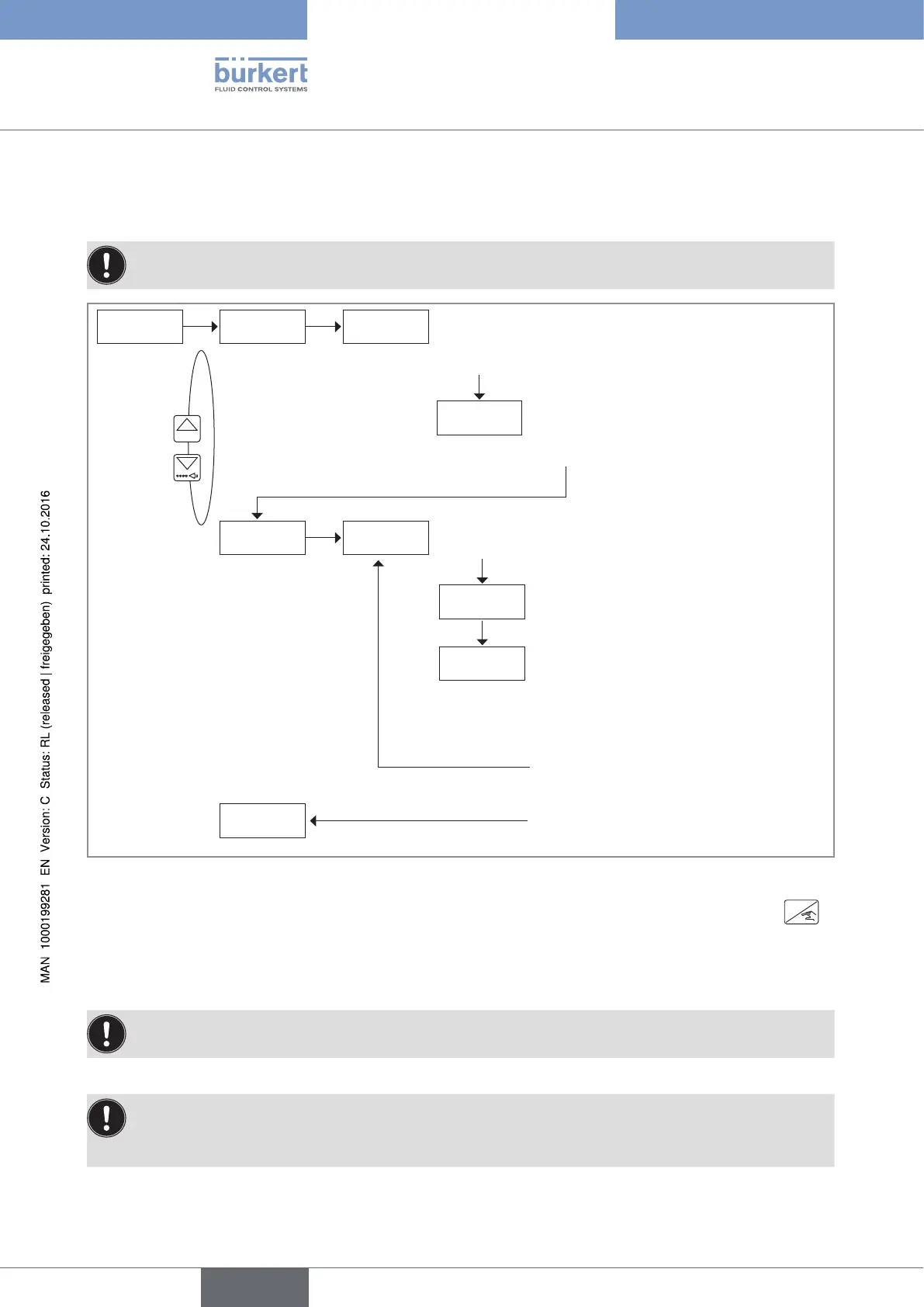
The function allows for checking the correct working of the digital inputs.
The device state LED flashes during the running check of the input working.
tESt Di BASiC
→ Activate the inputs to be tested.
0......9
' \ S'
REtURN
Di1 tiME
Di . . . . .
→ Deactivate DI1.
0.000 S
→ Activate DI1: the display shows the
closing duration of the input DI1 (used
in the dosing mode EXT [T], with a reso-
lution of 5 ms, and a max. duration of
300 s).
→ To test DI1 a second time, deactivate
the input DI1.
→ To exit the check of the inputs, confirm
the displayed duration.
'10.005 S'
Di .1 .2. 3.4.
If the input functions correctly, the related
number is displayed.
→ Confirm.
Fig. 94 : Diagram of the "TEST DI" parameter of the Test menu
→ If you do not want to adjust another parameter, go to the "END" parameter of the Test menu and press
ENTER
to save the settings or not and go back to the Process level.
10.8.2 Checking the outputs functions
If a valve is connected to the output DO2 or DO3, this function will open the valve.
The function allows for checking the correct working of the outputs.
• The device state LED flashes during the running check of the output working.
• After having confirmed the output to be checked, the display shows the current state of the output
("DOx ON" or "DOx OFF") .
English
Type 8025 - 8035 - SE35 BATCH



 To Next Page