124
Operating and functions
10.9 Details of the History menu
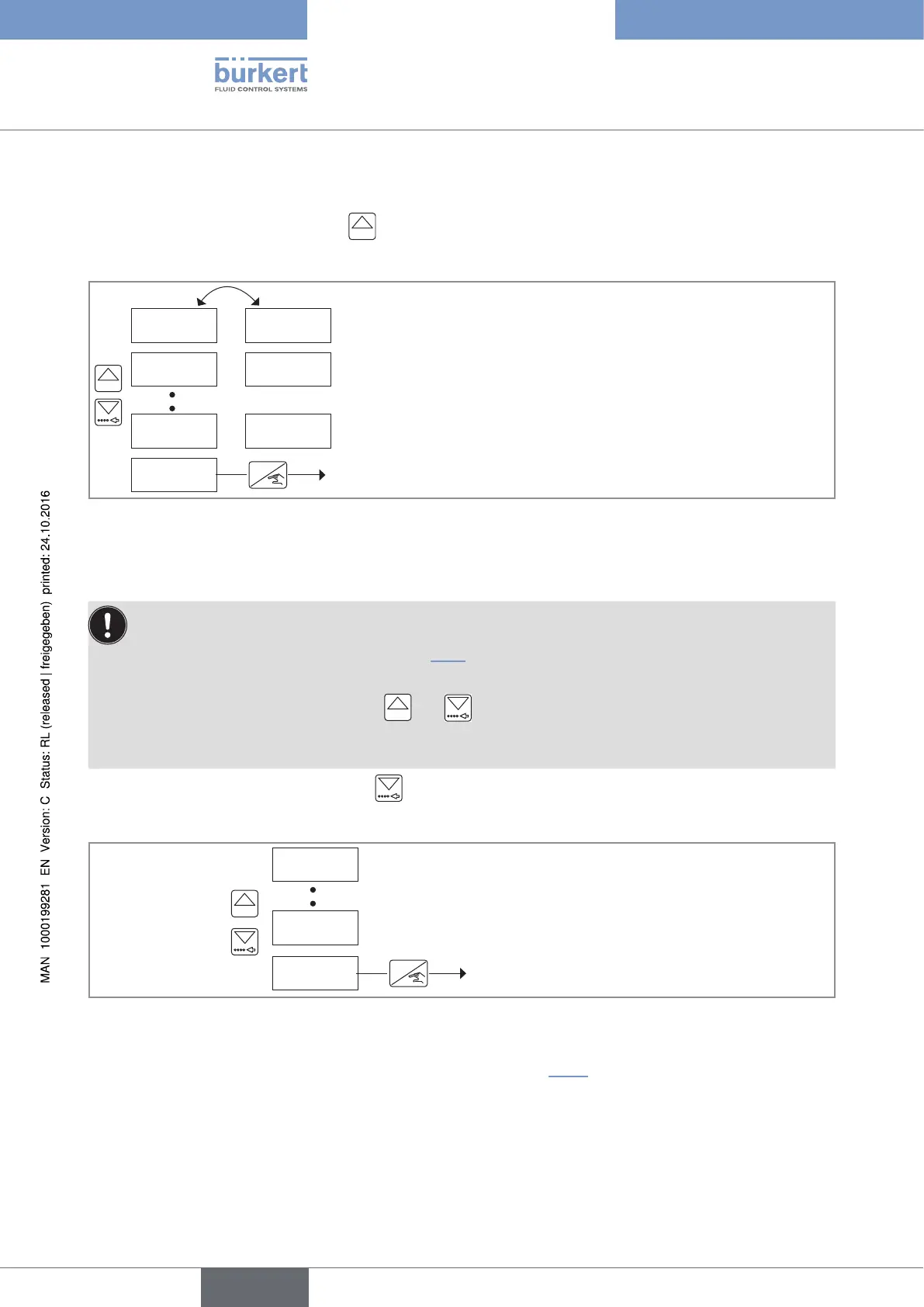
To access the History menu, press the
0......9
key for at least 2 s, in the Process level.
The menu makes it possible to consult the quantities dosed in the last 10 dosings done on the device.
BAtCH -1
BAtCH -2
BAtCH -10
END
0......9
Process level
ENTER
134.2 L
135.6 L
135.1 L
The device alternately displays the dosing number and the quantity to be
dosed.
Fig. 103 : Diagram of the History menu
10.10 Details of the Information menu
• This menu is available when the device state LED is orange or red.
• For the meaning of a message, go to chap. 11.3.
• The messages "WARN. LOW", "WARN. HIG" and "W. OVER." can be confirmed in the Information
menu by simulteously pressing keys
0......9
and for 2 seconds: the message "OK" is displayed.
• The messages "WARN. VOL" and "W. BATCH" are confirmed when the related totalizers are reset.
To access the Information menu, press the
key for at least 2 s, in the Process level.
In this menu read the fault and warning messages generated by the device.
MESSAGE 1
MESSAGE N
END
0......9
Process level
ENTER
Fig. 104 : Diagram of the Information menu
→ To remotely consult and confirm the warning messages, see chap. 10.11.
English
Type 8025 - 8035 - SE35 BATCH



 To Next Page