EasyManua.ls Logo

Burkert 8035 - User Manual

Burkert 8035
140 pages
Print Icon
To Next Page IconTo Next Page
Loading...
Operating Instructions
Bedienungsanleitung
Manuel d‘utilisation
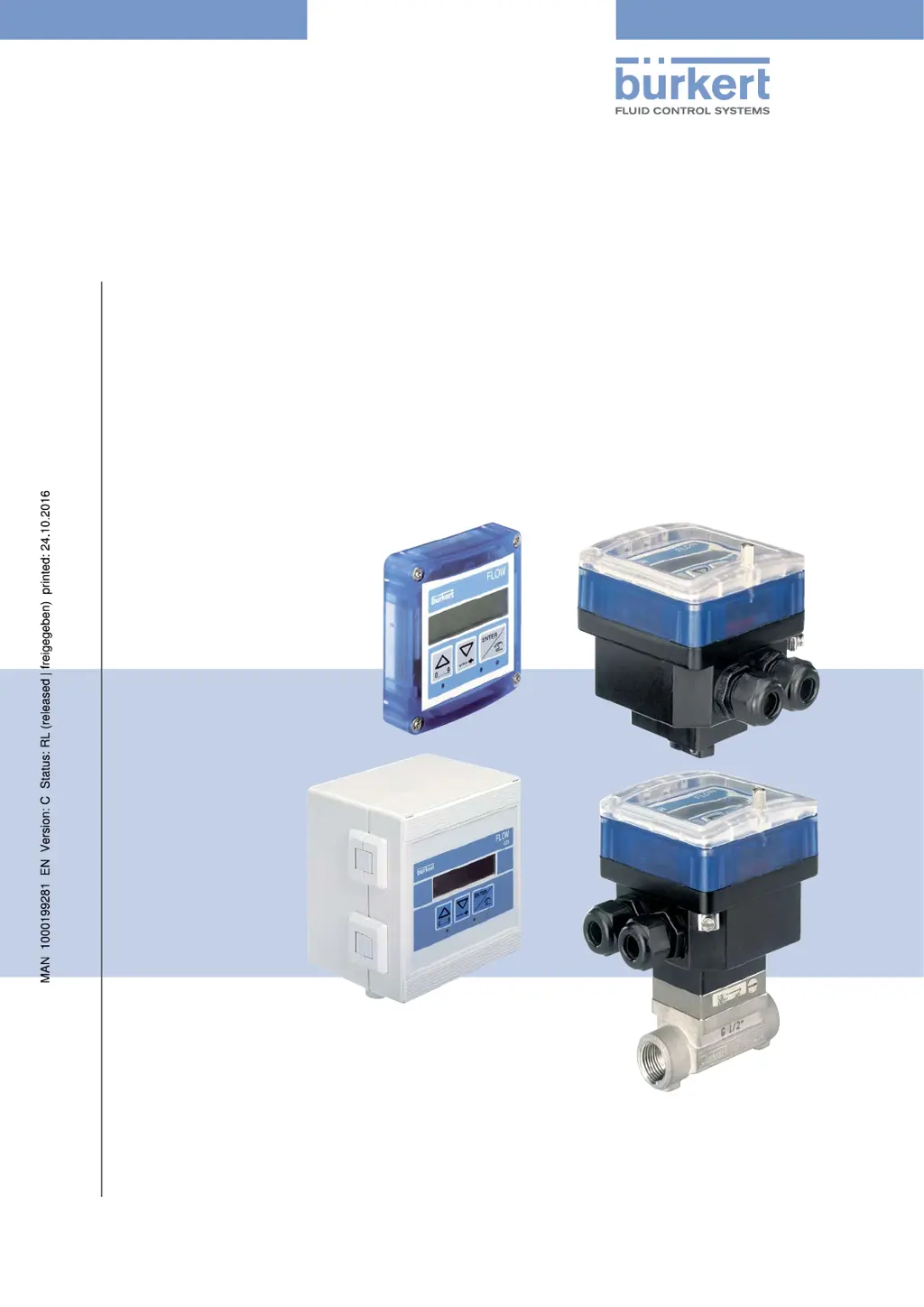
Type 8025 - 8035 - SE35
BATCH
Batch controller
Dosiergerät
Contrôleur de dosage

Table of Contents

Other manuals for Burkert 8035

Questions and Answers

  • A
    Amy SanchezAug 25, 2025
    What to do if my Bürkert Transmitter displays ERROR 3?
    • B
      bryan02Aug 26, 2025
      If your Bürkert Transmitter displays 'ERROR 3', it indicates a memory read error, meaning the user settings are lost. First, switch the device off and then on again. If the message persists, press the ENTER key to acknowledge the error, which will allow the device to operate with the default settings. Readjust the device. If the error message appears frequently, it's recommended to send the device back to your supplier.
  • D
    Denise LaneAug 26, 2025
    What to do if my Bürkert Transmitter displays ERROR 4?
    • S
      Scott WrightAug 26, 2025
      If your Bürkert Transmitter displays 'ERROR 4', it signifies a memory read error where the totalizer values are lost. To resolve this, press the ENTER key to acknowledge the error. The values of the totalizers are then set to those of the last start of the device. Make sure you check the values of the totalizers.
  • J
    jenniferjenkinsAug 27, 2025
    What to do if my Bürkert Transmitter displays ERROR 7?
    • K
      Katie TylerAug 27, 2025
      If your Bürkert Transmitter displays 'ERROR 7', it indicates a memory read error where the user settings and the totalizer values are lost. To solve this, press the ENTER key to acknowledge the error: the totalizers are reset. After that send the device back to your supplier.
  • C
    chendersonAug 27, 2025
    What to do if my Bürkert Transmitter displays ERROR 6?
    • M
      Matthew AcevedoAug 27, 2025
      If your Bürkert Transmitter displays 'ERROR 6', it means a memory read error occurred, resulting in the loss of totalizer values. To fix this, press the ENTER key to acknowledge the error. This action will reset the totalizers.
  • D
    Dr. Andrew RodriguezAug 28, 2025
    Why does my Bürkert Transmitter show 'PU H LIM'?
    • S
      Samuel MontoyaAug 28, 2025
      If the Bürkert Transmitter displays 'PU H LIM', it means that the pulse value times the K-factor of the device is greater than 1000000, indicating that the entered volume for a pulse is too high. To fix this, enter a lower volume per pulse and check the K-factor value.
  • K
    Kristi ZunigaAug 29, 2025
    Why does my Bürkert Transmitter show 'PU L LIM'?
    • E
      Elizabeth MillerAug 29, 2025
      If your Bürkert Transmitter displays 'PU L LIM', it indicates that the pulse value times the K-factor of the device is less than 1, meaning the entered volume for a pulse is too low. To resolve this, enter a higher volume per pulse and check the K-factor value.
  • U
    uelliottAug 30, 2025
    How to troubleshoot a Burkert Controller when the device state LED is OFF?
    • A
      Ashley HuynhAug 30, 2025
      If the device state LED on your Burkert Controller is off, it indicates that the device is not receiving power. You should first check the wiring to ensure it is correctly connected. Also, inspect the installation's fuse and replace it if needed. Verify that the installation hasn't been shut down and confirm that the power source is functioning correctly. If the issue persists after these checks, it may indicate a more complex problem.
  • G
    George HobbsAug 23, 2025
    What to do if my Bürkert Transmitter shows 'PWR FAIL'?
    • M
      melindaclaytonAug 23, 2025
      If the Bürkert Transmitter displays 'PWR FAIL', it indicates that the supply voltage is too low. This could be because the voltage at the device terminals is below 12 V or the impedance of the current measurement loop is too high. To resolve this, adjust the supply voltage to ensure the voltage at the device terminals is between 12 V and 36 V.
  • M
    Mark Edwards PhDAug 31, 2025
    What to do if Burkert Controller device state LED is red with message 'dosing being done...'
    • M
      Michael JohnsonSep 1, 2025
      If the device state LED on your Burkert Controller shows red with the message 'dosing being done...', it indicates that the rotational frequency of the paddle wheel exceeds 2.2 kHz. To fix this, check the flow rate in the pipe and adjust it as necessary. If the issue persists, further assistance might be required.
  • A
    Ashley VillaSep 1, 2025
    Why is my Burkert Controller showing 'WARN. LOW'?
    • A
      Alison CareySep 1, 2025
      If the device state LED on your Burkert Controller is orange and displays the message 'WARN. LOW', it signifies that the measured flow rate has remained below the minimum threshold for the set time delay during dosing. Check the flow rate in the pipe and its impact on the process. If needed, clean the flow sensor. After the dosing is complete, go to the Information menu and confirm the message.

Summary

About These Operating Instructions

Symbols Used

Explains the various symbols used in the document for warnings and notes.

Definition of Device

Defines the term "device" as used throughout the operating instructions.

Validity of Operating Instructions

Specifies the validity period for these operating instructions based on serial numbers.

Intended Use

Basic Safety Information

General Information

Manufacturers Address and International Contacts

Provides the manufacturer's contact details and information on sales offices.

Warranty Conditions

Outlines the conditions governing the legal warranty for the device.

Information on the Internet

Directs users to the website for additional operating instructions and technical data.

Description

Area of Application

Describes the primary use of the device in dosing liquids.

Device Construction

Details the construction of different device versions (8025, 8035, SE35).

Name Plate Description

Explains the information found on the device's name plate.

Technical Data

8025 Batch Compact Version Data

Provides technical specifications for the 8025 Batch in compact version.

8025 Batch Panel Version Data

Provides technical specifications for the 8025 Batch in panel version.

8025 Batch Wall-Mounted Version Data

Provides technical specifications for the 8025 Batch in wall-mounted version.

SE35 Batch Data

Provides technical specifications for the SE35 Batch controller.

8035 Batch Data

Provides technical specifications for the 8035 Batch controller.

SE35 Batch with S070;S077 Data

Provides technical data for SE35 Batch with S070 or S077 sensor-fitting.

Fluid Installation

Safety Instructions

Outlines safety precautions for fluid installation.

8025 Batch Compact Installation

Details the installation procedure for the 8025 Batch in compact version.

8035 Batch Installation

Details the installation procedure for the 8035 Batch.

SE35 Batch Installation with S070;S077

Details the installation of the SE35 Batch with S070 or S077 sensor-fitting.

8025 Batch Panel Installation

Details the installation of the 8025 Batch in panel version.

8025 Batch Wall-Mounted Installation

Details the installation of the 8025 Batch in wall-mounted version.

Electrical Installation and Wiring

Safety Instructions

Outlines safety precautions for electrical installation and wiring.

Connection Cable Specifications

Specifies requirements for connection cables and conductors.

Equipotentiality of Installation

Explains how to ensure equipotentiality for safe installation.

Default Selector Positions

Describes the default settings for the device's selectors.

Terminal Assignment and Selector Use

Details terminal assignments and the use of selectors for device configuration.

Wiring the Batch Controllers (Compact)

Provides wiring instructions for the compact version of Batch controllers.

Wiring 8025 Batch Panel Version

Provides wiring instructions for the 8025 Batch in panel version.

Wiring 8025 Batch Wall-Mounted Version

Provides wiring instructions for the 8025 Batch in wall-mounted version.

Connecting Remote Flow Sensor

Details how to connect a remote flow sensor to the device.

Wiring Digital Inputs;Output DO4

Explains wiring for digital inputs DI1-DI4 and transistor output DO4.

Wiring DO1 Transistor Output (12-36 V DC)

Details wiring for the DO1 transistor output for DC powered devices.

Wiring DO1 Transistor Output (115;230 V AC)

Details wiring for the DO1 transistor output for AC powered devices.

Wiring DO1 Transistor Output (Wall-Mounted 115;230 V AC)

Details wiring for the DO1 transistor output in wall-mounted AC versions.

Wiring Relay Outputs DO2 and DO3

Explains how to wire the relay outputs DO2 and DO3.

Commissioning

Safety Instructions

Highlights safety precautions for commissioning the device.

Commissioning Procedure

Provides a step-by-step guide for commissioning the device.

Operating and Functions

Safety Instructions

Outlines safety precautions for operating the device.

Device Operating Levels and Navigation

Describes the two operating levels (Process and Configuration) and basic navigation.

Navigation Keys and State LEDs

Explains the function of navigation keys and the meaning of state LEDs.

Using Navigation Keys

Details how to use the navigation keys for menu and parameter selection.

Dosing Principle and Scenarios

Illustrates the basic principle of dosing and PLC scenarios.

Process Level Dosing Modes

Details the various dosing modes available in the Process level.

Parameters Menu Configuration

Guides through the configuration of device parameters via the menu.

Test Menu Functions

Explains how to use the Test menu for checking device functions.

History Menu Details

Describes how to access and view the history of the last 10 dosings.

Information Menu Details

Explains how to access and view fault and warning messages.

Remote Warning Message Consultation

Details remote consultation and confirmation of warning messages.

Maintenance and Troubleshooting

Safety Instructions

Outlines safety precautions for maintenance and troubleshooting.

Device Cleaning

Provides instructions on how to clean the device.

Problem Resolution

Guides users through troubleshooting common device problems.

Spare Parts and Accessories

Packaging, Transport

Storage

Disposal of the Device

Burkert 8035 Specifications

General IconGeneral
CategoryTransmitter
Power Supply12-36 V DC
Measuring PrincipleElectromagnetic
Pipe DiameterDN 06 to DN 400
Protection ClassIP65
DisplayYes
Output Signal4-20 mA, Pulse, Frequency, Relay
Temperature Range-10 to 60 °C
Process ConnectionThreaded, flanged, or clamped
Wetted MaterialsStainless steel, FKM
Medium Temperature-10 to 100 °C
Housing MaterialStainless steel, Plastic
Relative Humidity5-95% non-condensing
Accuracy±0.5% of reading

Related product manuals